22 1800223 E
CHAPTER 5
Maintaining and Servicing the
Generator
Replacing the Pressure Gauge
A replacement, calibrated pressure gauge may be
ordered from ATI as a kit (see Table 2). The part
number is 9300250. Ordering a new kit will allow the
unit to be out of service for only a few minutes while
updating the gauge calibration. The replacement
gauge comes with its pneumatic fitting pre-installed.
1. Disconnect the power cord from the generator
and from electrical source.
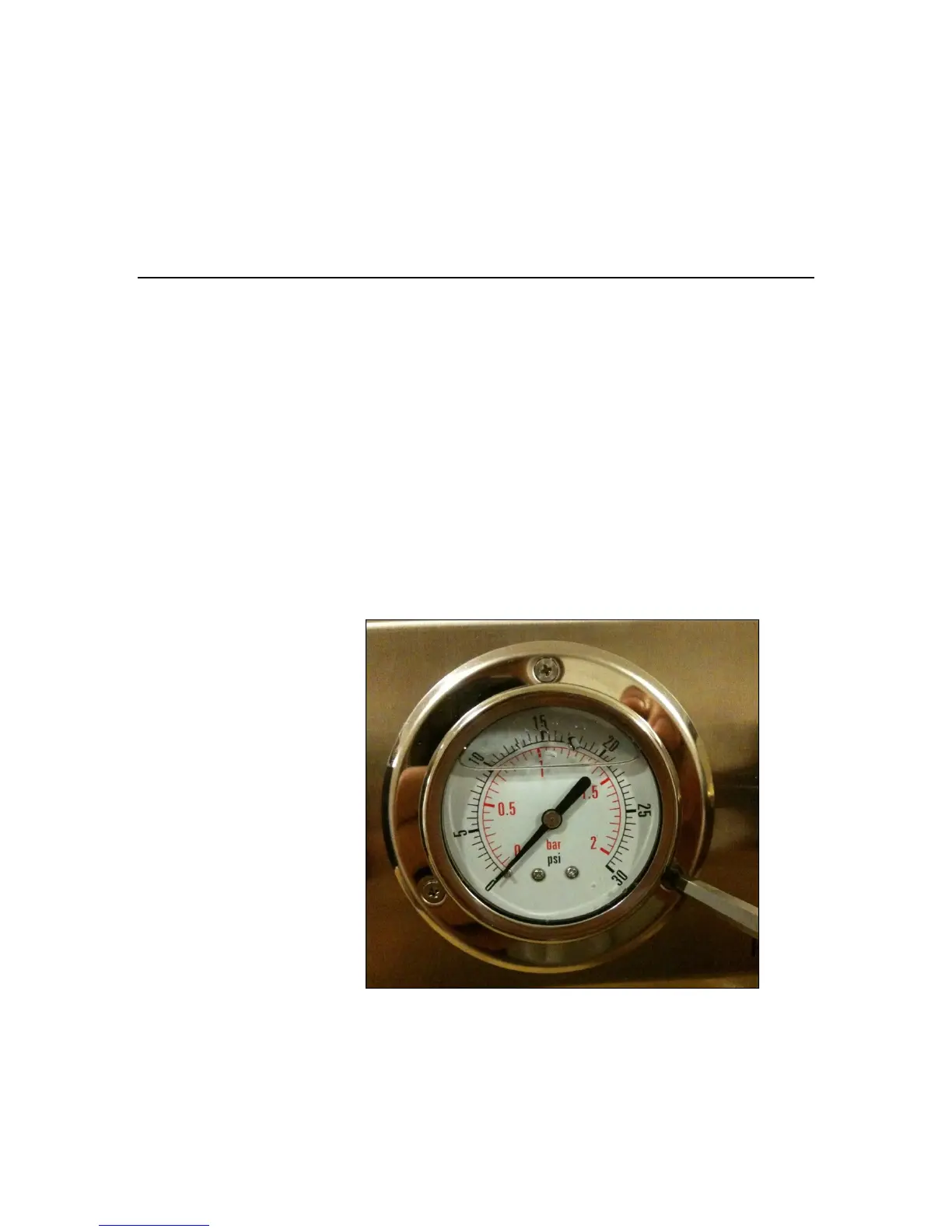
2. Using a Phillips head screwdriver, remove the
three screws and locking washers securing the
pressure gauge to the unit.
Figure 4 Removing the Pressure Gauge
3. Gently pull the gauge out of the unit. Take care
not to damage the rubber plug on the top of the
gauge body (see Figure 5)



 To Next Page