Page
23Air Techniques, Inc.
INSTALLATION
7. Installation
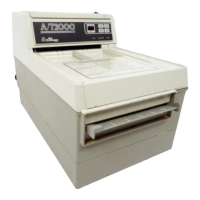
7.1 Carrying the scanner.
NOTICE
Damage to sensitive appliance components
from shocks
• Do not expose the appliance to any strong
shocks.
• Do not move the ScanX during operation.
• Only carry the unit by the bottom collector
base.
• Do not hold or apply pressure to the transport
cover or touch screen.
6.7 System properties.
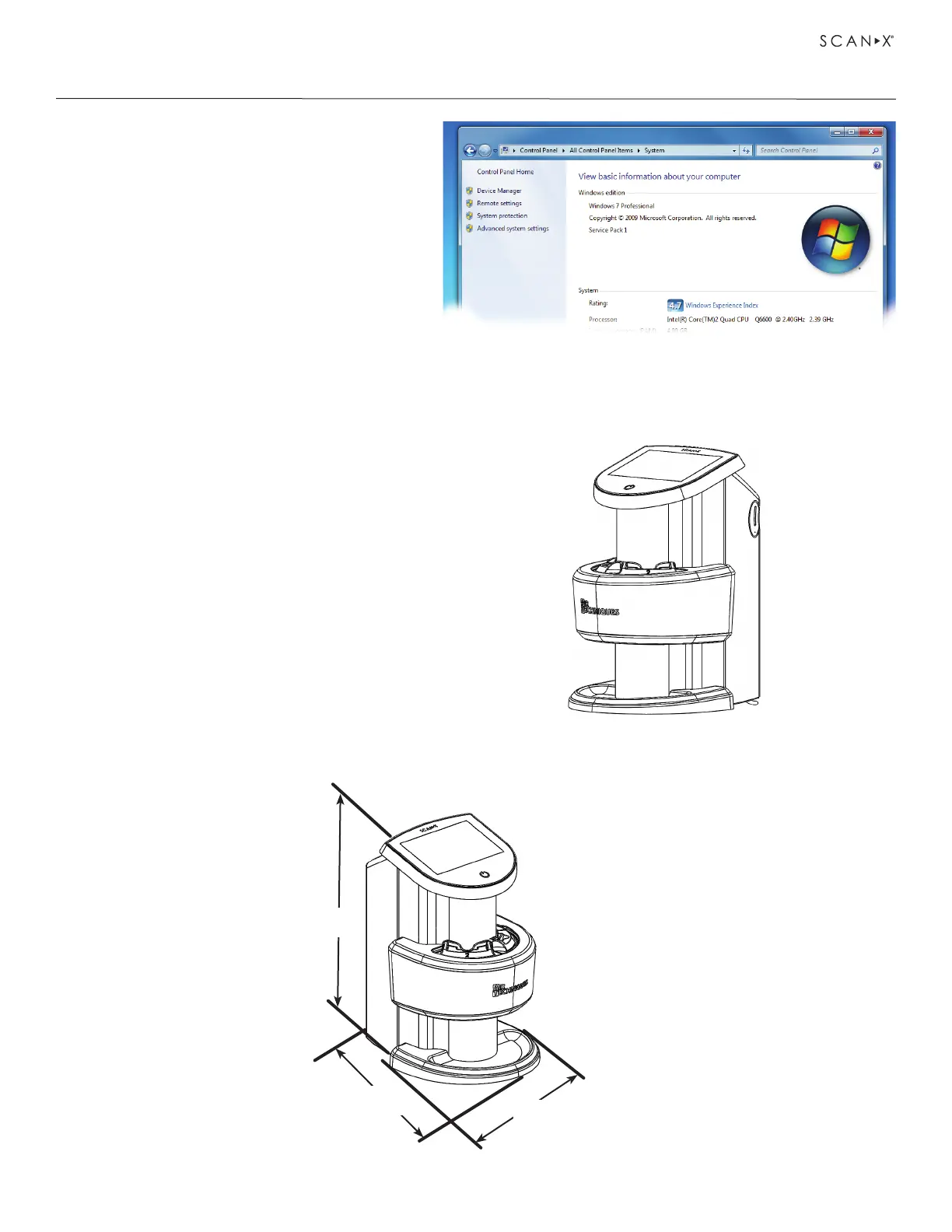
If unsure of the operating system version
installed, check that it meets the necessary
requirements by checking the System Settings
window as shown to the right.
The System Settings window can also be
opened from the Control Panel button. Just
press the Start button and select Control
Panel and then click the System icon.
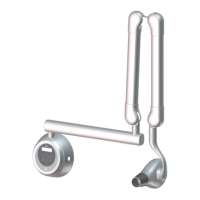
7.2 ScanX dimensions.
The dimensions of both the Single and Dual units are shown below.
10.6 in.
27cm
12.6 in.
32cm
8.7 in.
22cm


 To Next Page