Page
51Air Techniques, Inc.
Troubleshooting
15.3 Fault on the unit.
Problem Probable cause Solution
Unit does not switch on No mains voltage • Check the mains cable and plug connection and
replace if necessary
• Check the power supply unit.
• If the touch screen does not light up, replace the
power supply.
• Check the mains fuse in the building.
On/o switch is defective • Contact technician.
Unit switches off again
after a short time
Mains cable or power supply unit
plug not inserted correctly
• Check the mains cable and plug connections.
Hardware defect • Contact technician
Mains supply voltage too low • Check the mains supply voltage.
Loud operating noises after
switching on lasting for
more than 30 seconds
Radiation deector defective • Contact technician
Unit not responding The unit has not yet completed
the startup procedure
• After switching the unit on, wait 20 - 30 seconds
for the startup procedure to be completed
Unit is blocked by the rewall • Enable the ports for the unit in the rewall settings
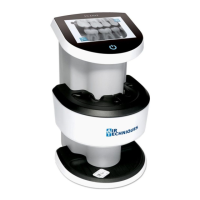
Unit is on, but there is
no display on the touch
screen
Touch screen initialization fault • Switch the unit o and on again.
Touch screen brightness set too
dark
• Update rmware
• Increase the brightness of the touch screen.
Touch screen defective • Contact technician


 To Next Page