29
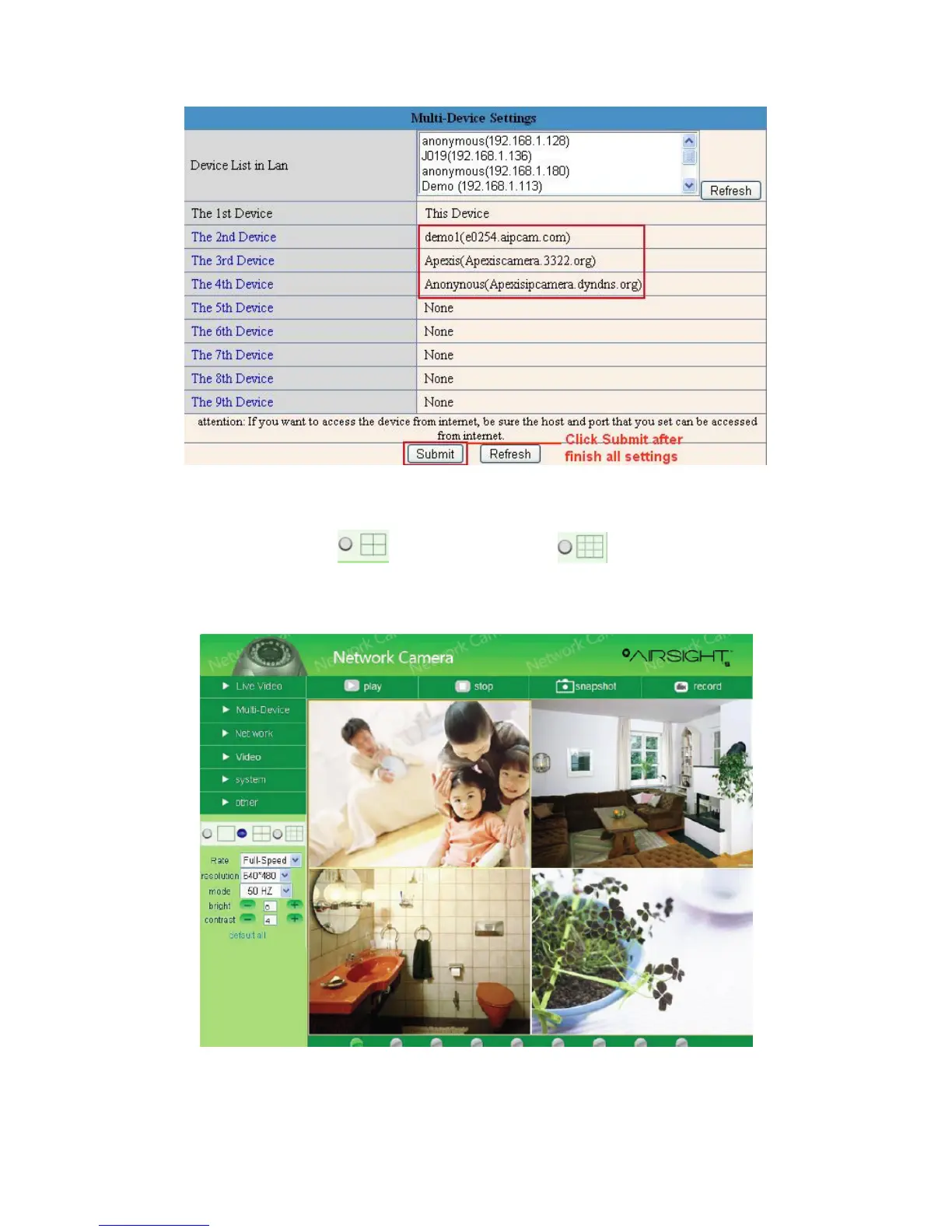
Figure 5.2
Click Live Video and then select to see four channels, or to see nine channels.
In this case, you can see all the cameras from a remote position by internet, for example, if you are on a
business trip, you can use the first camera’s (Host camera) DDNS to view all the devices via the internet.
Figure 5.3



 To Next Page