43
Figure 8.5
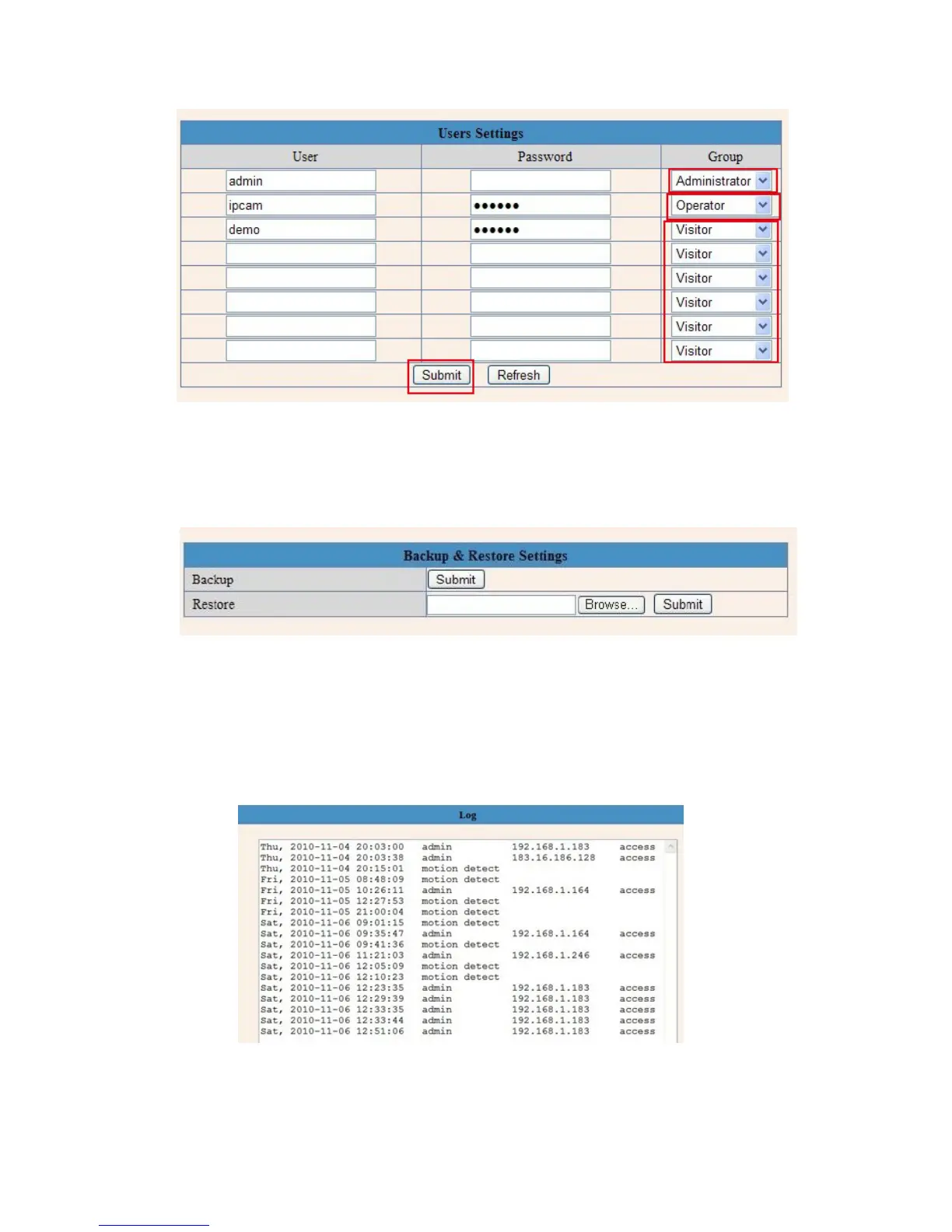
3.13 Backup & Restore
Figure 8.7
1)Backup: Backup IP Camera all the Parameter, if you want to save all the current settings that you have set
already, you can click Submit, then all the parameters you set will store as a parameters bin file.
2)Restore: Restore IP Camera all the Parameter, if you want to change the camera’s settings to a certain
status which has a backup, click Browse to load the bin file, then Submit it.
Log
Figure 8.8
Record User information, including weekday, date, time, user name, visitor IP address etc.



 To Next Page