6
Network Indicator LED: The green LED is on when connected to the network, the yellow LED blinks when
data is transferred.
RJ45 Port: RJ-45/10-100 base T, connect the network cable here.
Power Jack: DC 5V/2A power supply.
RESET BUTTON: Press and hold the RESET BUTTON for 30 Seconds to reset the camera back to the
factory default settings. (Please keep the power on when doing a RESET)
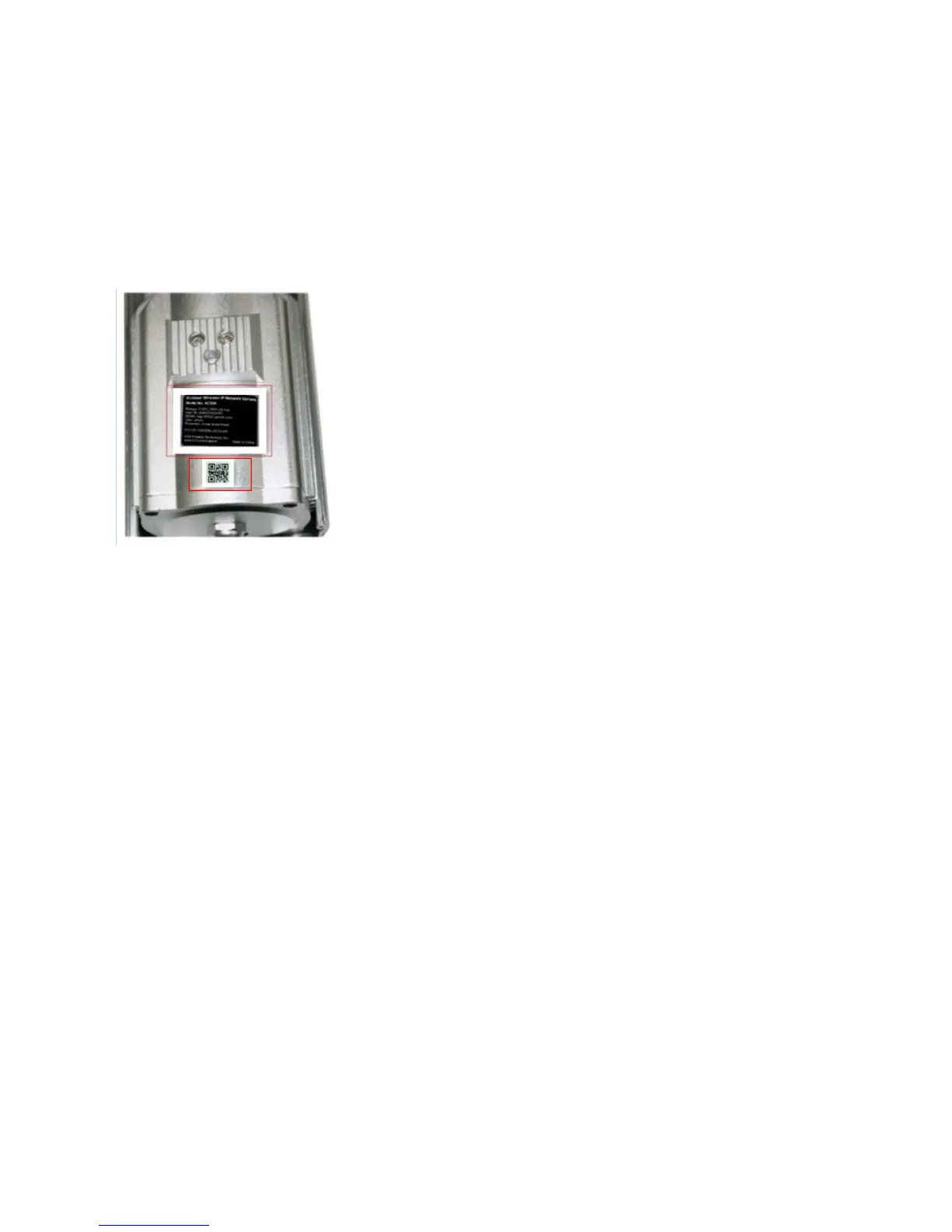
1.3.3 Bottom View
Figu
re 1.3
Please note the unique MAC and DDNS addresses on the bottom of the camera (different for every camera).
Note QR code label for easy P2P setup. (See Quick Setup Guide).



 To Next Page