8
1.6 Software Installation
Attention: In order to make the installation correctly, we suggest that you turn off your Firewall and Antivirus
software before installing ActiveX. Correct software installation is essential to the successful use of this
product. Install the following software:
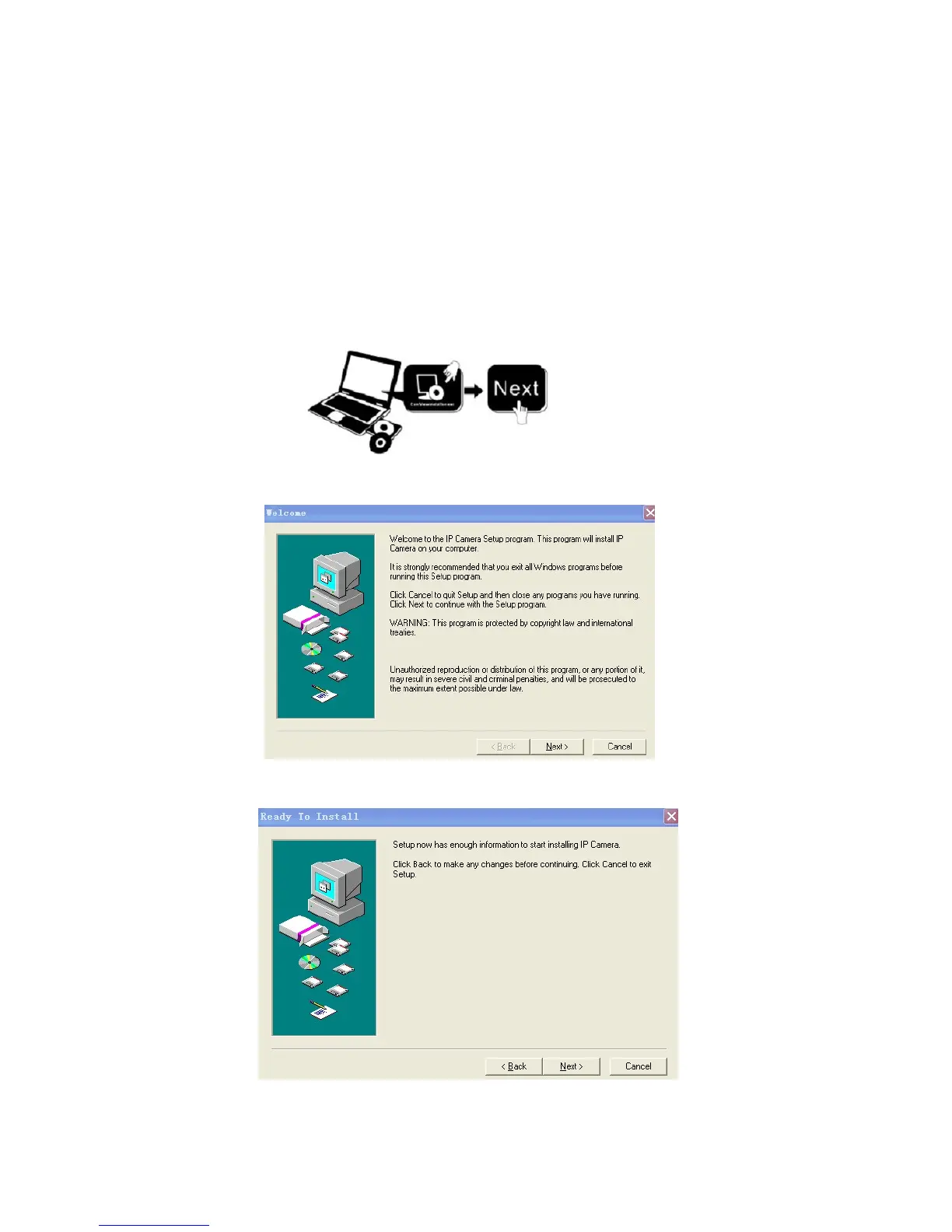
1. IP Camera Tool: Open the CD, double-click “IPCamSetup.exe”, then click next, to complete the software
installation. (Figures 1.6, 1.7, 1.8).
2. ActiveX: Double click “Appinstall.exe”—“Next”—“Install”—“Finish”.
Figure 1.5
Figure 1.6
Figure 1.7



 To Next Page