15
2.3 For IE Browser
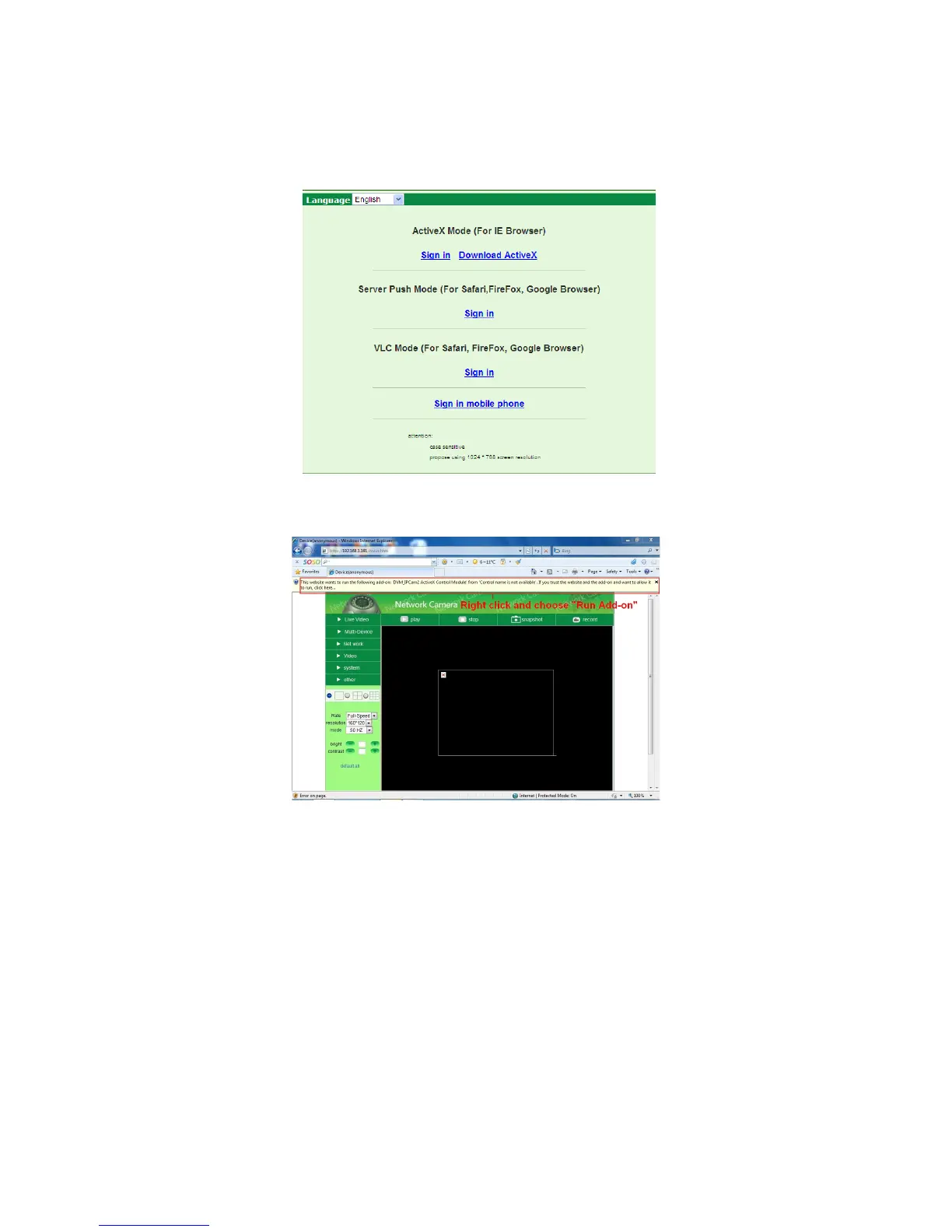
Choose ActiveX Mode (For IE Browser), and sign in. Download Active X and install if required.
Fig
u
r
e
2.8
Figure
2.9
The first time you login to the camera, you might get an ActiveX prompt as in the picture above, please click
the prompt and choose Run Add-on, refresh and login to the camera again, then will see live video, as in
Figure 3.0.



 To Next Page