31
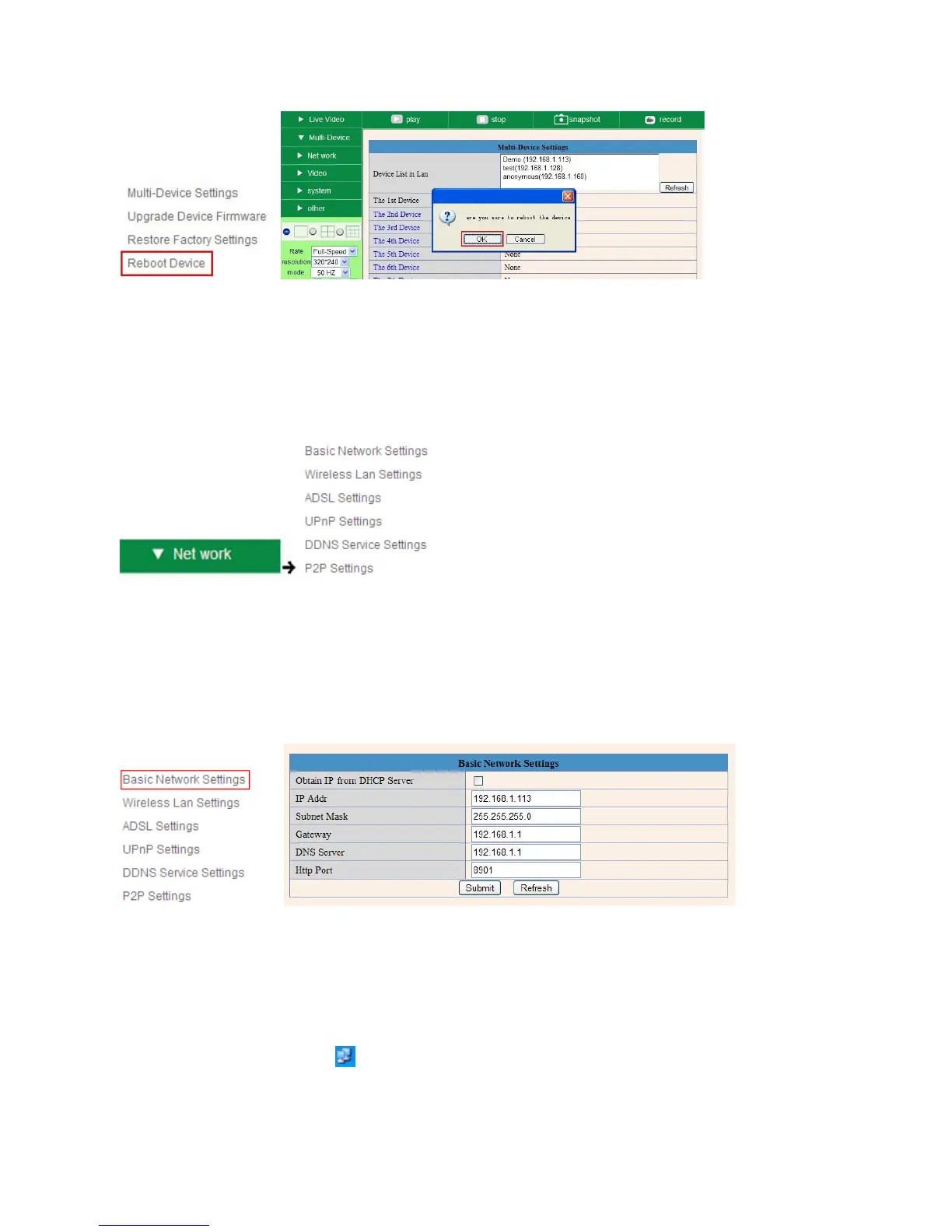
Figure 5.6
3.2 Network Settings
Click Network, will pop-up the prompt as below:
Figure 5.7
3.3 Basic Network Settings
Here you can set the camera’s IP address; i.e., set the static IP address of the camera manually.
You can also do the same settings from IP Camera Tool. (Figure 2.3).
Figure 5.8
If you don’t know the Subnet Mask, Gateway, DNS Server. Please check the Local Area Connection Status of
your computer; it contains all this information, steps as below:
1. Control PanelNetwork ConnectionsLocal Area Connections Support Details
2. Find the local connection icon from taskbar, left click it, choose Support Details



 To Next Page