34
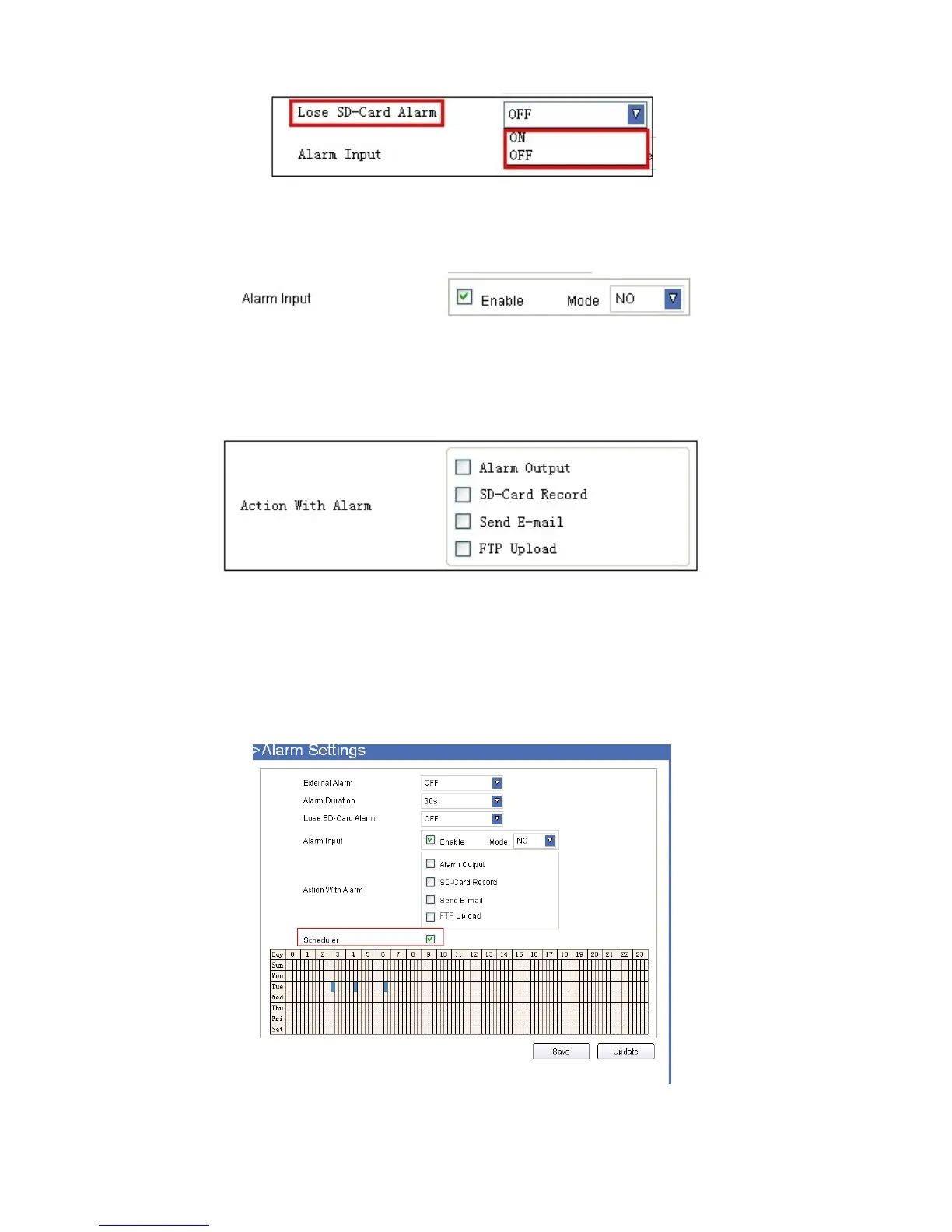
● Lose SD-Card Alarm: Set alarm triggered ON/OFF if the SD-Card is lost.
Figure 7.3
● Alarm Input: Set alarm input ON/OFF, it supports NO/NC external alarm device, choose the correct mode to
make sure it works well.
Figure 7.4
● Action with Alarm
These are actions optional for external alarm triggered.
Figure 7.5
Scheduler
Set Alarm under your own schedule here.
Check Enable and Scheduler, a calendar is shown, set your schedule, click Save to finish settings, and click
Update to refresh the camera.
Figure 7.6



 To Next Page