53
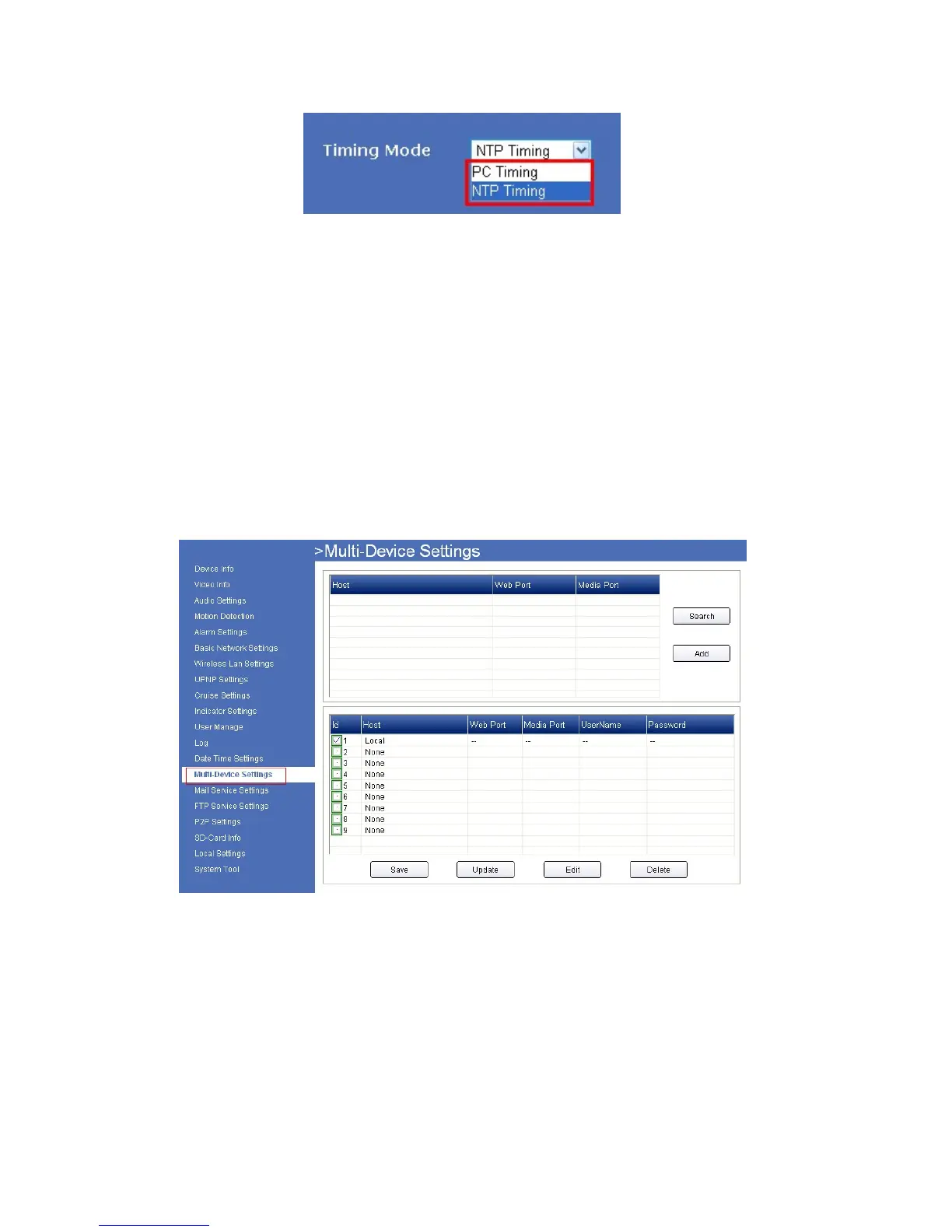
For Safari, Chrome, Firefox, the display will look as below:
Fig
ure 12.2
NTP Server: Choose the relevant NTP sever when set time mode as NTP Time.
4.13 Multi-Device Settings for IE browser
N
ote: Multi-Device only can be set under IE Browser, for Firefox, Safari, Chrome, you cannot see these
setting, as they do not support ActiveX.
Click Multi-Device Settings to enter the interface:
Figure
12.3
Click Search, all the cameras connected in the Lan will be listed, then select a number from the bottom window,
click edit, will pop-up a parameter settings window:



 To Next Page