45
Network Type: Two modes:
1. Infra (Infrastructure Mode), if using normal AP, choose Infra mode.
2. Ad-Hoc Mode. If using point-to-point transmission, choose Ad-Hoc mode.
The factory setting is Infra.
● Encryption: WEP, TKIP, AES optional.
● Authentication: WEP: Open System or Share Key. TKIP (AES): WPA-PSK or WPA2-PSK.
● Select Key: Choose the channel of WEP share Key.
● Key: Input the key the same as the settings in your router.
All the Wi-Fi encryption mode settings should be the same as your Wi-Fi router, and different encryption has
different authentication menu.
4.8 UPNP Settings
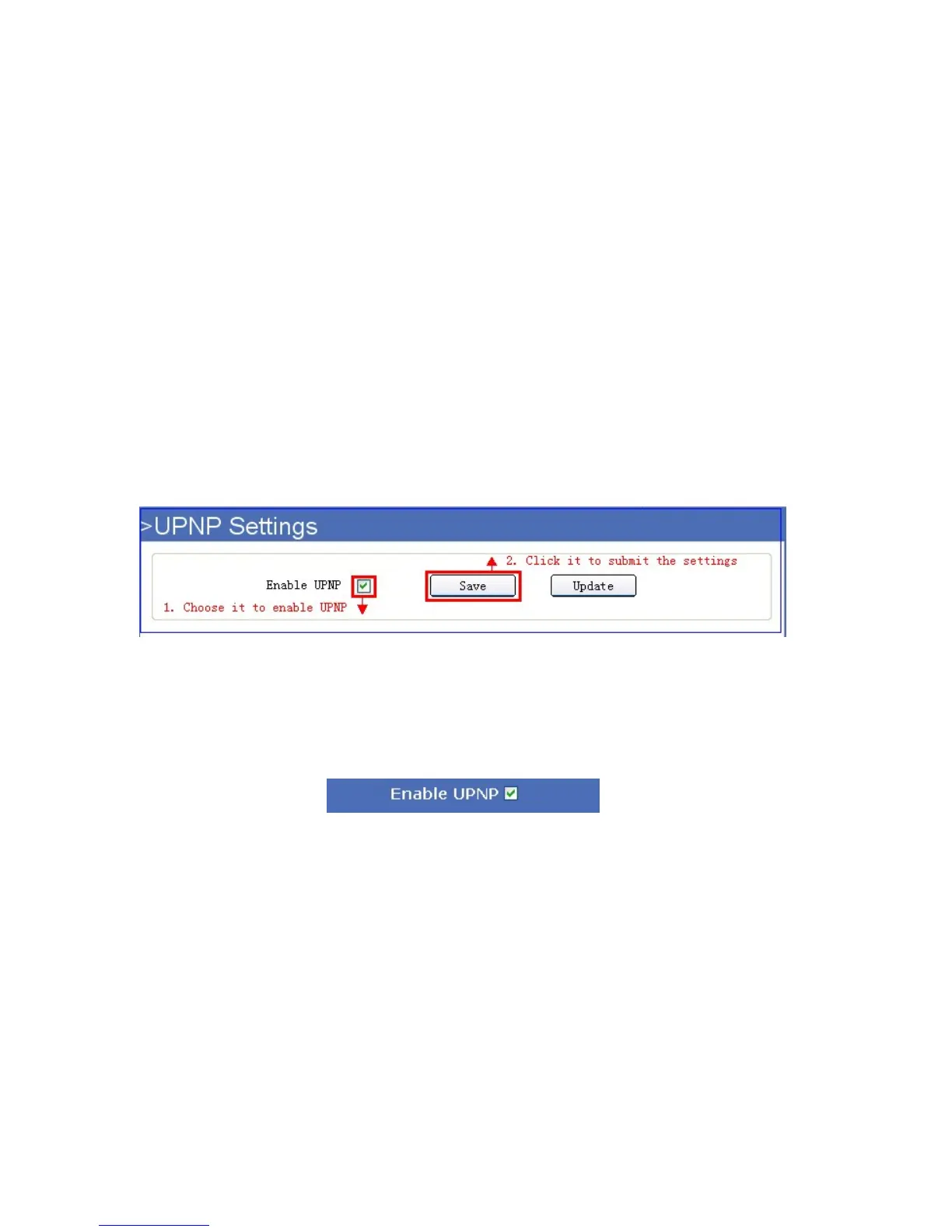
Click UPNP Settings to enter the interface:
4.8.1 For IE, the display will look as below:
Figure 10.2
4.8.2 For Safari, Chrome, Firefox, the display will look as below:
Figure 10.3
Enable UPNP: Set UPNP function ON/OFF.
Select it to enable UPNP, then the camera will do port forwarding automatically.
It’s helpful for using DDNS, if your router support UPNP, then you no need do port forwarding in router.
NOTE: Here UPNP only for port forwarding now. It has much relation with security settings of your router, make
sure the UPnP function of router is ON.
ATTENTION: If your router doesn’t support UPNP function, it may show error information. So we recommend you
do port forwarding manually in your router.



 To Next Page