63
After searching, files will be listed on the right side window, choose the file, double click it or click play icon to
start replay. You can check the replay file information here, and do other operations such as Stop, Pause,
Previous, Next, Fast Backward, Fast Forward etc.
Figure
14.1
Image Enlarge and Reduce
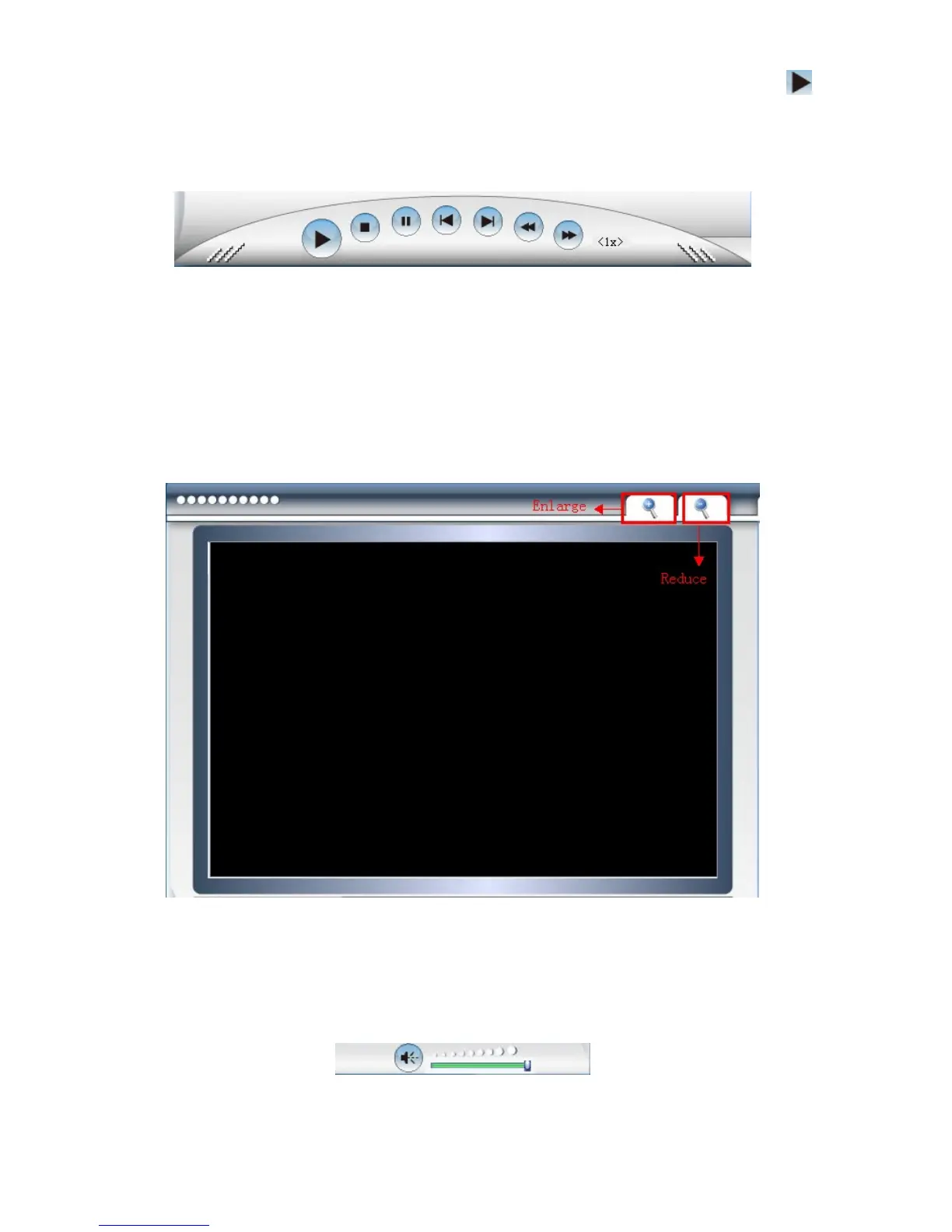
During playback, users can enlarge the image to see the video details, it supports 2X, 4X, 8X zoom.
Click the enlarge icon, will pop-up a window to choose the zoom in type.
Click the reduce icon, will zoom out the image.
Figure
14.2
Audio:
During playback, you can adjust the volume, drag the volume icon on the right bottom side.
Figure
14.3



 To Next Page