English 33
5.2 DLNA Function
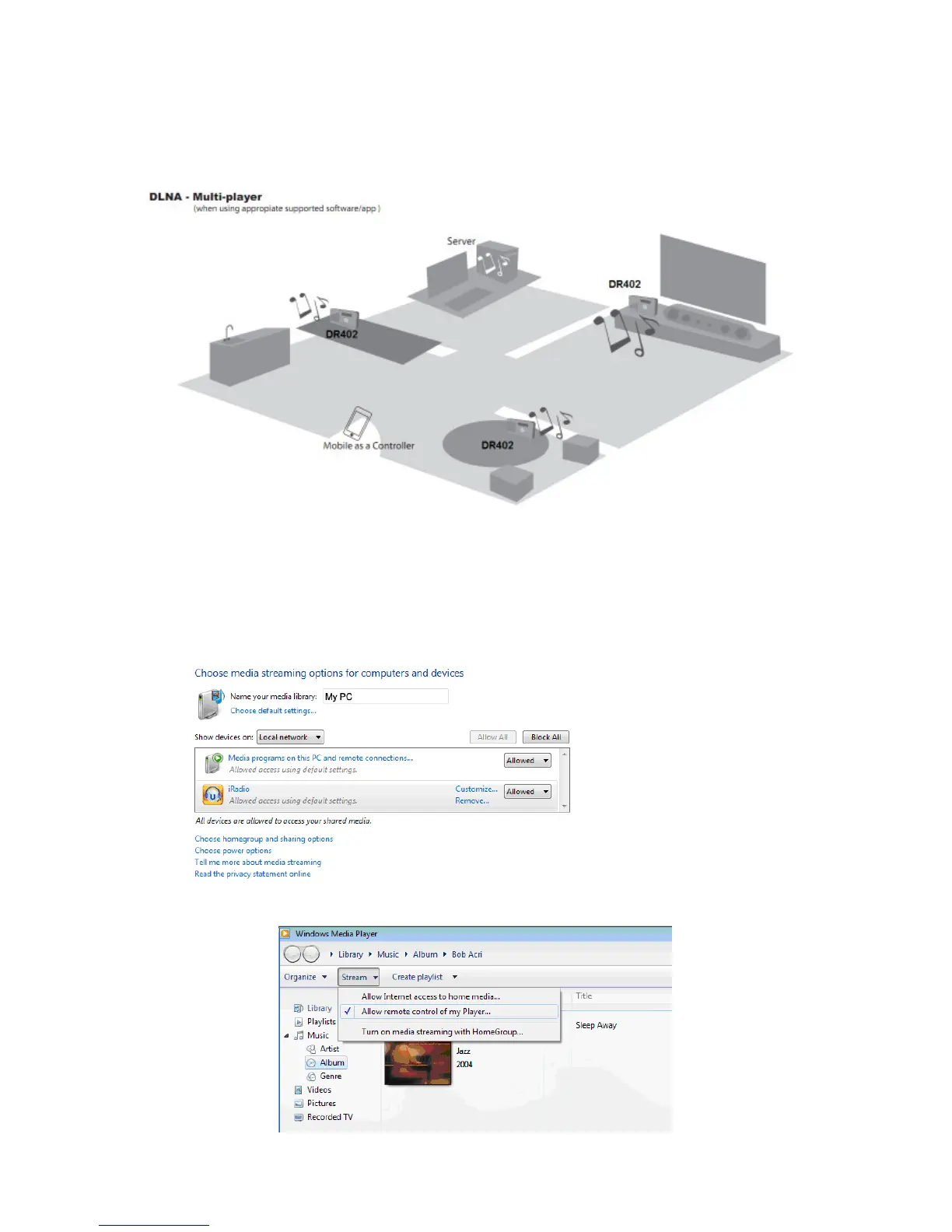
• Besides UPnP, DR402 supports DLNA function.
You share the music files from PC or Android mobile, and you use your PC, Android
mobile or iPhone / iPad to control music playback on the DR402. (It is not required to
control each playback on the DR402.)
• The PC system requirement for DLNA is Windows 7 and Windows Media Player 12.
Setup as below:
Firstly, share the media on your PC to DR402.
Control Panel > Network and Internet > Network and Sharing Center > Media streaming
options
Open Windows Media Player to enable Allow remote control of my Player.



 To Next Page