42 English
In the preset station list, move to your station, press Select to listen. You may also
press
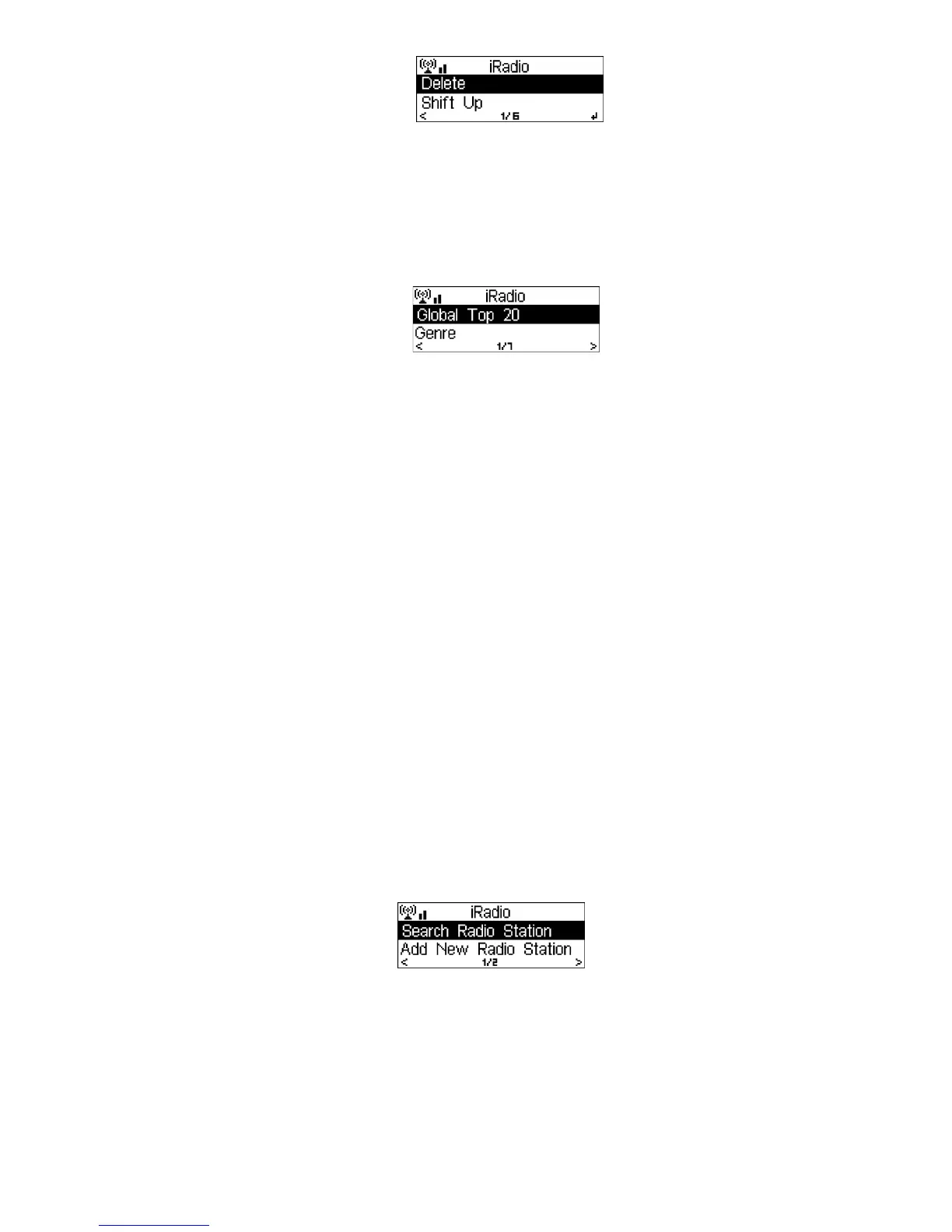
to enter its submenu to Delete, Shift Up/Down along the list, Rename,
Play, or Use as Alarm Sound (if you chose internet as alarm sound in alarm
configuration).
6.5.2 Radio Station/Music
Stations are categorized into Global Top 20, Genre and Country/Location. Enter
to continue the subcategories and choose the station to listen.
For each station, press Select to start playing it directly. You may press
to enter
its submenu – you can Add to Favorite, Auto Scan, Play or Use as Alarm Sound
(if you chose internet as alarm sound in alarm configuration).
When you choose Auto Scan, each station from the current station list is played 30
seconds until all have played or you press SELECT which stops the Auto Scan at
the current station.
6.5.3 History
A list of last listened stations. It can save up to 10 history stations.
For each station, press Select to play directly. You may press
to enter its
submenu – you can Add to Favorite, Auto Scan, Play or Use as Alarm Sound (if
you chose internet as alarm sound in alarm configuration).
When you choose Auto Scan, each station from the current station list is played 30
seconds until all have played or you press SELECT which stops the Auto Scan at
the current station.
6.5.4 Service
Search radio station - Enter your keyword to search for radio stations.
Add new radio station - The added stations will be stored in My Favorite. Note
that the maximum character of the station name is 250.
After the connection of any station is succeeded, the bit rate and the format of the
station will be displayed on the playing screen.



 To Next Page