38 English
4. Default Gateway;
5. Preferred DNS Server;
6. Alternate DNS Server.
If you don´t want to connect to a certain network anymore you can remove this
network by selecting “Manage”.
• Check Network when Power On
If you enable this option, the system will automatically search for available
networks during the start-up. When your usual network is in reach it
automatically connects to it, if not a list with all available networks is shown
automatically.
If the wireless network connection is not found or the connection fails, the icon
at the top left corner will have a cross on it.
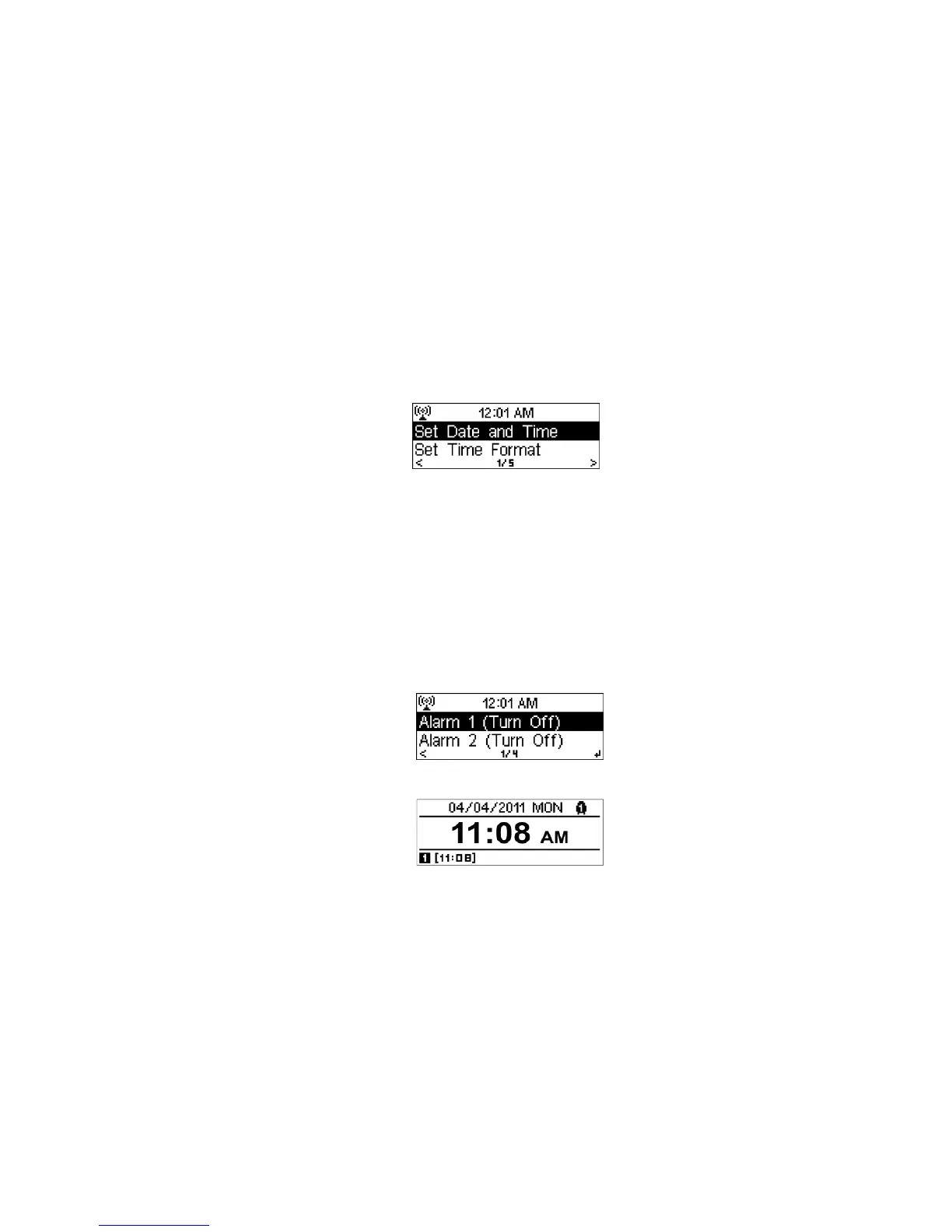
6.3.3 Date & Time
Setup the date and time; set time format display as 12 Hour or 24 Hour; set
date format in the positions of YY (year), MM (month) and DD (day) –
YY/MM/DD, DD/MM/YY or MM/DD/YY.
Turn on/off the Daylight Saving Time (DST).
With a wireless network connected, GMT (+00:00) time is a time reference of
time setting. Add or deduce the hour according to your time zone when you set
the time.
6.3.4 Alarm
There are three independent alarms - 2 alarms of absolute time setting (Alarm
1 and Alarm 2) and 1 alarm for relative time setting (Alarm NAP).
The first two alarms are similar to the normal alarm, turn on then set the time
and set it alarms everyday, once or every specific day of week. Choose Sound
to set the sound to Beep, Melody or Radio.
Note that the alarm source is from the last listened Internet radio if Alarm
Sound is set to be Radio. When it reaches the alarm time, the unit connects to
the Internet if the set network is available. Therefore there may be some delay
from the alarm to the radio play. If no network is connection in one minute, the
alarm will change to Beep automatically.
After Alarm NAP is set, it alarms once in 5/10/20/30/60/90/120 minutes
depending on which one you have set.
You may choose Alarm Volume to configure the volume of the alarms.



 To Next Page