English 39
When the alarm(s) is/are set, there will be a clock icon at the top of the display.
The clock icon with the alarm time is also displayed on the standby mode
screen.
During alarm, press Standby to stop the alarm.
6.3.5 Language
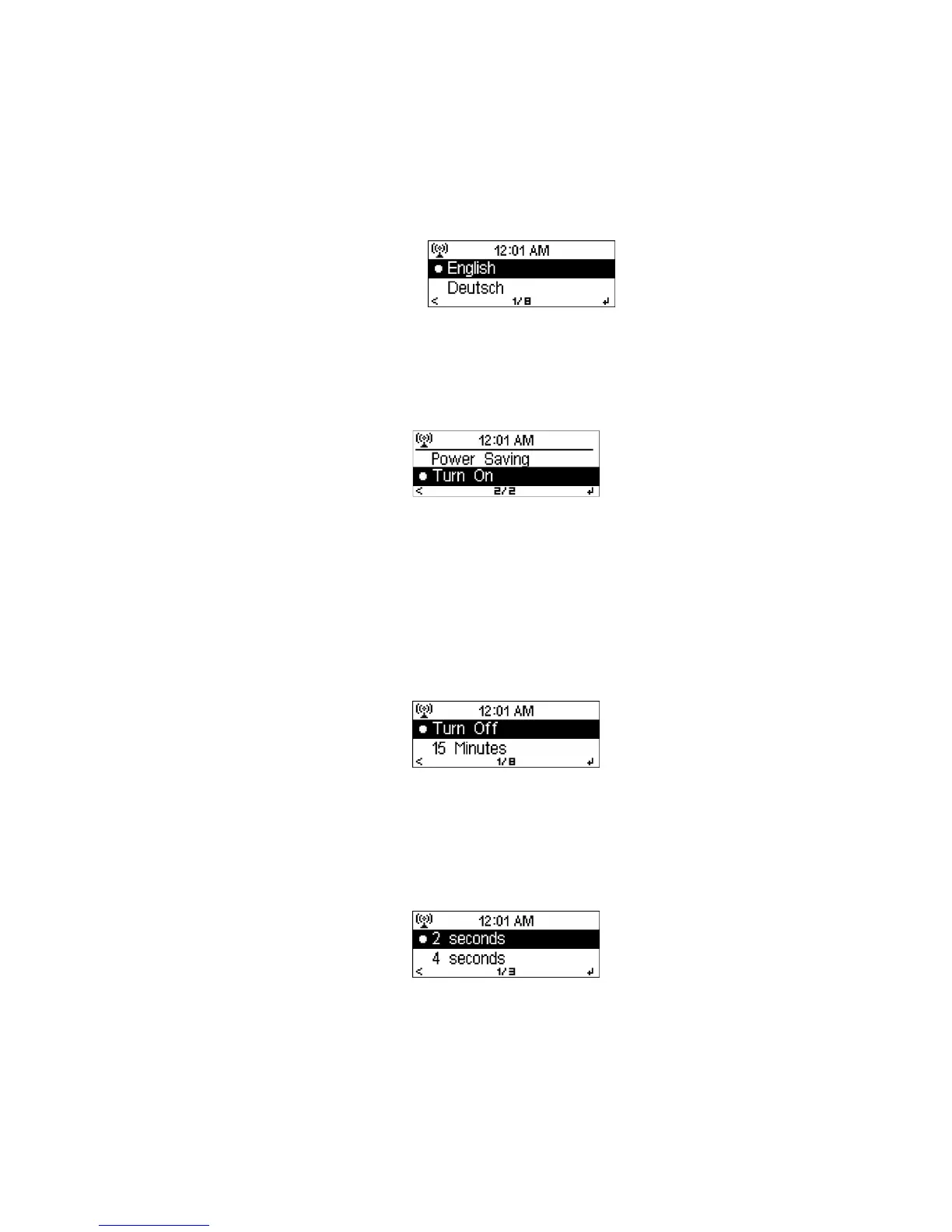
Select the OSD language: English, German, Spanish, French, Portuguese or
Italian
6.3.6 Dimmer
Configure the brightness of the display backlight.
Select Power Saving to set the brightness level to which the display is
dimmed when the radio is not operated for 15 seconds.
Choose Turn On to keep the backlight always on.
Under Power Saving and Turn On setting, adjust the backlight brightness by
pressing
/
. Press Select to confirm.
6.3.7 Sleep Timer
Turn off or set the sleep time of 15/30/60/90/120/150/180 minutes. Once the time
is set, there will be a bed icon with remaining minutes at the top right corner and
the DR402 will turn to standby after this time.
6.3.8 Buffer
Configure the buffer time of the music playback, 2/4/8 seconds.



 To Next Page