40 English
6.3.9 Weather
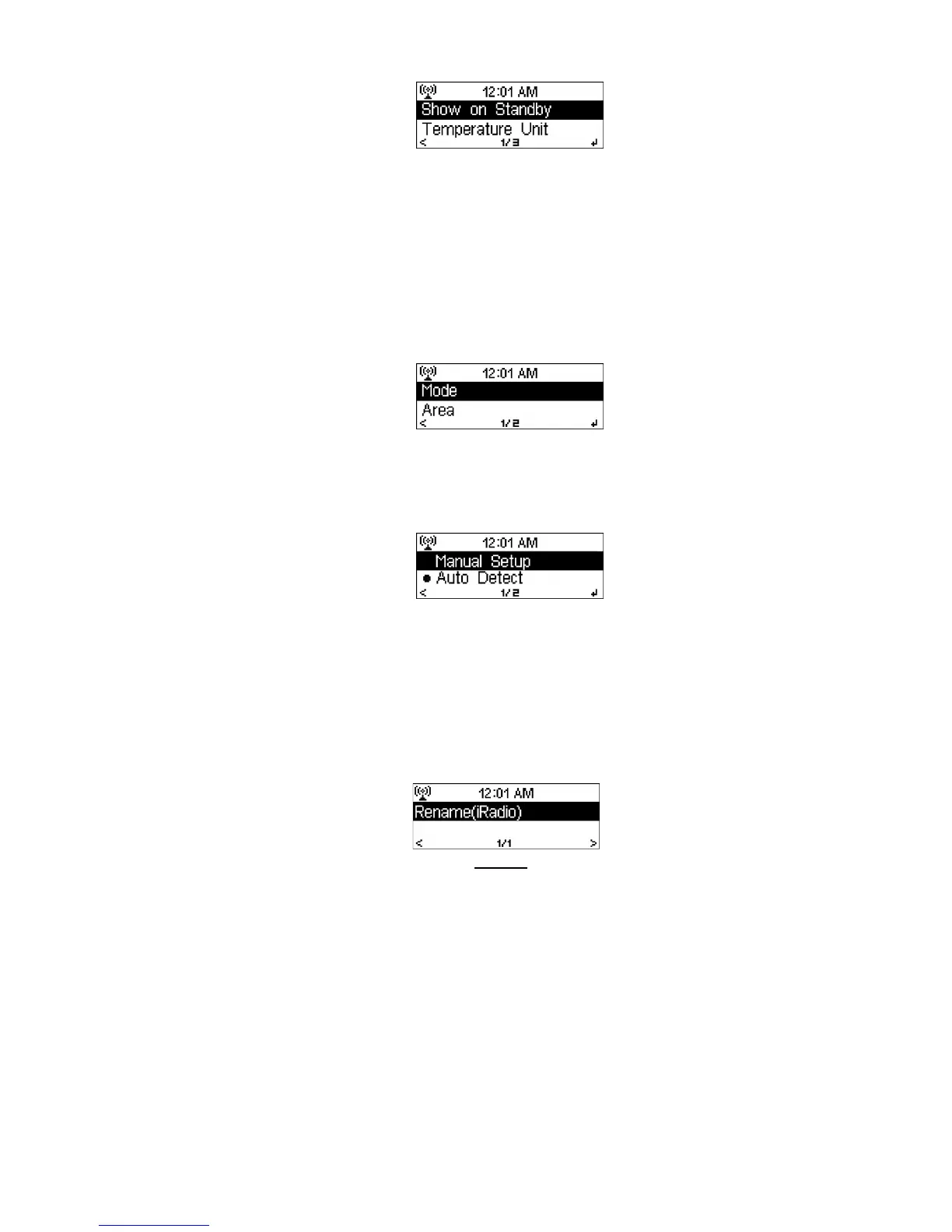
DR402 is able to display the current weather information in the standby mode. Turn
on “Show on Standby” and set the Temperature Unit (º
ºº
ºC or º
ºº
ºF) to get the weather
displayed at the standby screen.
When it is turned on, the current time and the current weather will be displayed in
10 second intervals.
6.3.10 FM Setup
Choose Mono/Stereo and select the FM broadcast band (Japan: 76 – 90 MHz;
Other Areas: 87.5 – 108.0 MHz).
6.3.11 Local Radio Setup
There is a shortcut Local Radio under Internet Radio (see section 6.5) so that you
can easily go to the station list of your location.
You may Manual Setup your location, or let the system Auto Detect your current
location. The system detects the location according to the IP address of your
connected network.
Press Local Station to enter this local radio list directly.
6.3.12 DLNA Setup
Default device name for DLNA is iRadio. You may rename it as you like. (see
section 5.2)
6.3.13 Software Update
Update software. If there is an updated software version on the server, the system
will notify you when you return to the main menu.



 To Next Page