69/91
Programming your telephone
as headphones, with your desk phone.
5.11.1 Installing a Bluetooth
®
device
Before performing the pairing operation, the device must be in detectable mode. Consult the
user documentation of your Bluetooth
®
device.
The phone is in idle state.
Menu
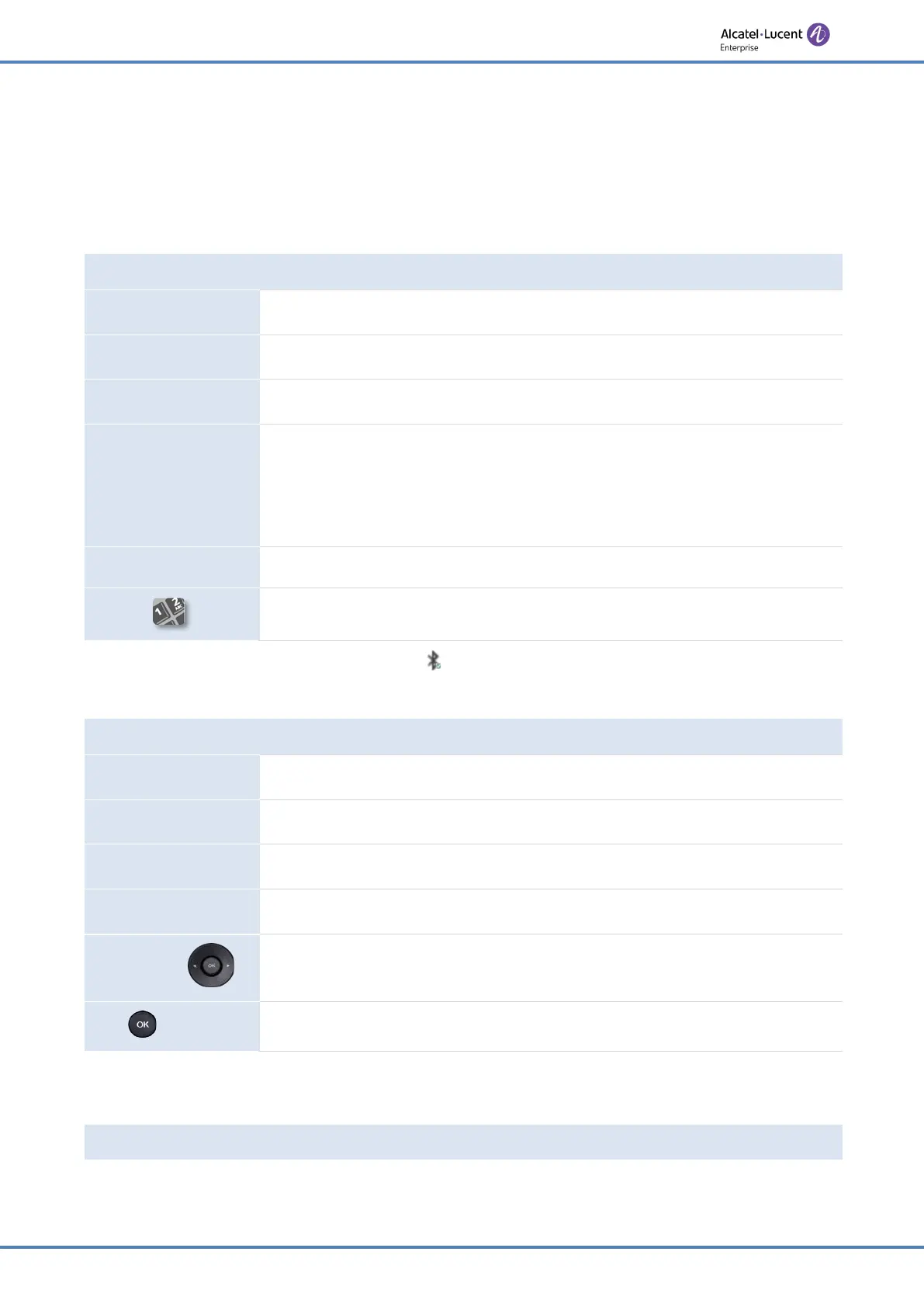
Press the Menu soft key to access the Main Menu.
Basic Setting
Use up-down and 'ok' navigation keys to select:
Basic Setting
.
Bluetooth
Use up-down and 'ok' navigation keys to select:
Bluetooth.
Scan
Press the softkey under the following label:
Scan
.
Scanning starts.
Searching for Bluetooth
®
equipment. Wait for the detected equipment
type and address to be displayed.
Connect
Add the device by pressing on the associated key:
Connect
.
Enter the PIN code of the device if necessary.
This icon is displayed on your desk phone: .
If you are using an external hands-free device, configure the audio for this purpose:
The phone is in idle state.
Menu
Press the Menu soft key to access the Main Menu.
Basic Setting
Use up-down and 'ok' navigation keys to select:
Basic Setting
.
Sound
Use up-down and 'ok' navigation keys to select:
Sound
.
External Device
Use up-down and 'ok' navigation keys to select:
External Device.
Switch
or
Enable external hands-free.
or
Save
Validate your choice.
5.11.2 List connected devices
The phone is in idle state.











 To Next Page