25
Calendar 15.
Use the Calendar to keep track of important
meetings, appointments, etc.
You can display the Calendar in daily, weekly,
monthly, or agenda view.
To Create New Events
You can add new events from any Calendar
view.
Touch the •
icon and select New Event.
Fill in all required information for this new •
event. If it is a whole-day event, you can
select All Day.
When finished, touch • DONE from the top of
the screen.
Time 16.
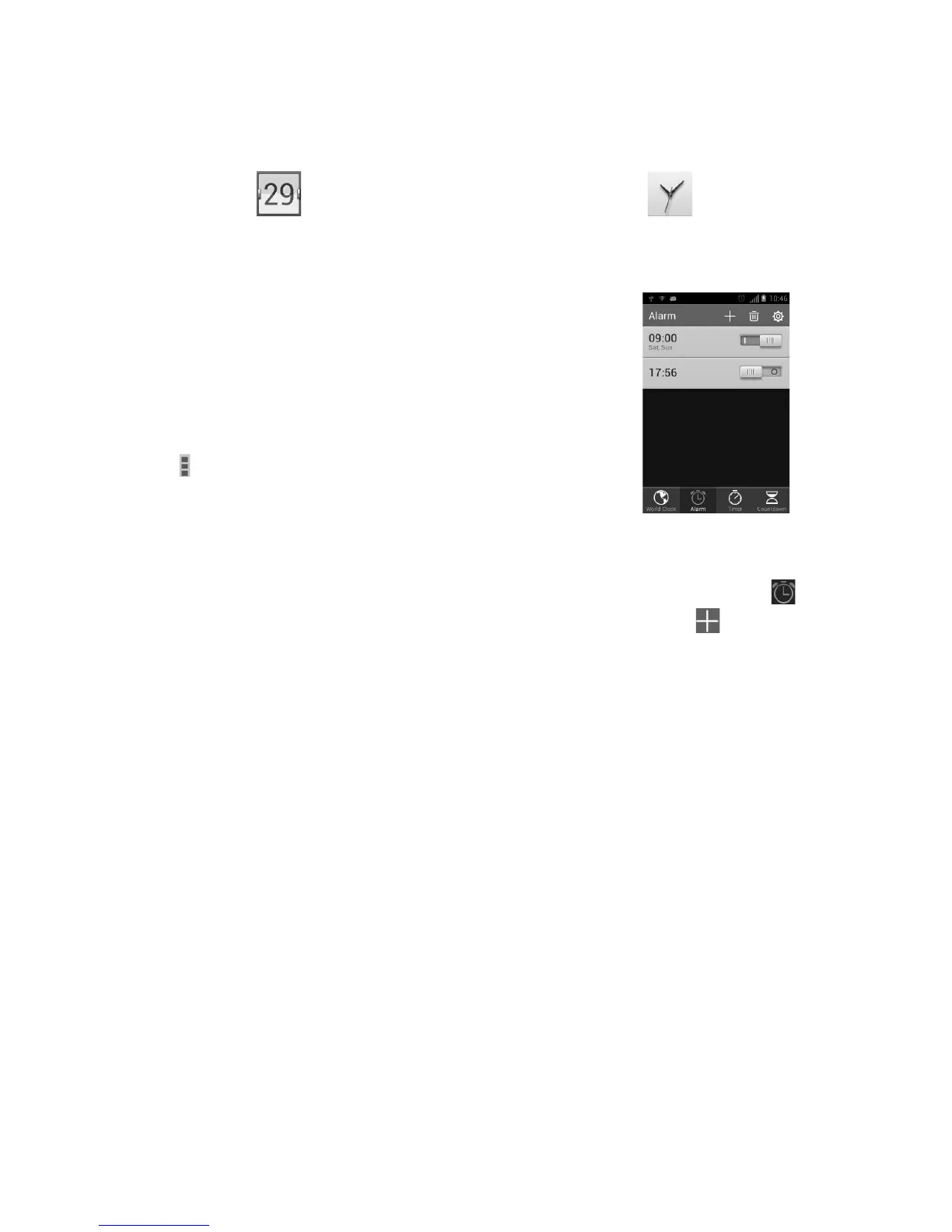
World Clock, Alarm, Timer, Countdown are
available within this menu.
To Set an Alarm
From the Time screen, touch to enter the
Alarm screen, touch to add a new alarm.
When finished, touch OK to confirm.










 To Next Page