10
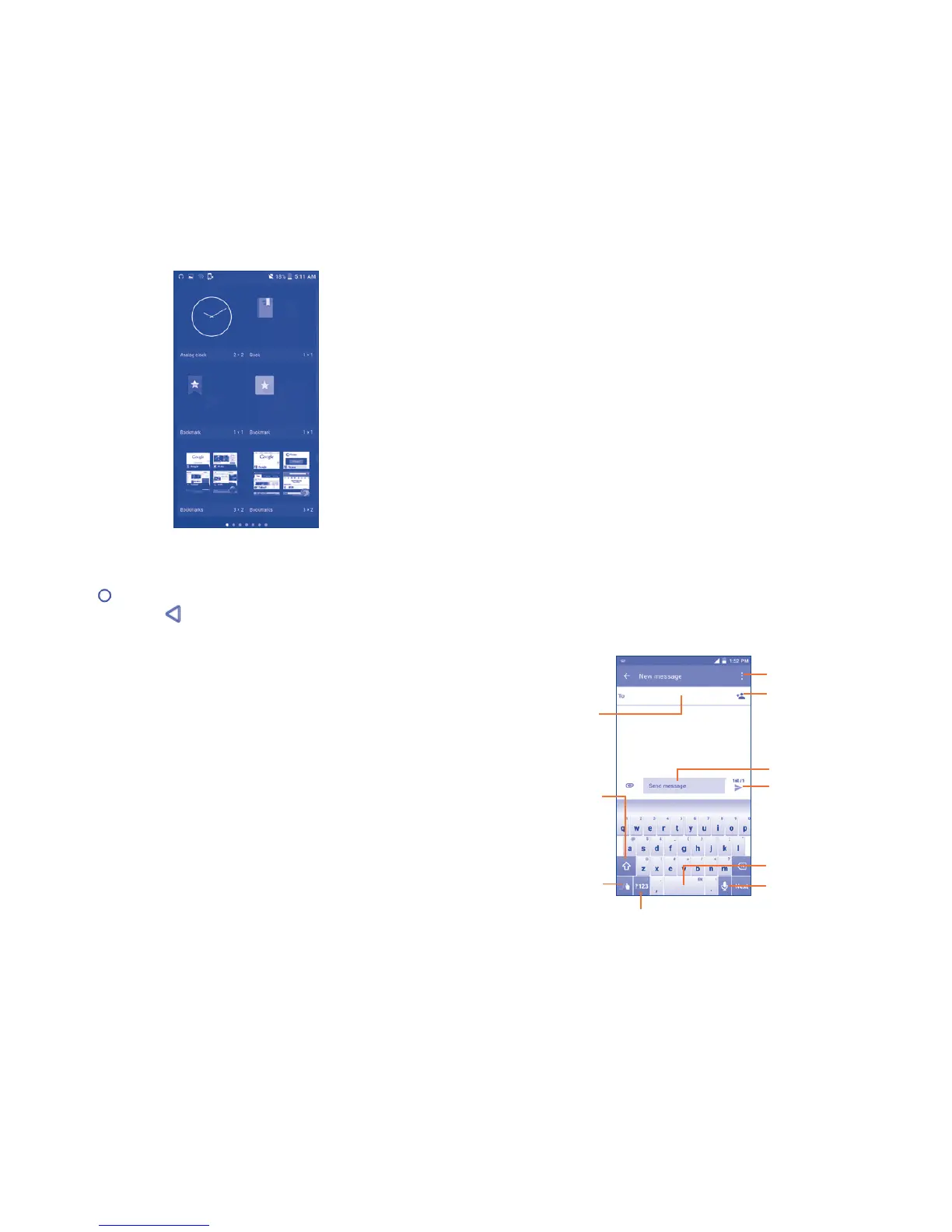
To return to Home screen from applications or widgets menu touch the
Home key or to return to previous screen from applications or widgets
menu touch Back key .
2
Text input
2.1 Using the On-Screen Keyboard
Onscreen Keyboard settings
Touch Settings\Language & input, touch the keyboard you want to set up
and a series of settings will become available for your selection.
Adjust the Onscreen Keyboard orientation
Turn the phone sideways or upright to adjust the Onscreen Keyboard
orientation. You can adjust it by changing the settings (Touch Settings\
Display\When device is rotated\Rotate screen contents).
2.1.1 Swype keyboard
Touch to add a
contact from saved
Groups, Contacts or
Call history log.
Touch to switch
between 《abc/
Abc/ABC》.
Press and hold to
open settings.
Speech-to-text option
(microphone)
Touch to input space.
Touch to switch between symbol
and numeric keyboard.
Touch to enter text.
Touch to enter
phone number
or contact.
Touch to view
messaging options.
Touch to to send message.



 To Next Page