39
• Touch an album and all pictures or videos will be displayed across
the screen.
• Touch the picture/video directly to view or play it.
• Slide left/right to view previous or next pictures/videos.
Working with pictures
Gallery provides a multi-select function, so that you can work with pictures/
videos in batches.
You can touch one album, then slide left or right to view the pictures.
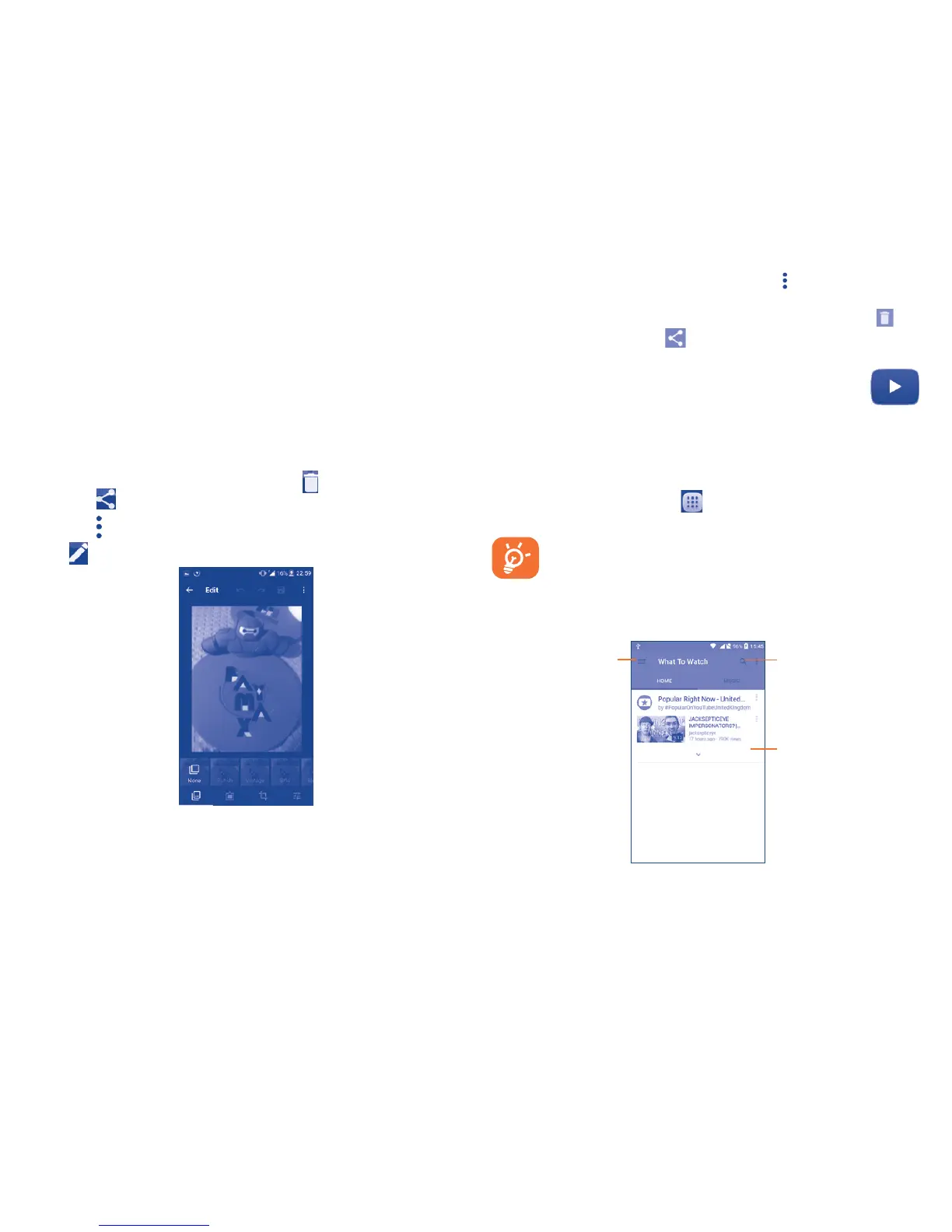
Touch a picture you want to work on, touch the icon to delete a selected
one. Touch to share selected ones.
Touch the icon to set them as contact ID or wallpaper, etc.
Touch from full-screen picture view to access more options.
Batch operation
The Gallery provides a multi-select function, so that you can work with
pictures/videos in batches.
Open the main Gallery window or an album, touch and touch Select item
to activate batch operation mode (you can also touch and hold one album/
picture), then touch videos/pictures you want to work on. Touch the icon
to delete selected files. Touch to share selected files.
8.3 YouTube.............................................
YouTube is an online video-sharing service where the user can download,
share and view videos. It supports a streaming function that allows you
to start watching videos almost as soon as they begin downloading from
the Internet.
To access this function, touch from the Home screen, then touch
YouTube.
Your phone must have either a network or Wi-Fi connection to
access YouTube.
We recommend you connect to a Wi-Fi network when watching
YouTube videos to avoid using your Consumer Cellular Connect
Plan.
Touch to show
more information.
Touch to search for
a video.
Touch to play the
video .
By touching the Menu key from the YouTube screen, you can set General
settings for YouTube. For details about these features, please visit YouTube.
com.











 To Next Page