24
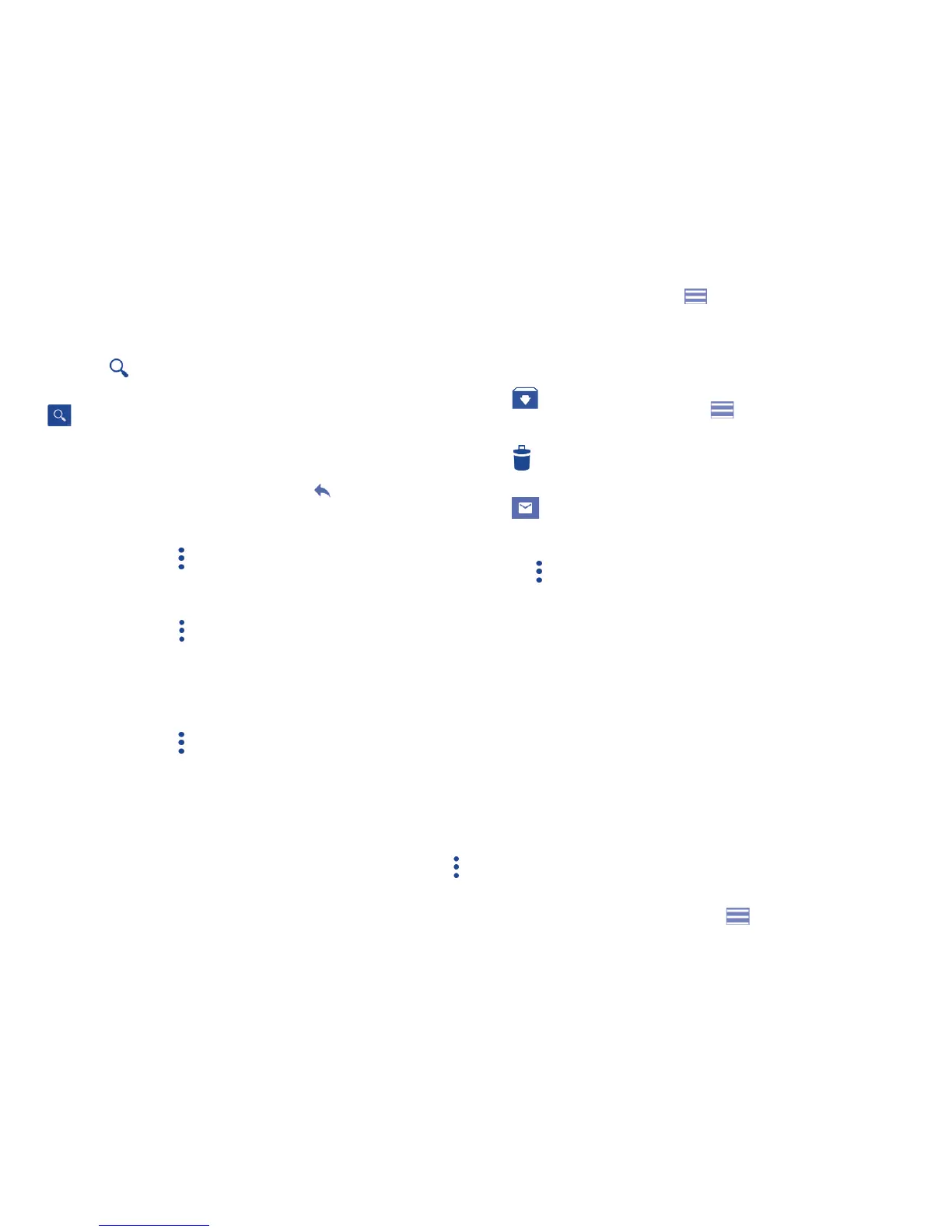
Touch and drag down the Status bar to display the Notification panel and
touch the new email to view it. You can also access the Gmail Inbox label
and touch the new mail to read it.
You can search for an email by sender, subject, label, etc.
• Touch the icon from Inbox screen.
• Enter the keyword you want to search for in the search box and touch
.
To reply or forward emails
• Reply
When viewing an email, touch to reply to the sender
of this mail.
• Reply all
Touch and select “Reply all” to send the message to
all people in a mail loop.
• Forward
Touch and select “Forward” to forward the received
mail to other people.
• Add star Touch to add a star for the mail.
• Print
Touch and select Print to print the mail.
Managing Gmails by Labels
To conveniently manage conversations and messages, you can organize
them using a Label.
To label a conversation when reading a conversation’s messages, touch
and then choose Move to.
To view conversations by labels when viewing your inbox or another
conversation list, touch the icon , then touch a label to view a list of
conversations with that label.
Long press an email to activate batch mode and produce the following
options:
•
Touch to archive the email message. To display the archived
messages, you can touch then touch All mail.
•
Touch to delete the email message.
•
Touch to mark an email message as read or unread.
Touch to access the following options.
• Move to Touch to move the mail to other labels.
• Change
labels
Touch to change the label of the email message or
conversation.
• Add/Remove
star
To assign a star or remove the star from the
conversation.
• Mark (not)
important
To Mark the email as important or not important.
• Mute Touch to hide it and the mail could be found by
touching All mail.
• Report spam To report the email message/conversation as spam.
Gmail settings
To access Gmail settings, touch the icon and select Settings.




 To Next Page