EasyManua.ls Logo

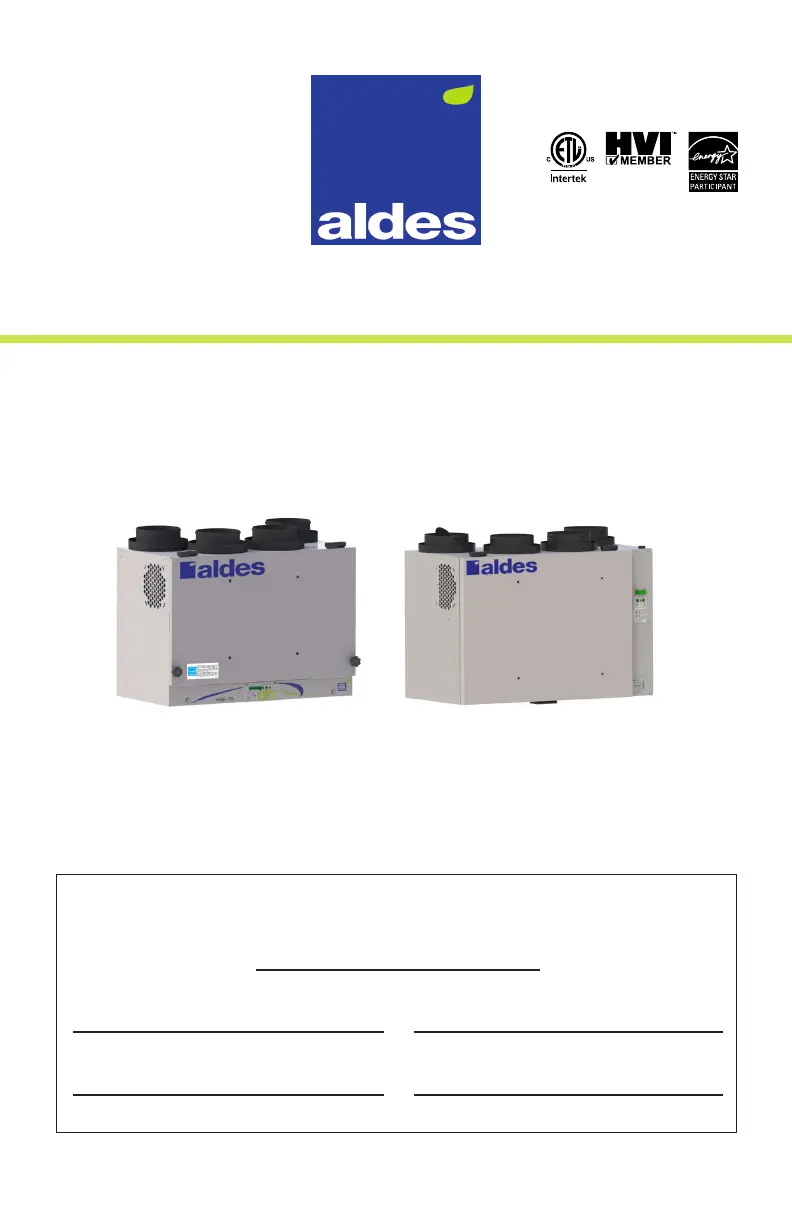
aldes H/E280 - User Manual

aldes H/E280
44 pages
Print Icon
To Next Page IconTo Next Page
Loading...
INSTALLATION, OPERATIONS & MAINTENANCE MANUAL
RESIDENTIAL
HEAT & ENERGY RECOVERY VENTILATORS
FOR MODELS:
H/E95 H/E110 H120 H/E150 H/E190 • H/E280
Meets Standards:
C22.2 no 113 and UL 1812
Installing Contractor Telephone / Contact
Serial Number Installation Date
TO BE COMPLETED BY CONTRACTOR AFTER INSTALLATION
Model
Installer: Leave this manual for the homeowner
REGISTER YOUR PRODUCT ONLINE AT ALDES.CA

Questions and Answers

  • S
    sthompsonAug 9, 2025
    How to improve airflow in my Aldes Fan?
    • A
      Anthony AlexanderAug 9, 2025
      If your Aldes Fan is experiencing poor airflow, ensure that the outdoor exhaust and intake hoods are free of any obstructions. Additionally, you can clean or replace the filters and clean the heat-recovery core. You might also try increasing the speed of the HRV using the wall control. If these steps don't resolve the issue, consider calling your contractor to check the supply voltage or balance the HRV airflows.
  • R
    Ryan SmithAug 18, 2025
    What to do if my Aldes Fan HRV is not responding to the wall control?
    • N
      Nicholas DavisAug 18, 2025
      If your Aldes Fan HRV is not responding to a wall control, first ensure that the wall control has power by checking if the screen or LED lights illuminate. Then, check the wiring from the HRV to the wall control for any open or short circuits. Also, ensure that the terminal block is well seated in the HRV.
  • T
    Travis HillAug 29, 2025
    What to do if my Aldes Fan HRV does not power up?
    • E
      Eric BridgesAug 29, 2025
      If your Aldes Fan HRV does not power up (and the indicator light on the unit is not lit), make sure the unit is plugged in. You can also test the outlet with another device to ensure the outlet is functioning correctly.

Summary

III. PRECAUTIONS & GUIDELINES

General Safety Warnings

Critical safety warnings against servicing, cautions on system compatibility, and general risks.

Fully Ducted System Configuration

Air Exchanger Placement and Ducting

Locating the Air Exchanger

Provides guidelines for optimal placement of the HRV/ERV unit to ensure system efficiency.

Vent Hood Locations

Exhaust & Supply Grille;Register Placement

Locating Exhaust Air Grilles;Registers

Guides on placing exhaust air grilles in high-humidity areas, avoiding cooking areas and combustion devices.

Locating Supply Air Grilles;Diffusers

Advises on positioning supply air grilles in common areas, avoiding direct bedroom placement for comfort.

Zone Register Terminals (ZRT) & Humidity Control

Zone Register Terminals (ZRT)

Introduces Aldes patented ZRT terminals for demand-controlled ventilation, offering flexibility and energy savings.

Recommended Relative Humidity & Installation Overview

IV. INSTALLATION - Whats Included

Lists the components included with the HRV/ERV unit shipment and instructions for checking parts.

Mounting the Unit

Drain Connections (HRV Models)

Electrical Diagram & Configuration Options

Electrical Diagram

Provides a detailed electrical schematic for the HRV/ERV unit and its connections.

Configuration Options

Guides on how to configure the unit's modes by adjusting jumpers on the printed circuit board.

Defrost Modes Configuration

Slave Mode Configuration & Unit Wiring

Slave Mode Configuration

Describes the slave mode where an external device controls the HRV/ERV operation.

Unit Wiring to Accessories

Details how to wire the unit to various Aldes wall accessories for enhanced functionality.

Activating EvacMAX & Slave Mode Wiring

Unit Wiring for Slave Mode

Explains wiring configurations for enabling slave mode, controlling the unit via external devices like switches or thermostats.

Interlocking HRV;ERV with HVAC System

Power Source Wiring & Digital Control Installation

Wiring to the Power Source

Instructions for connecting the HRV/ERV unit to a standard 120V power outlet with proper grounding.

Installing the Digital Multifunction Control

Details the installation and features of the advanced Digital Multifunction Control for humidity and ventilation management.

Installing the Dehumidistat

Installing the 20;40;60 Minute Timer

Installing Speed or Mode Control

ZRT VentZone Systems Overview

VentZone System Getting Started & Installation

Installing Zone Register Terminals

Instructions for connecting VentZone kits with 24V ZRTs to the HRV/ERV, recommending a timer for frost prevention.

V. MEASURING & BALANCING AIRFLOW

Measure and Balance Airflow

Emphasizes the importance of balancing airflows for efficiency, pressure, and defrost function.

Door-Port Balancing Method

Describes door-port balancing method using static pressure loss across the HRV/ERV core for airflow adjustment.

Door-Port Balancing: Measuring Airflow

Balancing Airflow and Motor Speed

Airflow Adjustment Connections

Supply Airstream Connections

Illustrates how to connect tubing for adjusting the supply (FAN IN) airstream using the potentiometer.

Airflow Balancing Examples and Methods

VentZone System Balancing Procedures

VI. MAINTENANCE

Maintenance Tasks

TROUBLESHOOTING

Troubleshooting Further Issues

VII. WARRANTY

aldes H/E280 Specifications

General IconGeneral
Airflow280 m3/h
Power28 W
Voltage230 V
ApplicationResidential ventilation
Sound Level32 dB(A)
Noise level32 dB(A)
Frequency50 Hz

Related product manuals