20
You will notice that in this configuration each pad has a different
MIDI Note Number associated with it. It is these Note
Numbers that will trigger the specific sound. Please refer to the
Pad Note Numbers section of the Editing Kits Chapter of this
manual for more information on how MIDI Notes are used.
The default settings for Preset 0 also include default mappings
for any additional triggers that you may want to use with the
ControlPad:
INPUT SOUND MIDI NOTE NUMBER
KICK INPUT KICK 36
EXT TRIGGER 1 CLOSED HI-HAT 46
EXT TRIGGER 2 RIDE CYMBAL 49
HIHAT INPUT HI-HAT OPEN/CLOSE 44 ***
*** The hi-hat input, when used with a footswitch pedal, will
toggle between an open and closed hi-hat sound when a hi-hat
pad is hit.
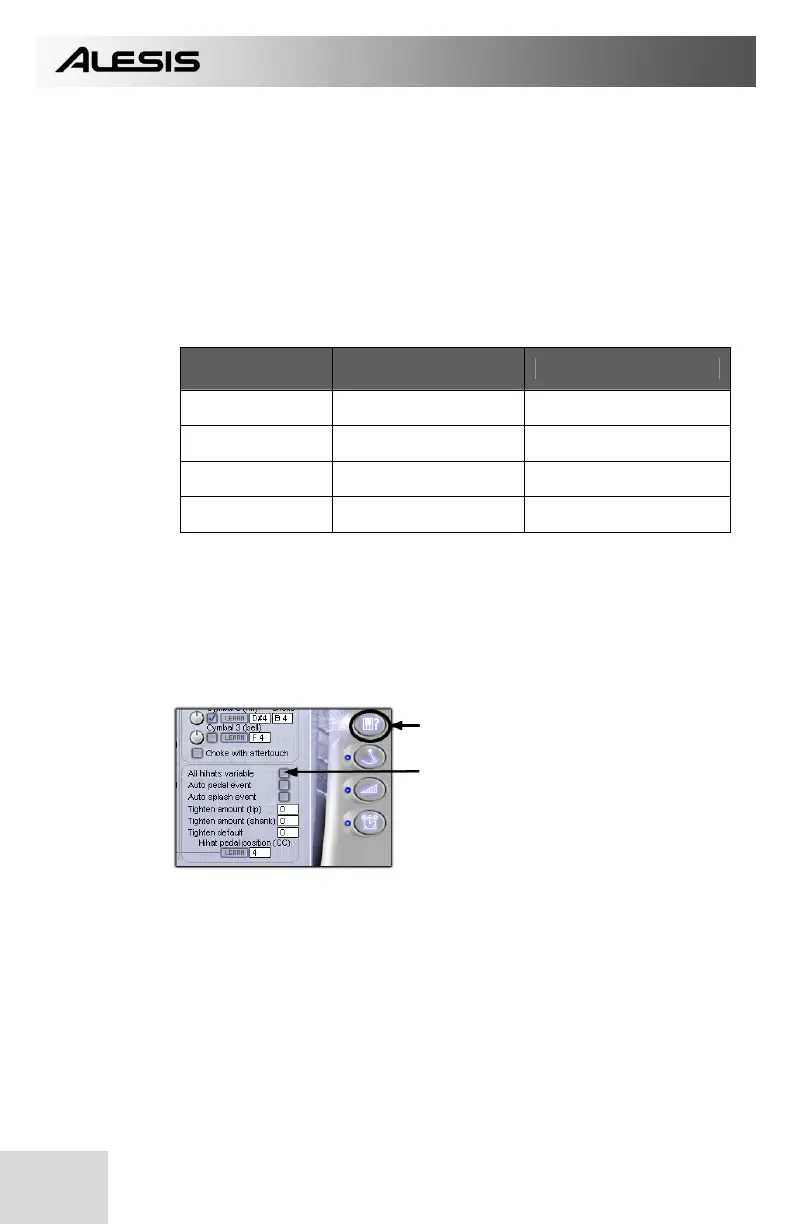
In order to take advantage of the hi-hat input, you will need to
configure the BFD Lite software in the following manner:
1. Click on this tab.
2. Check “All hihats variable” field.


 To Next Page