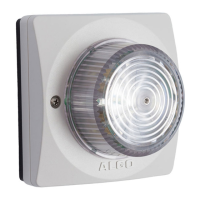
8128 SIP Strobe Light (G2)
Strobe Pattern
Select strobe pattern to flash when page/ring event is detected on the SIP
Page/Ring extension.
Idle Pattern
Select strobe pattern to flash when ‘Call Status’ is in Idle mode.
Basic Settings Tab – Strobe
Pattern Definitions
Several different strobe patterns can be configured with a Flash Pattern and
Brightness.
Configured strobe patterns are named to simplify the selection elsewhere.
On the 8128 a drop down option Strobe Pattern is displayed next to features that
allow patterns to be associated with actions such as page, ring, or multicast.
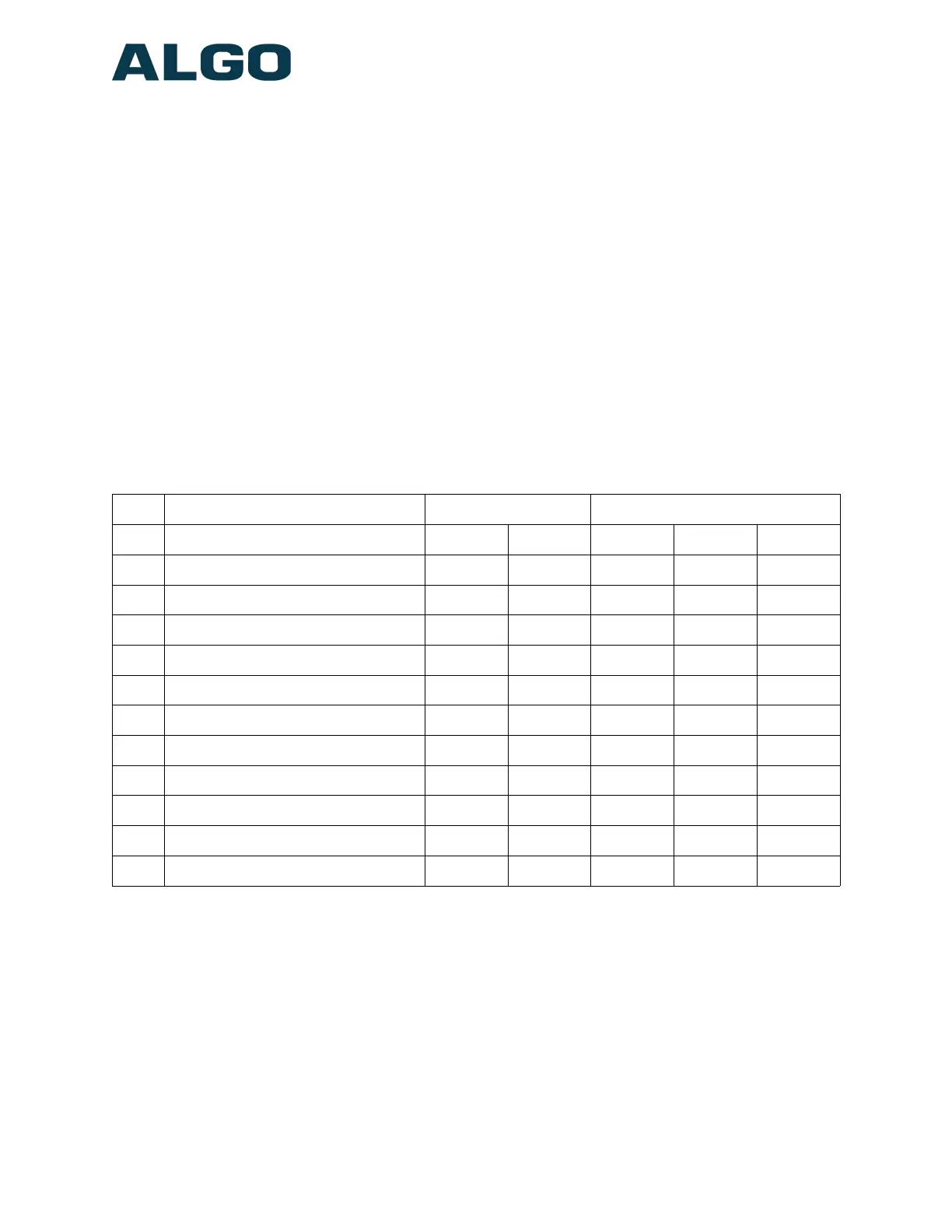
Application Intensity/Strobe
No Description Wall Ceiling High Med Low
1 Rotate Fast ● ●
2 Rotate Slow ● ●
3 Multi-strobe Fast ● ● ● ●
4 Multi-strobe Slow ● ● ● ●
5 Rotating Strobe ● ● ●
6 Steady ● ● ●
7 Side to Side ● ●
8 Flashing ● ● ●
9 Classic Strobe Fast ● ● ●
10 Classic Strobe Medium ● ● ●
11 Classic Strobe Slow ● ● ●
Basic Settings Tab – Multicast
Multicast IP Addresses
Each 8128 SIP Strobe Light has its own IP address, and shares common multicast
IP and port numbers (multicast zone) for multicast packets. The master device
transmits to a configurable multicast zone, and the slave units listen to all the
multicast zones assigned to them.
Document 90-00100C
11/27/2019
Page 24
Algo Communication Products Ltd
4500 Beedie St Burnaby BC Canada V5J 5L2
www.algosolutions.com
(604) 454-3792
support@algosolutions.com


 To Next Page