Pairing the Bluetooth-enabled devices
1 Turn on Bluetooth. For more information, see Turning on or off Bluetooth.
2 Swipe-in from the right edge of the display, or click the Action Center icon on the
taskbar to access the Action Center.
3 Click Bluetooth, and then click Go to settings.
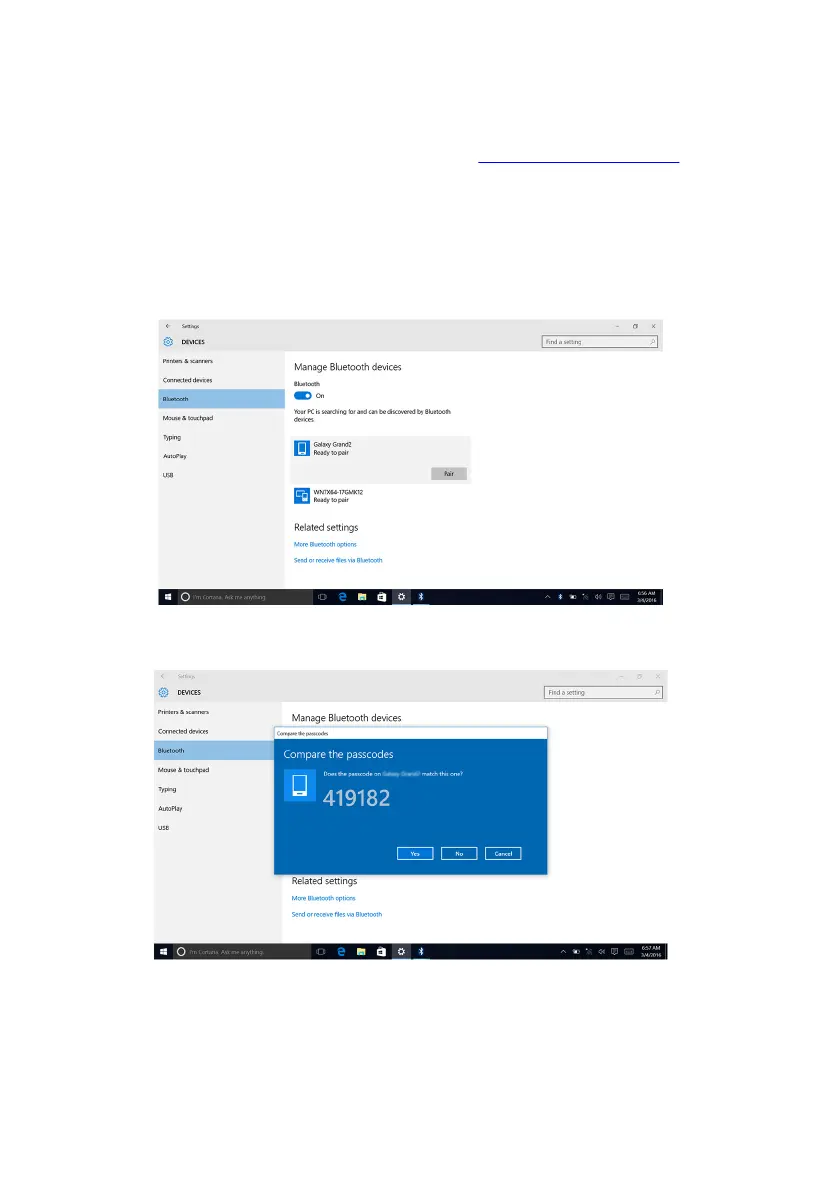
4 Select the required Bluetooth device for pairing.
5 Click Pair to pair the bluetooth devices.
6 Click Yes to confirm the passcodes on both the devices.
101















 To Next Page