Identifying the display adapter
1 On the taskbar, click the search box, and then type Device Manager.
2 Click Device Manager.
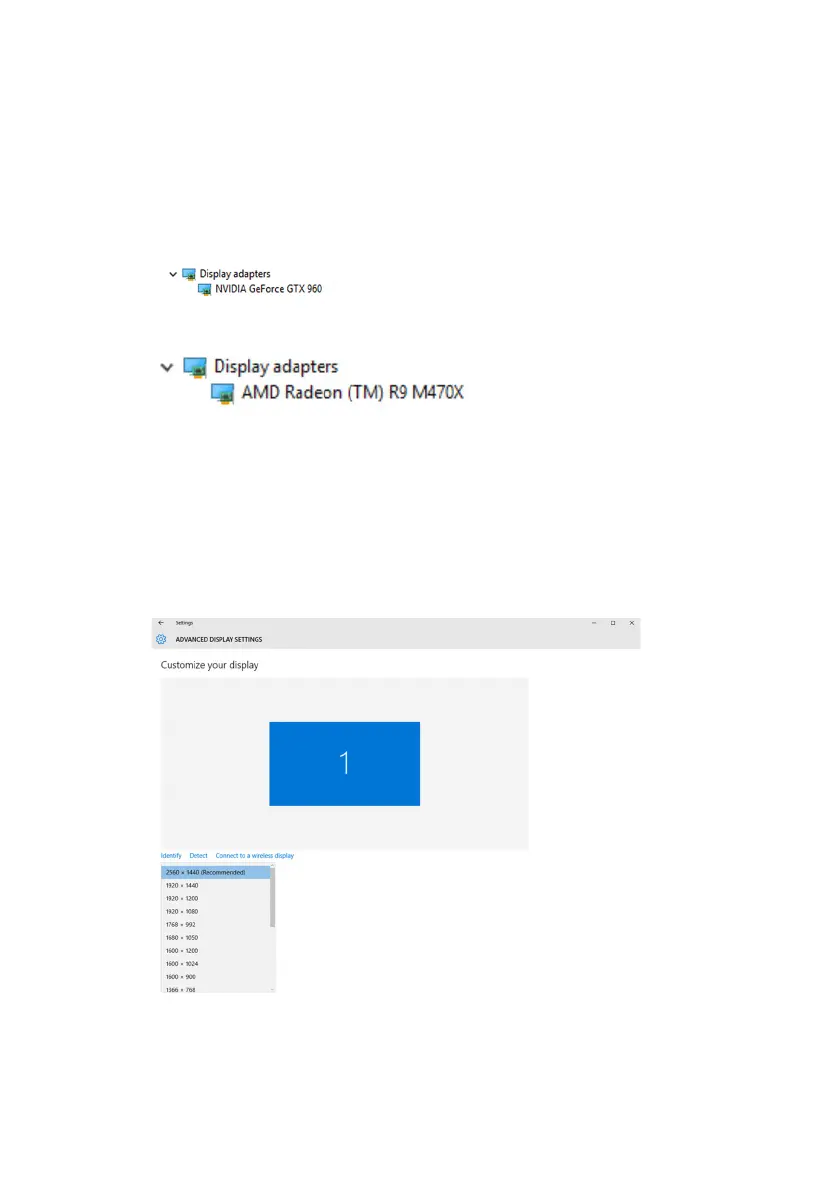
The Device Manager window is displayed.
3 Expand Display adapters.
For computers shipped with the AMD video card:
Changing the screen resolution
1 Right-click on your desktop and select Display settings.
2 Click Advanced display settings.
3 Select the appropriate resolution from the drop-down list.
4 Click Apply.
95















 To Next Page