34 | Setting up the monitor
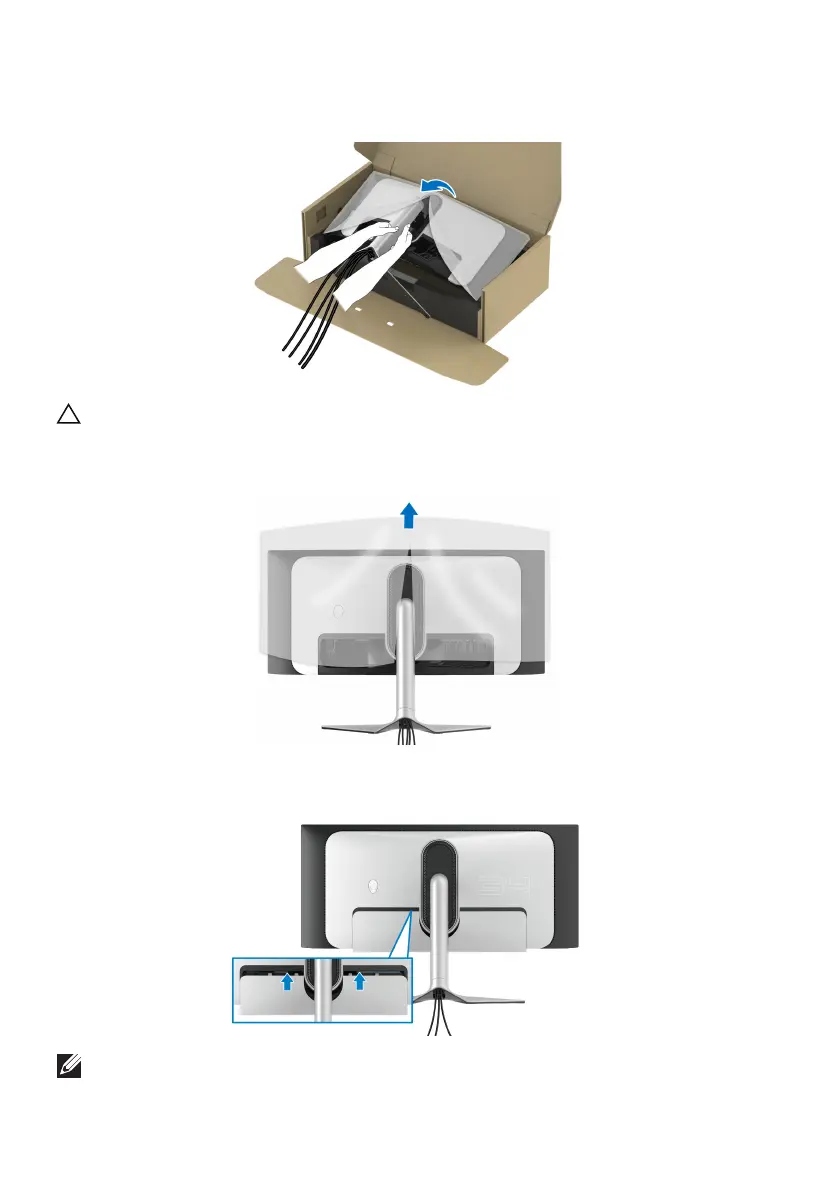
11. Hold the stand riser and lift the monitor carefully, then place it on a flat
surface.
CAUTION: Hold the stand riser firmly when lifting the monitor
to avoid
any accidental damage.
12. Lift the protective cover from the monitor.
13. Slide
the tabs on the I/O cover into the slots on the display back cover until
it snaps into place.
NOTE: Ensure that all cables pass through the I/O cover and cable-
management slot on the stand riser.















 To Next Page