Operating the monitor | 41
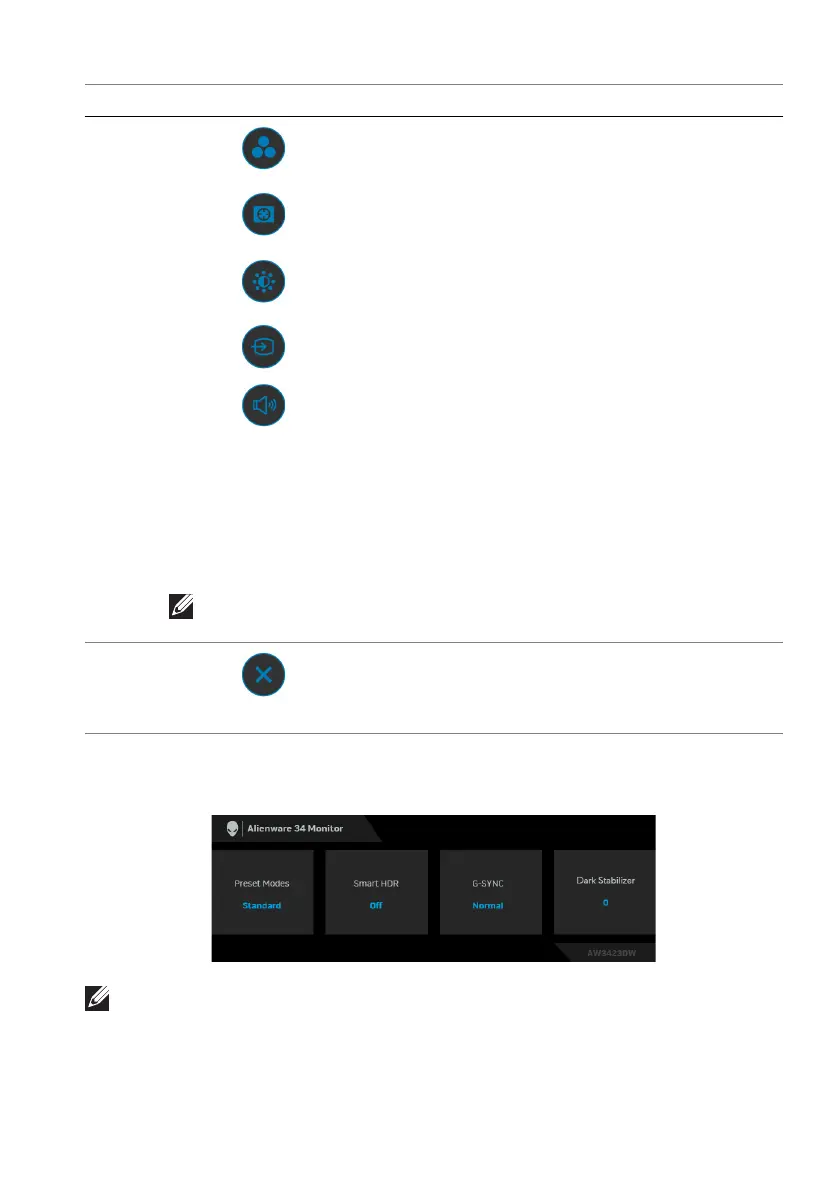
When you move or press the joystick, the
OSD Status Bar appears at the top
center of the screen, displaying the current settings of some OSD functions.
NOTE: The Smart HDR state is enabled automatically when your display
detects HDR content. It cannot be enabled manually.
2
Shortcut functions
When you move the joystick to the left or right
t
o toggle between the shortcut functions, the
selected item will be highlighted and shifted to
the center position. Press the joystick to enter
its submenu. After you change the settings by
moving the joystick, press the joystick to save
the changes before exiting.
• Preset Modes: To
choose a preferred color
mode from the list of preset modes.
• Da
rk Stabilizer: To access the Dark
Stabilizer adjustment slider.
• Brightness/Contrast:
To access the
adjustment sliders of brightness and contrast.
• Input Source:
To choose an input source
from the list of video signals that may be
connected to your monitor.
• Volume:
To access the Volume adjustment
slider.
NOTE: You can set your preferred shortcut keys. See
Personalize for details.
3
Exit
To exit the Menu Launcher.
Label Icon Description















 To Next Page