54 | Operating the monitor
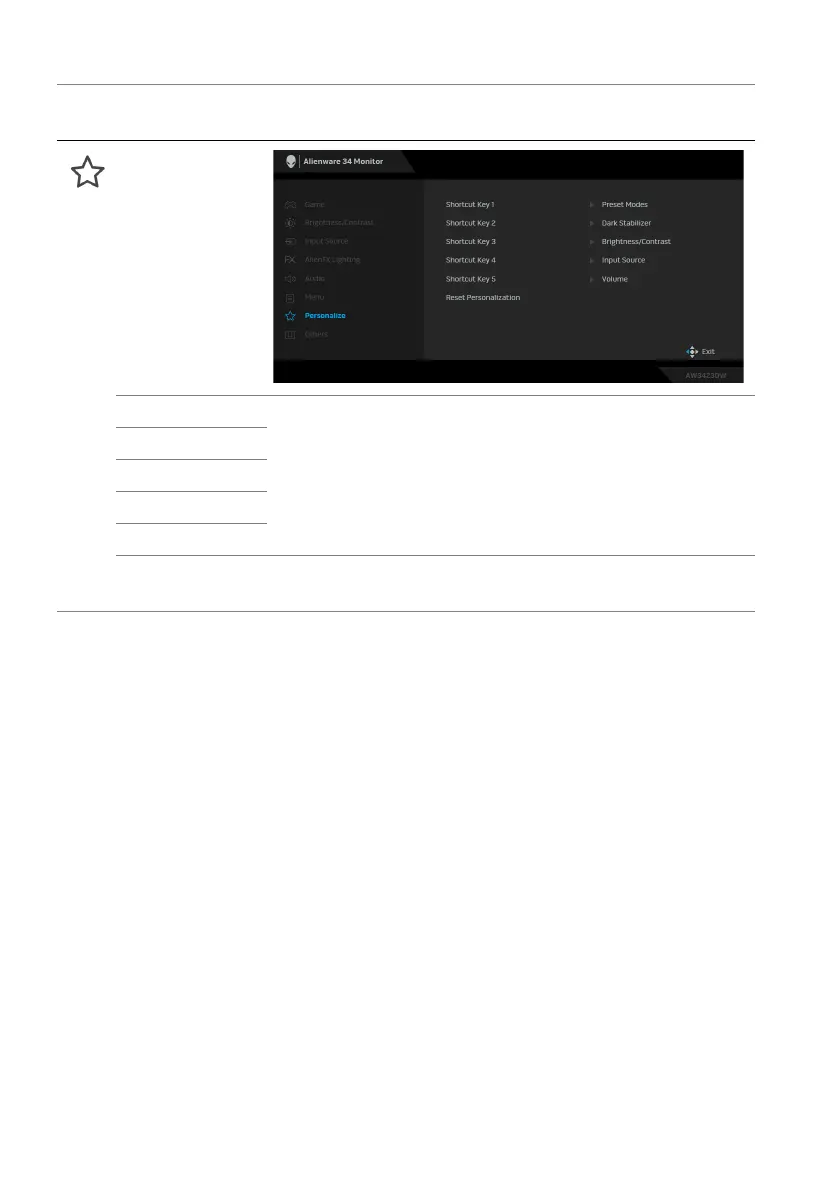
Personalize
Shortcut Key 1 Allows you to choose a feature from Preset Modes,
Game Enhance Mode, Dark Stabilizer, Brightness/
Contrast, Input Source, or Volume and set it as a
shortcut key. Press the joystick to confirm the selection.
Shortcut Key 2
Shortcut Key 3
Shortcut Key 4
Shortcut Key 5
Reset
Personali
zation
Resets all settings under the Personalize menu to the
factory defaults.
Icon Menu and
submenus
Descriptio
n















 To Next Page