44 | Operating the monitor
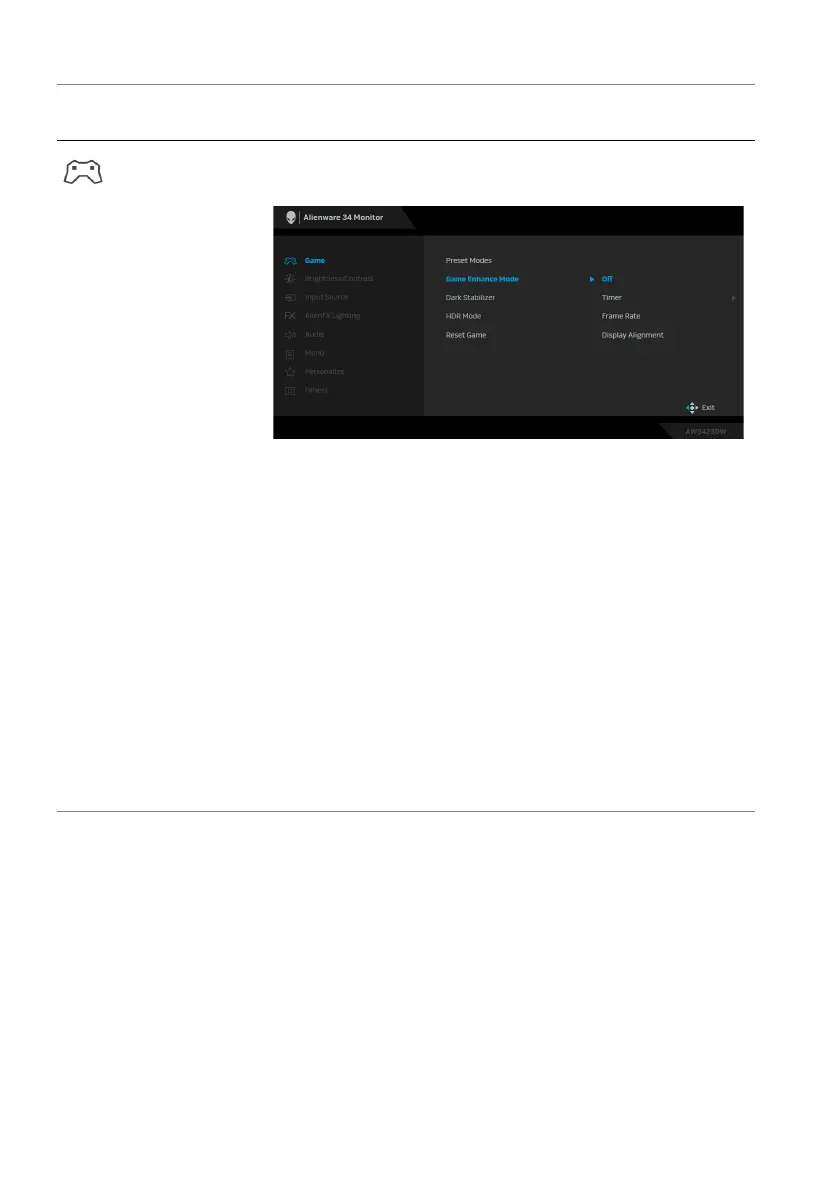
Game Enhance
Mode
The feature offers three available functions to enhance
your game
play experience.
• Off: Select to disable the functions under Game
Enhance Mode.
• Timer:
Allows you to disable or enable the timer at
the upper left corner of the display. The timer shows
the time elapsed since the game starts. Select an
option from the time-interval list to keep you aware
of the remaining time.
• Fr
ame Rate: Select to display the current frames per
second when playing games. The higher the rate, the
smoother the motion appears.
• Display Alignm
ent: Select to help ensure the
perfect alignment of the video contents from
multiple displays. Pressing the joystick again will exit
the Display Alignment mode.
Icon Menu and
submenus
Descriptio
n















 To Next Page