Operating the monitor | 45
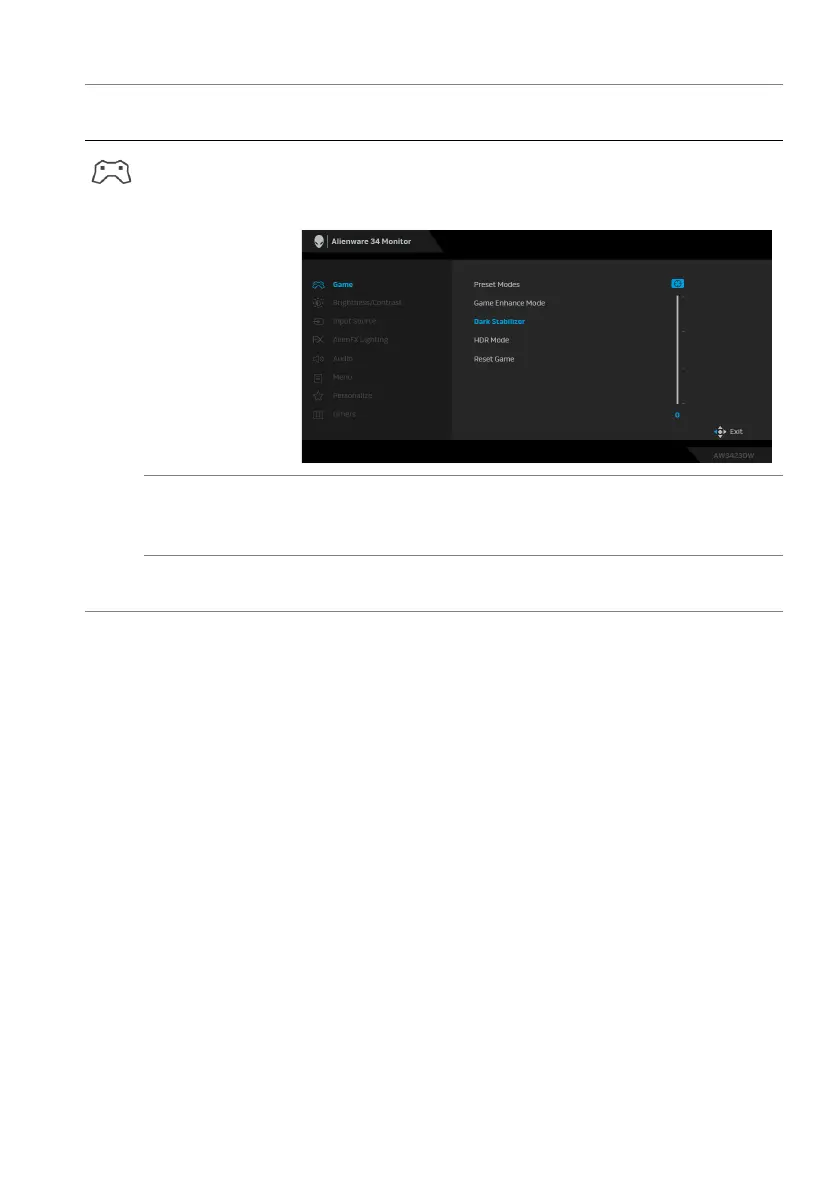
Dark Stabilizer The feature improves the visibility in the dark
gaming
scenarios. The higher the value (between 0 to 3), the
better visibility in dark area of the display image.
HDR Mode Allows you to set the HDR mode to HDR 400 True
Black or HDR Peak 1000. Press the joystick to confirm
the selection.
Reset Game Resets all settings under the Ga
me menu to the factory
defaults.
Icon Menu and
sub
menus
Description















 To Next Page