Using AlienFX application | 71
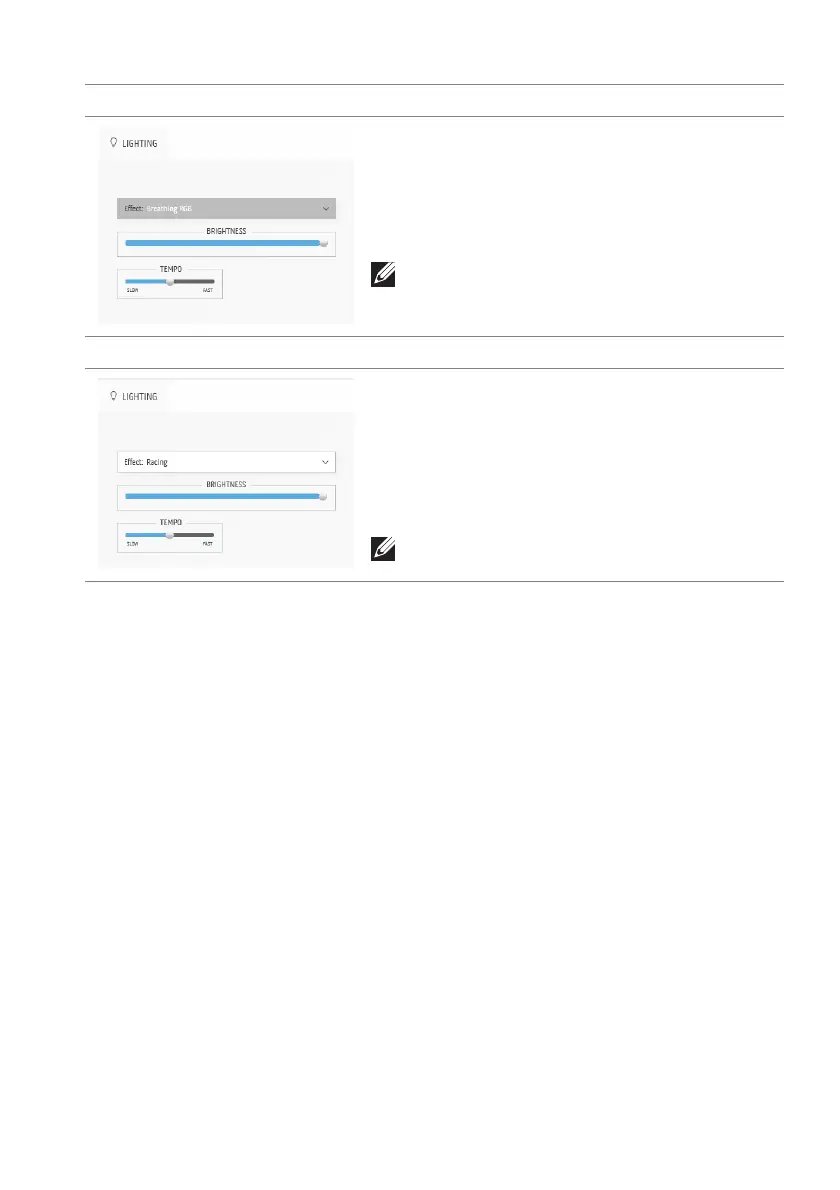
Breathing RGB Description
Select to apply a breathing RGB light effect.
You can drag the BRI
GHTNESS slider to change
the intensity of the color from strong to light.
You can drag the TE
MPO slider to adjust the
transition speed.
NOTE: The option is available only when you
select All Zones to
make lighting adjustments.
Racing Description
This effect makes the lights flash in a fast cycle of
RGB colors.
You can drag the BRI
GHTNESS slider to change
the intensity of the color from strong to light.
You can drag the TE
MPO slider to adjust the
transition speed.
NOTE: The option is available only when you
select All Zones to
make lighting adjustments.















 To Next Page