12
Basic Operations
Transmitting Tone BURST TONE
Transmitting OPTIONAL SIGNALING
Press and hold [PTT] key, then press Microphone key to transmit
current selected tone-burst tone. Pre-programming is necessary.
Press and hold [PTT] key, then press Microphone
key to
transmit pre-stored and selected DTMF/2Tone/5Tone optional signaling.
Preprogramming is necessary.
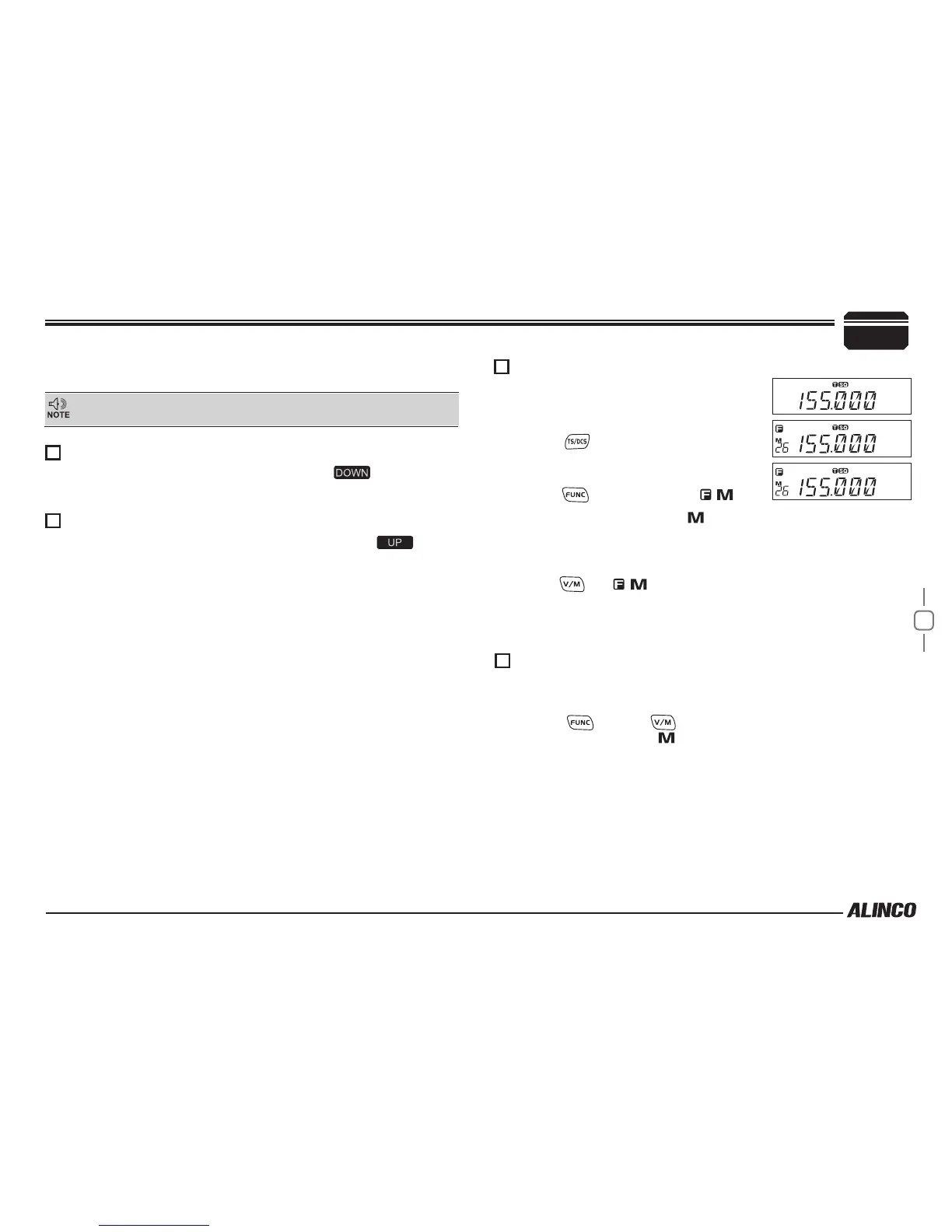
MEMORY CHANNEL PROGRAMMING
MEMORY CHANNEL DELETING
Under frequency mode (VFO), turn
1.
Main
Dial to select the desired frequency or
input frequency by MIC's numeric keys.
Press
2.
key to enter CTCSS/DCS
signaling setup, turn Main Dial to select
the desired signaling. See P.13 for details.
Press
3.
key, LCD appears ,
icon
and current channel number,
icon ashing means current channel
is empty.
Turn
4.
Main Dial to select the desired channel number to store.
Press
5.
key, , icon and channel number disappears and beep
sounds twice.
Press
6.
V/M key again to conrm that the memory channel is properly
stored.
Under Memory mode, turn
1.
Main Dial to select channel to be
deleted.
Press
2.
key and
key together, current memory will be
deleted beep sounds.
icon ashing means current memory is
deleted.
5
While transmitting, LED lights RED and TX-meter shows relative power level.
Release PTT to receive.
Please hold the microphone approximately 2.5-5.0cm from your lips
, and
then speak into the microphone in your normal speaking voice.



 To Next Page