22
8
Display iiiumination color setting
This is to select the display illumination color.
Press and hold
1.
/ key for over 2 seconds to enter setting menu.
Press
2.
/ key to choose No.22 menu, LCD displays "COL--
ORG".
Turn Main Dial to select the desired color. Available colors are:
3.
ORG-Orange, PUR-Purple, and BLU-Blue.
Press
4.
key to conrm and exit.
Scan resume Time Setup
There are 3 kinds of scan resume conditions.
Press and hold
1.
key for over 2
seconds to enter setting menu.
Press
2.
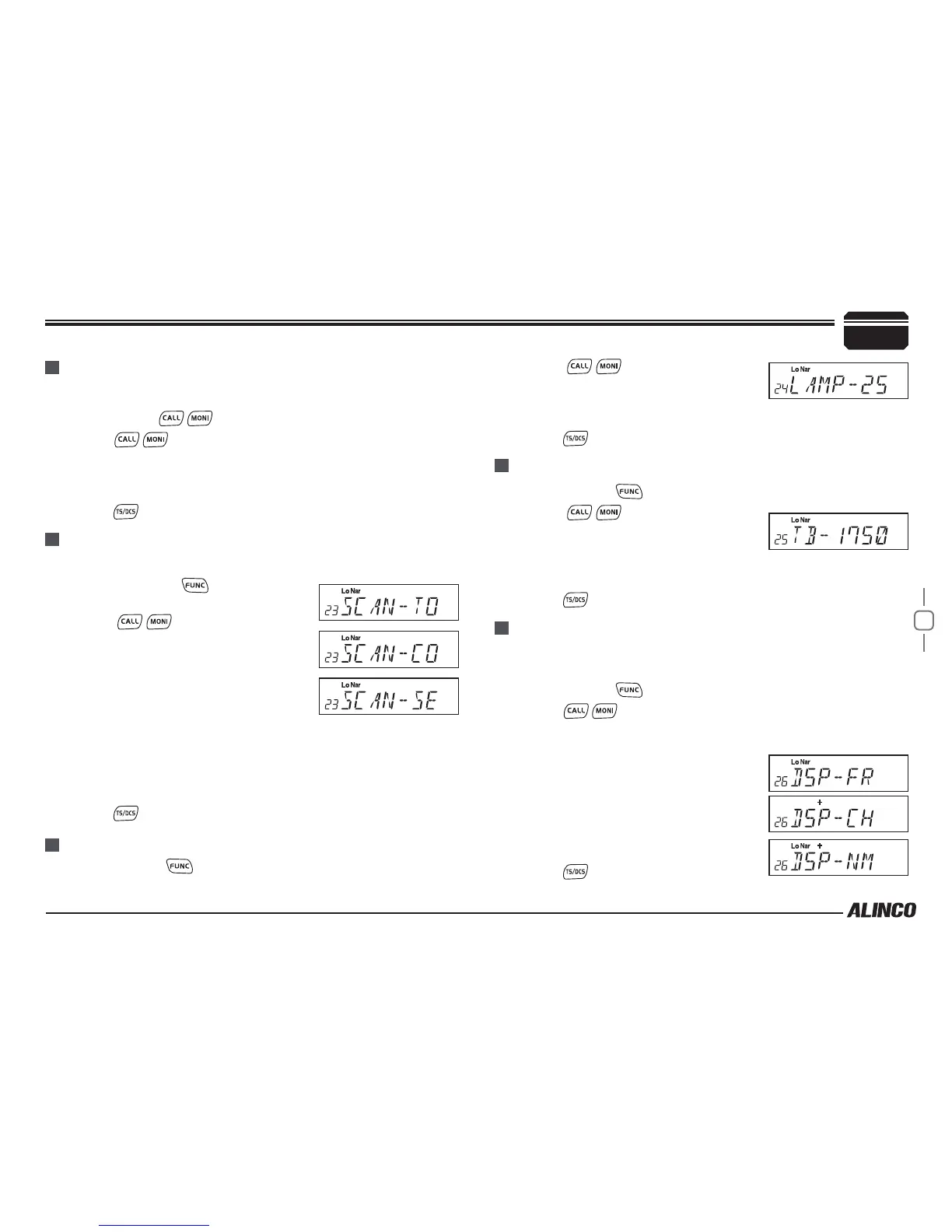
/ key to choose No.23
menu, LCD displays "SCAN--TO".
Turn Main Dial to select the desired
3.
Scan Resume Time.
TO: Timed Scan, it resumes scanning
after receiving 5 seconds or when the
signal is gone, which ever faster.
CO: Busy Scan, it resumes scanning when the receiving signal is
gone.
SE: Stops scanning when a signal is received.
Press
4.
key to conrm the selection and exit.
LCD dimmer
Press and hold
1.
key for over 2 seconds to enter setting menu.
tone-burst tones
Press and hold
1.
key for over 2 seconds to enter setting menu.
Press
2.
/ key to choose No.25
menu, LCD displays "TB--1750".
Turn Main Dial to select the desired
3.
tone frequency. Available tones are
1000,1450,1750 and 2100Hz.
Press
4.
key to conrm the selection and exit.
Display Mode Setup
There are 3 different dispaly modes: Frequency+Memory mode, Channel
mode&Channel+Name Tag mode.
Press and hold
1.
key for over 2 seconds to enter setting menu.
Press
2.
/ key to choose No.26 menu, LCD displays "DSP—
FR".
Turn Main Dial to select the desired mode.
3.
FR: Frequency+Memory mode.
CH:Channel mode.
NM:Channel+Name Tag mode, if channel
not named, it displays Frequency +
Memory mode.
Press
4.
key to conrm and exit.
General Setting
Press
2.
/ key to choose No.24
menu, LCD displays "LAMP--25"
Turn Main Dial to select the desired
3.
LCD brightness; 1 to turn off, 32 to the brightest.
Press
4.
key to conrm and exit.



 To Next Page