26
9
Talk Around
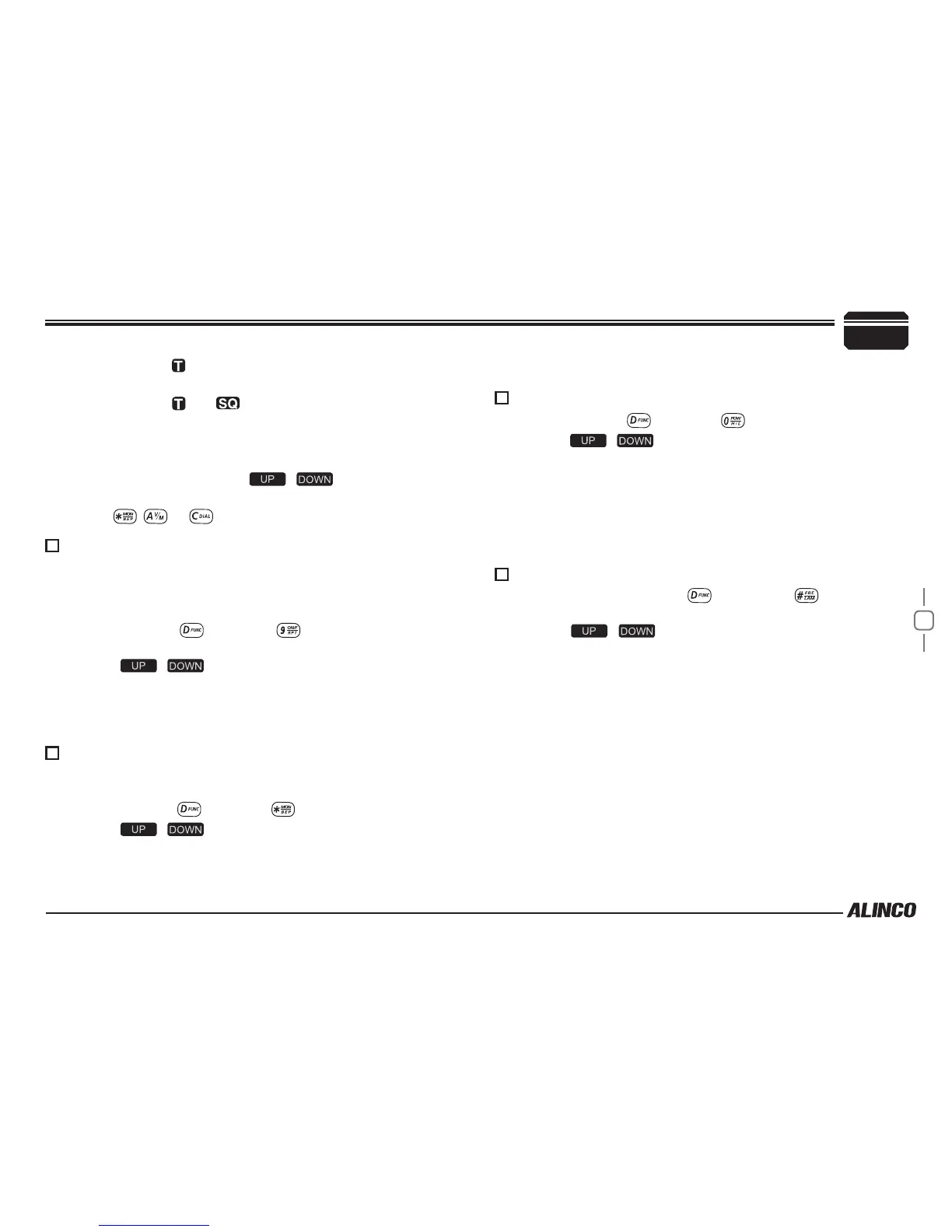
By Talk Around function, you can directly communicate with other radios
in your group in case the repeater is not activated or when you are out of
the repeater range. The transceiver will transmit by RX frequency with its
CTCSS/DCS signaling.
In standby, press
1.
, then press key, LCD displays "TALK--
OF".
Press [
2.
/ ] to select the desired setting .
ON:Enable Talk Around
OFF:Disable Talk Around
Press number key to conrm and exit.
3.
BEEP sound
The prompting tone provides confirmation of entry, error status or
malfunctions of the transceiver. You can enable or disable this function.
In standby, press
1.
, then press , LCD displays "BEEP--xx”.
Press [
2.
/ ] to turn on/off BEEP prompt.
BEEP—OF: turn off the beep;
BEEP—ON: turn on the beep.
HIGH/MID/LOW Power Selection
In standby, press
1.
, then press , LCD displays "POW-xx".
Press [
2.
/ ] to select the desired power.
LCD displays
icon, it indicates CTCSS encode set in current
channel.
LCD displays
and icon, it indicates CTCSS encode and
decode set in current channel.
LCD displays DCS icon, it indicates DCS encode and decode set
in current channel.
In corresponding icon, press [
3.
/ ] to select the desired
CTCSS/DCS encode and decode.
Press
4.
, , or to conrm and exit.
Press number key to conrm and exit.
3.
HI:High Power
MI:Middle Power
LOW:Low Power
Press number key to conrm and exit.
3.
LCD Backlight
In standby status, press
1.
, then press LCD displays
"LAMP-xx" .
Press [
2.
/ ] to select desired backlight brightness(1-32
levels).
Press number key to conrm and exit.
3.
Microphone Operation



 To Next Page