Collecting Audit Information
Manual Read Audit Mode Menu
The Manual Read Audit Mode menu allows an operator to view
the audit data listed in Table 2 .
1. From Manual Mode (refer to How to Enter Manual Program-
ming Mode), select AU dt and press the START (enter) key-
pad.
2. Press the SELECT (∧) or DISPLAY (∨) keypads to scroll
through the available audit data.
3. Press the START (enter) keypad to select the desired audit da-
ta option. The audit data is displayed.
4. Simultaneously press the SELECT (∧) and DISPLAY (∨) key-
pads or press the START (enter) keypad to exit the audit data
option.
5. Simultaneously press the SELECT (∧) and DISPLAY (∨) key-
pads to return to the Manual Mode menu.
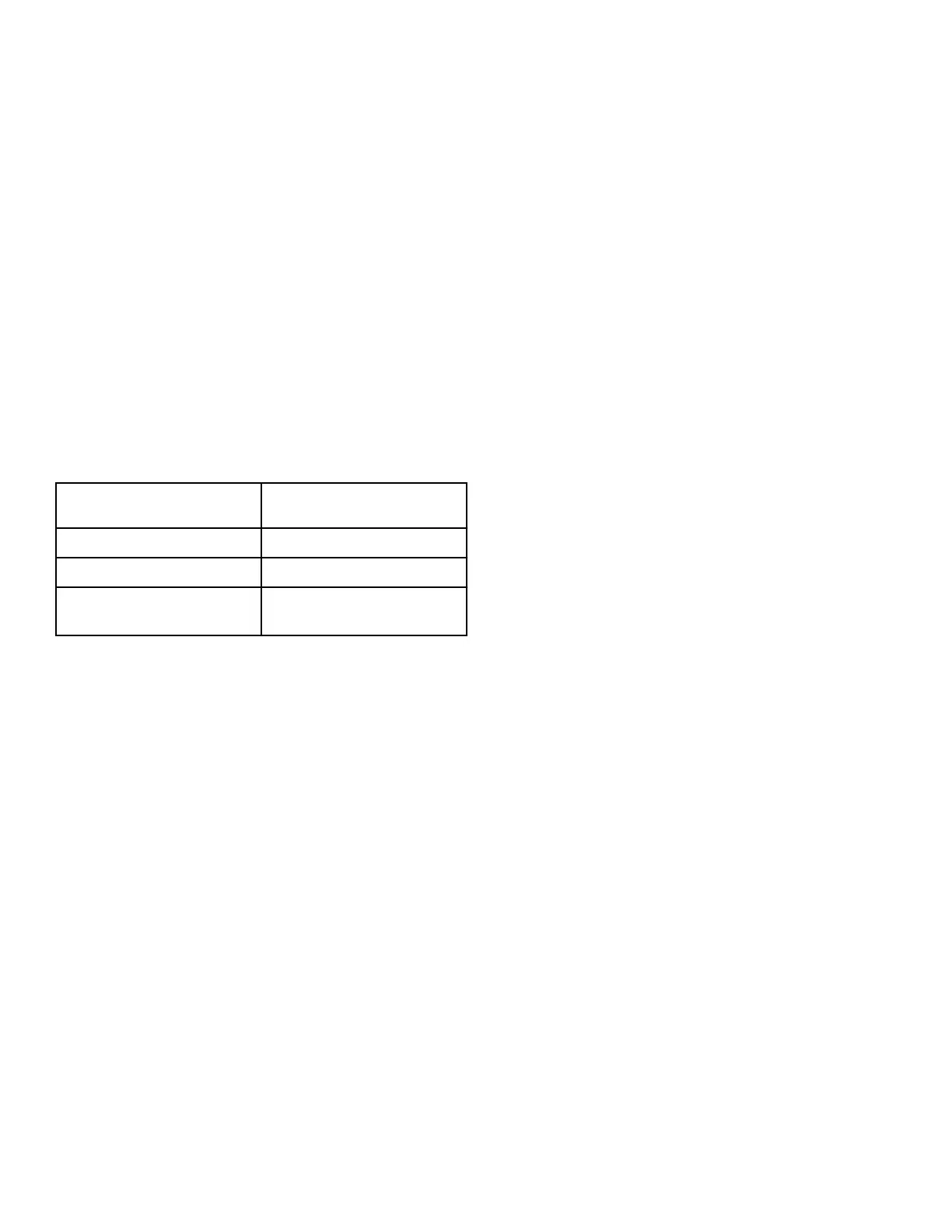
Display Description
Cy C
Total number of cycles
ru hr
Total number of run hours
rA Pd
Total number of rapid advance
cycles
Table 2
Collecting Audit Information
©
Copyright, Alliance Laundry Systems LLC -
DO NOT COPY or TRANSMIT
32 Part No. 70579901ENR9




 To Next Page