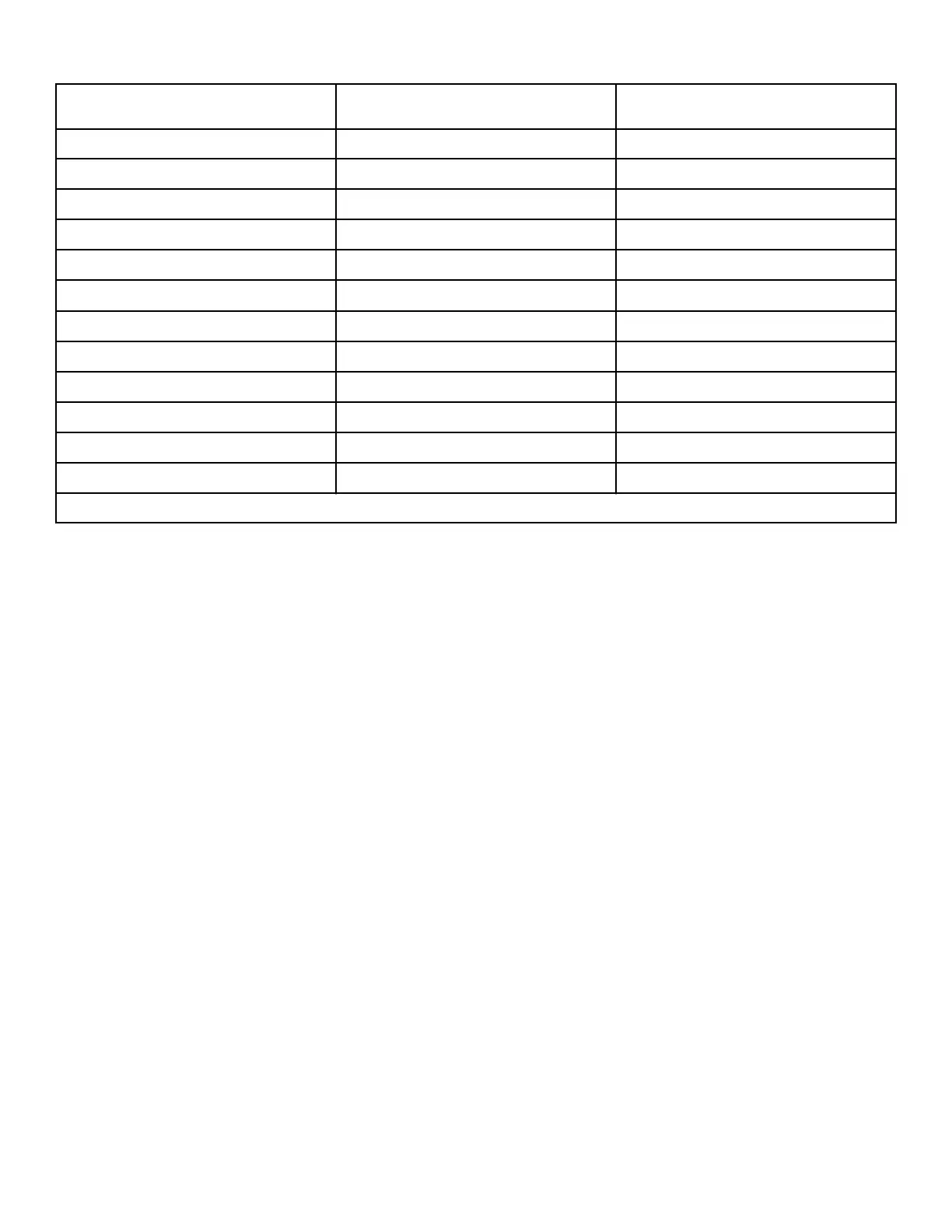
Test Number Diagnostic Mode Display
d 33
Machine Configuration #5 Display Test
EX XX
d 34 *
ICM Alarm Status (gas models only)
A on, AoFF
d 35 *
ICM Reset Test (gas models only)
rS Et
d 36 *
Heat Interlock Test -
- Cabinet Limit Thermostat
C oP, C CL
- Stove Limit Thermostat 1
S1 oP, S1 CL
- Stove Limit Thermostat 2
S2 oP, S2 CL
- Manual Reset Limit Thermostat
NL oP, NL CL
d 37 *
Air Flow Switch Test
Af oP, AF CL
d 38 *
Fan Motor Test
FA n
d 39 *
Damper Motor Test (steam models only)
dA NP
d 40 *
Drive Motor Test
Fr d, PA US, rE v
*Diagnostic test only available in Start Mode.
Table 3
Diagnostic Test Descriptions
Front-End Control Software Version Number d 01
This option displays the control software version number. To start
test, control must be in the Manual Diagnostic Mode Menu.
To enter, press the START (enter) keypad. The display will show
SX XX, where X XX is the software version number, then XX,
where XX is the software subversion number if the subversion is
not 0.
To exit the test, simultaneously press the SELECT (∧) and DIS-
PLAY (∨) keypads. The control will return to the Manual Diag-
nostic Mode Menu.
Input/Output Board Software Version Number d
02
This option displays the input/output board software version
number. To start test, control must be in the Manual Diagnostic
Mode Menu.
To enter, press the START (enter) keypad. The display will show
ob XX, where XX is the board software version number, then XX,
where XX is the software subversion number if the subversion is
not 0.
To exit the test, simultaneously press the SELECT (∧) and DIS-
PLAY (∨) keypads. The control will return to the Manual Diag-
nostic Mode Menu.
Drive Board Software Version Number d 03
This option displays the drive board software version number. To
start test, control must be in the Manual Diagnostic Mode Menu.
To enter, press the START (enter) keypad. The display will show
db XX where XX is the software version of the drive.
To exit the test, simultaneously press the SELECT (∧) and DIS-
PLAY (∨) keypads. The control will return to the Manual Diag-
nostic Mode Menu.
Fan Board Software Version Number d 04
(Tumble Dryer Designs 3 and 5, Stacked Washer-
Extractor/Tumble Dryer Designs 1 and 2)
This option displays the fan board software version number. To
start test, control must be in the Manual Diagnostic Mode Menu.
To enter, press the START (enter) keypad. The display will show
Fb XX, where XX is the drive parameter version number.
To exit the test, simultaneously press the SELECT (∧) and DIS-
PLAY (∨) keypads. The control will return to the Manual Diag-
nostic Mode Menu.
Ignition Control Software Version Number d 05
(gas models only)
This option displays the current ignition control software version
number. To start test, control must be in the Manual Diagnostic
Mode Menu.
Machine Diagnostic Functions
©
Copyright, Alliance Laundry Systems LLC -
DO NOT COPY or TRANSMIT
34 Part No. 70579901ENR9




 To Next Page