Chapter 1: Overview
26
.
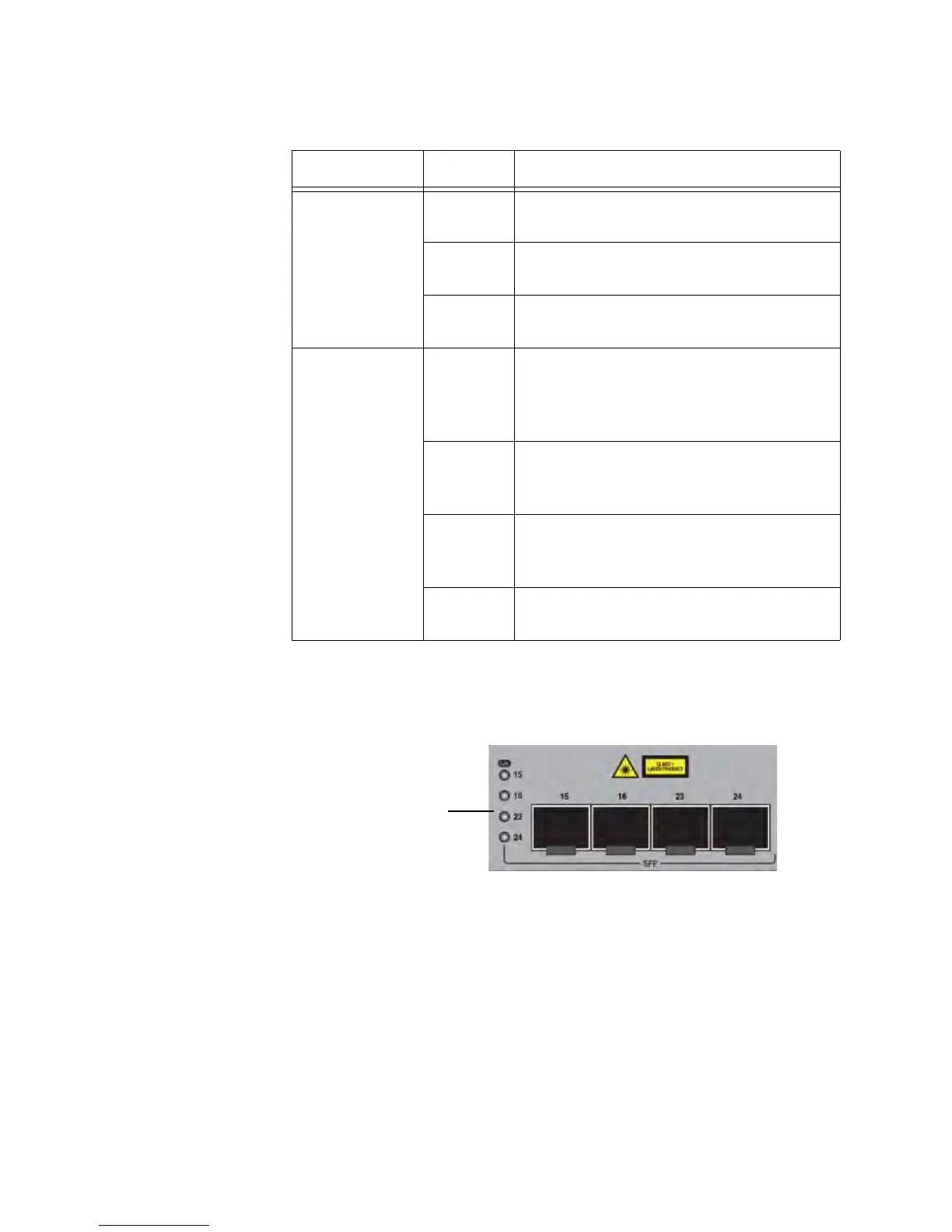
SFP Slot LEDs The SFP Slot LEDs report the link activity status of each SFP slot.
The AT-GS924M SFP Slot LEDs are shown in Figure 6.
Figure 6. SFP Slot LEDs
Table 7 on page 27 describes the SFP Slot LEDs for the AT-GS900M
Series switches.
Table 6. Port LED Functional Descriptions
LED State Description
Link/Activity
Off The port has not established a link with a
network device.
On The port has established a link with a
network device.
Flashing
Green
The port is transmitting or receiving
network packets.
Speed/Duplex
Off If SPEED is selected by the Mode
switch, the maximum operating speed of
the port is 10 or 100 Mbps or link not
established.
Steady
Green
If SPEED is selected by the Mode
switch, the maximum operating speed of
the port is 1000 Mbps.
Off If DUPLEX is selected by the Mode
switch, half-duplex link established or link
not established.
Steady
Green
If DUPLEX is selected by the Mode
switch, full-duplex link established.



 To Next Page
 Loading...







