AT-GS908M, AT-GS916M, and AT-GS924M Switches Installation Guide
39
Installing the Power Cord Retaining Clip
Perform the following procedure to install the power cord retaining clip on
the AT-GS900M switch:
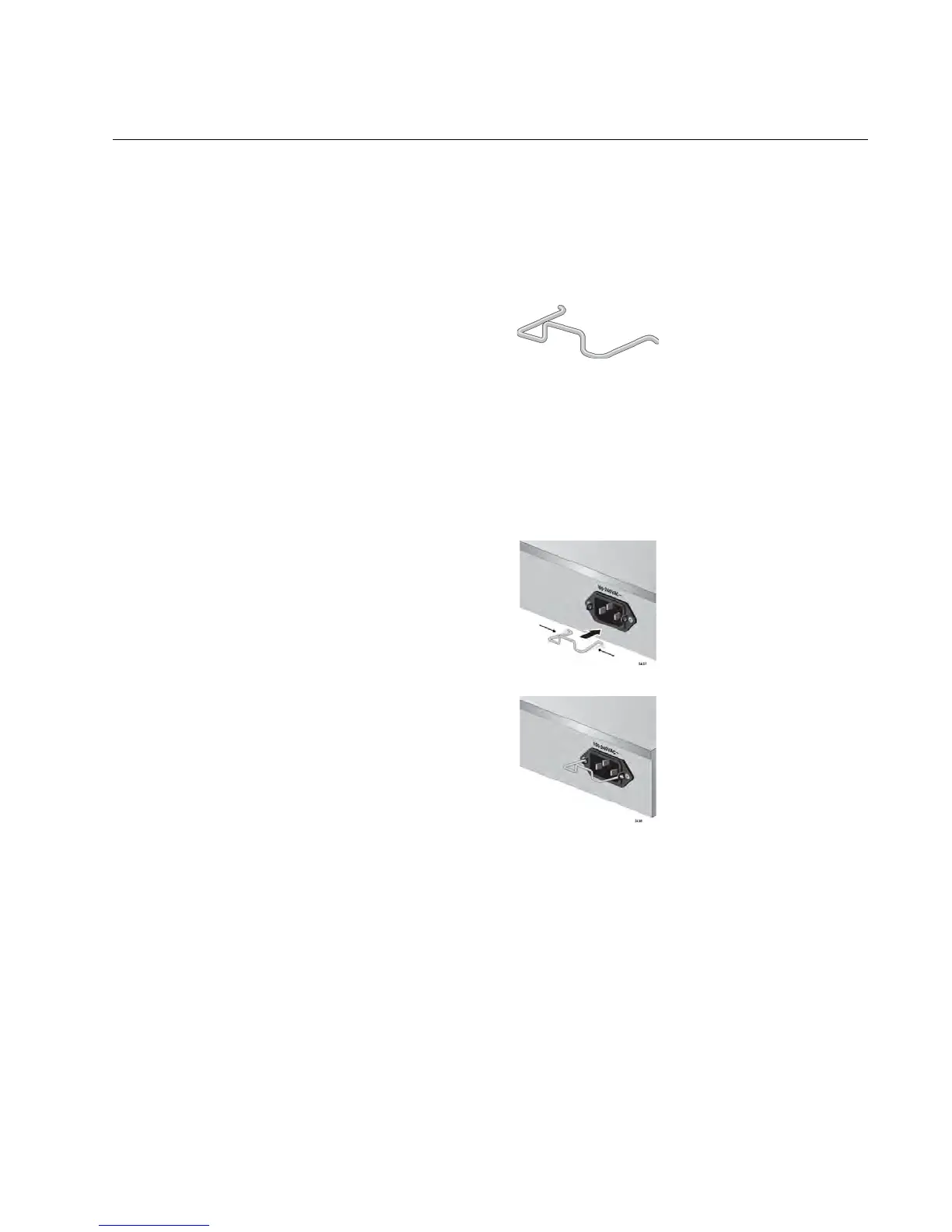
1. Locate the power cord retaining clip, as shown in Figure 8.
Figure 8. Power Cord Retaining Clip
2. Install the clip on the AC power connector on the back panel of the
switch. With the “u” of the clip facing down, press the sides of the clip
toward the center and insert the short ends into the holes in the
retaining bracket, as shown in Figure 9.
Figure 9. Inserting the Retaining Clip into the Retaining Bracket



 To Next Page
 Loading...







