AT-GS908M, AT-GS916M, and AT-GS924M Switches Installation Guide
47
Powering On the Switch
To power on the switch, perform the following procedure:
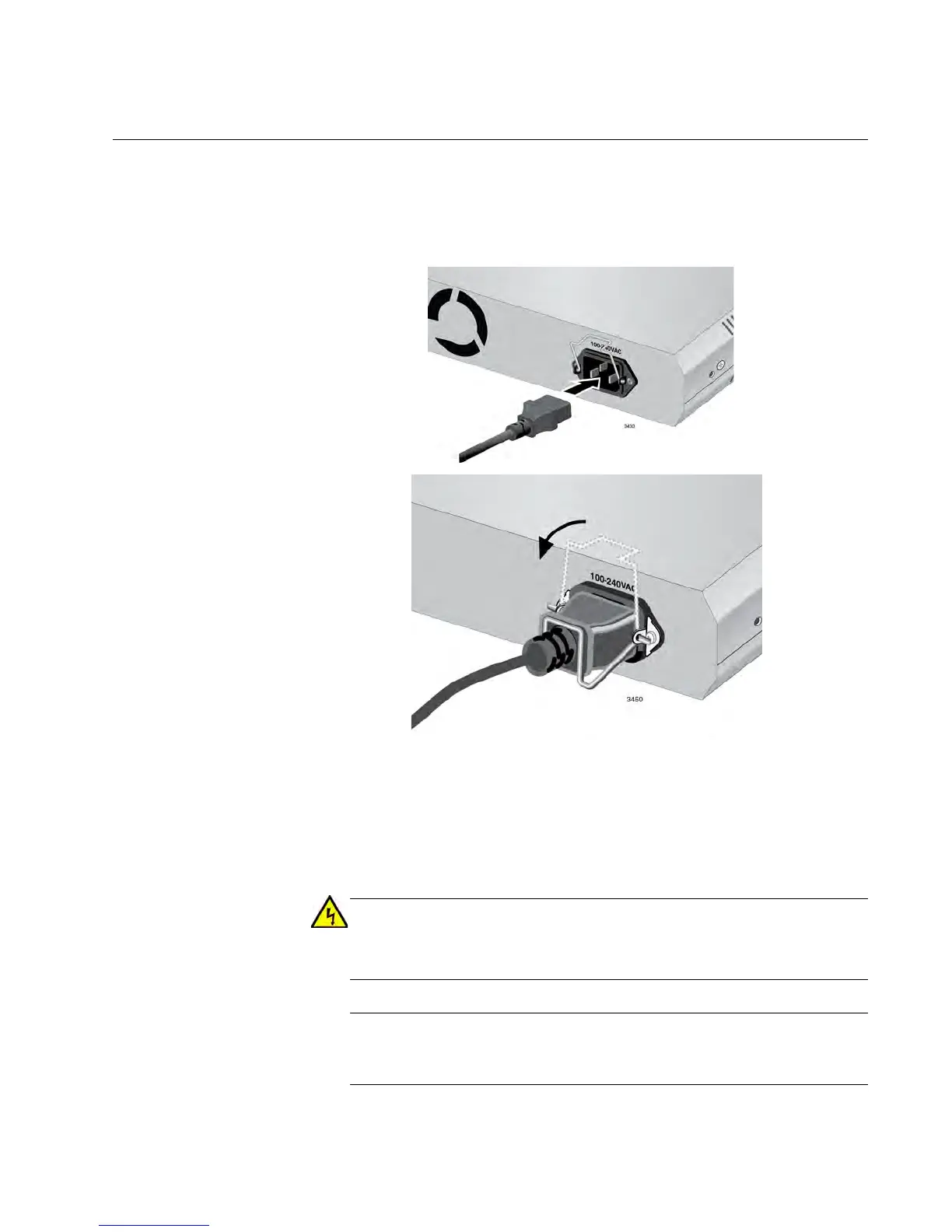
1. Lift up the retaining clip and insert the power cord into the AC power
connector on the back of the switch, as shown in Figure 15.
Figure 15. Plugging in the AC Power Cord
2. Lower the retaining clip over the AC Power Cord as shown in
Figure 15.
3. Plug the other end of the power cord into a wall outlet.
Power cord is used as a disconnection device. To de-energize
equipment, disconnect the power cord. E3
Pluggable Equipment. The socket outlet shall be installed near the
equipment and shall be easily accessible. E5



 To Next Page
 Loading...







