Wireless-N Broadband Router User Guide
Checking TCP/IP Settings - Windows Vista
1. Select Control Panel - Network Connections.
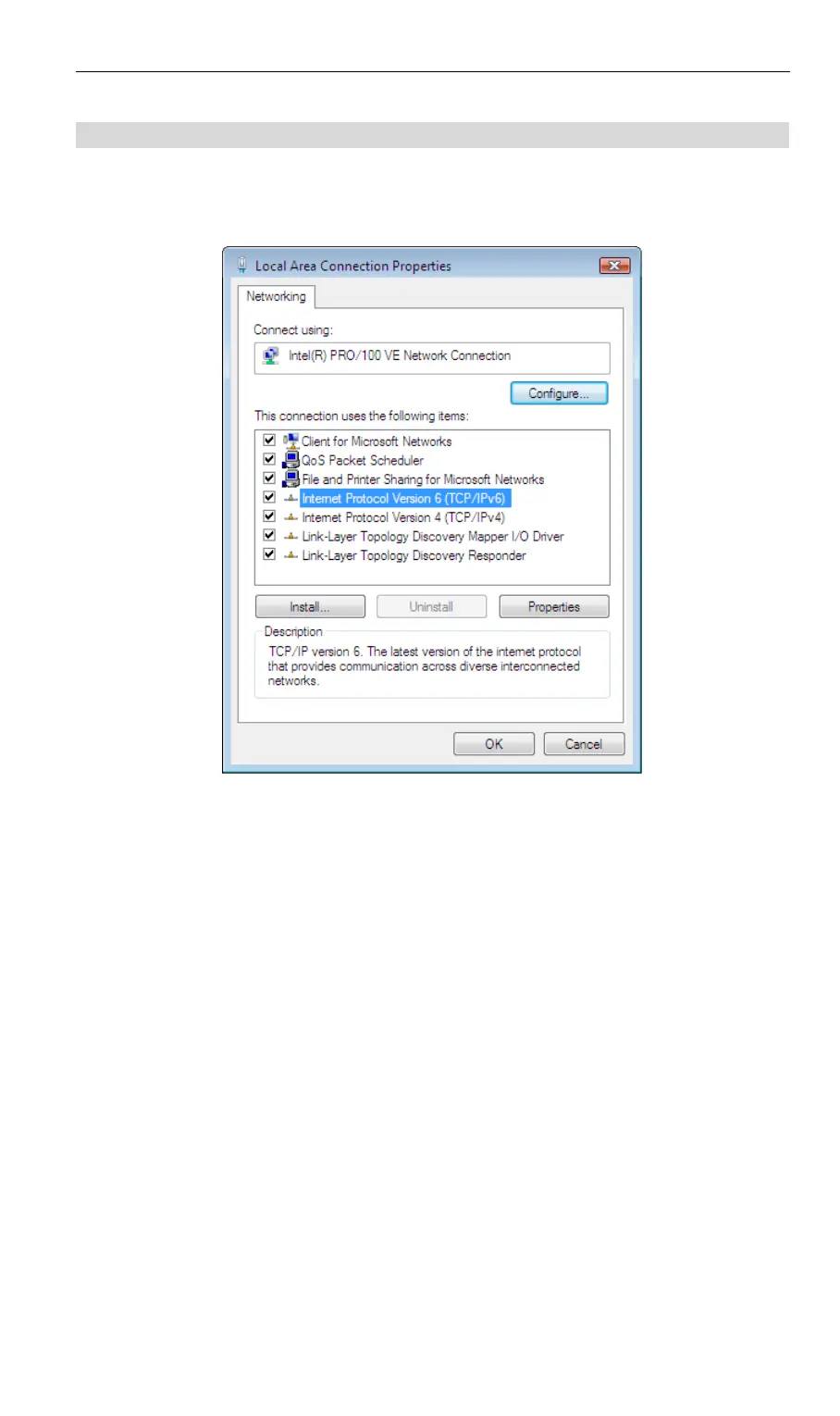
2. Right click the Local Area Connection Status and choose Properties. Click Continue to
the User Account Control dialog box, then you should see a screen like the following:
Figure 24: Network Configuration (Windows Vista)
3. Select the TCP/IP protocol for your network card.
4. Click on the Properties button. You should then see a screen like the following.
36



 To Next Page