UM
150
User’s Manual
8
UM
150
User’s Manual
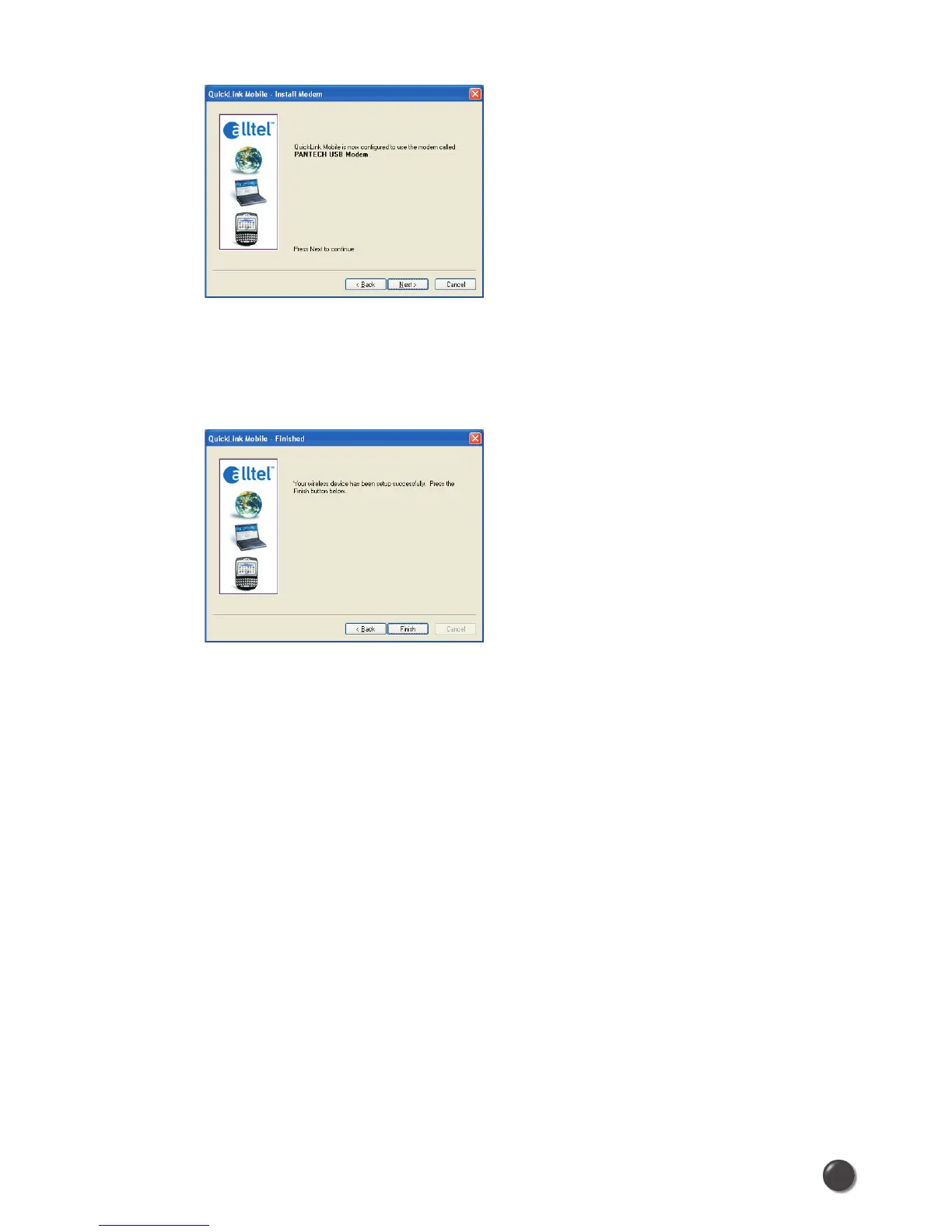
STEP 4: The detection and configuration process for your wireless device is now
complete. In this step you can elect to run the QuickLink Mobile automatically every
time you start your computer. To do so, check the “Run QuickLink Mobile at Startup”
checkbox. Click Finish when complete.
Please familiarize yourself with the information in the “Using QuickLink Mobile” and
“Connecting to the Internet” sections of this guide.



 To Next Page