UM
150
User’s Manual
16
UM
150
User’s Manual
4.2 WWAN Specific Settings
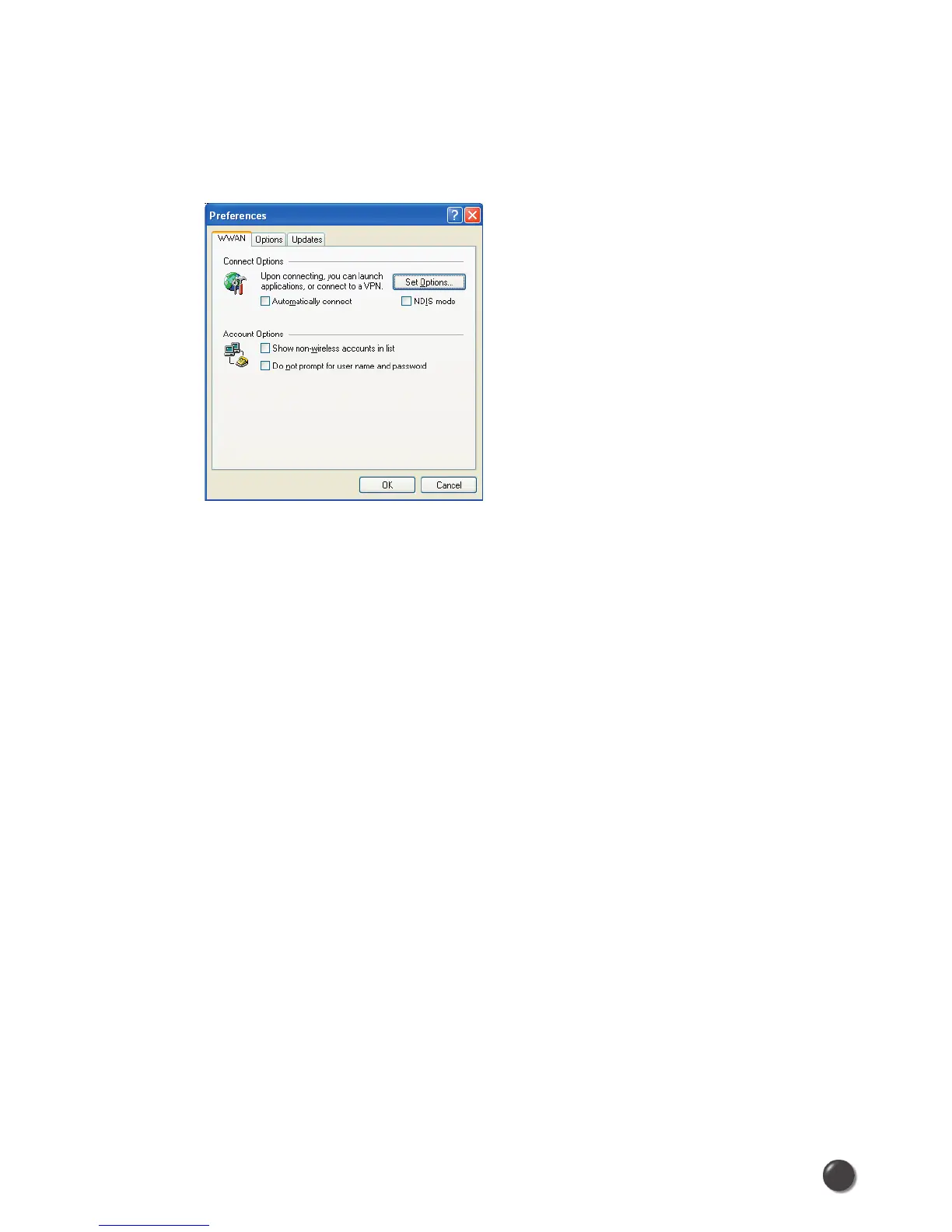
WWAN Preferences
Click on “Options”, then “Preferences”.
WWAN Options
Set Options . . . : This is used to set various WWAN connection settings. See below.
Automatically Connect: If desired, you can select to have QuickLink Mobile
automatically connect to Alltel Wireless Internet at application startup.
Show non-wireless accounts in list: If you select this option all of your dial up
accounts will appear in QuickLink Mobile’s list of accounts, allowing you to use
QuickLink Mobile to launch them instead of Dial-Up Networking. With this option
unchecked, the only connections that are displayed in QuickLink Mobile’s list of
accounts, are the Alltel Wireless Internet, (depending on your wireless phone/device
capabilities) and any Wireless connections you have created, manually or with the
Copy Accounts Wizard.
Do not prompt for user name and password: If you are only using the Alltel
Wireless Internet connection, this setting has no effect. If you created Wireless
connections to dial into other networks or have existing connections you are going
to launch using QuickLink Mobile, checking this option will skip the screen that
normally asks for your user name and password. For this to work you will have had
to connect previously, successfully saving your user name and password.



 To Next Page