UM
150
User’s Manual
14
UM
150
User’s Manual
4. QUICKLINK MOBILE PREFERENCES
4.1 General Preferences
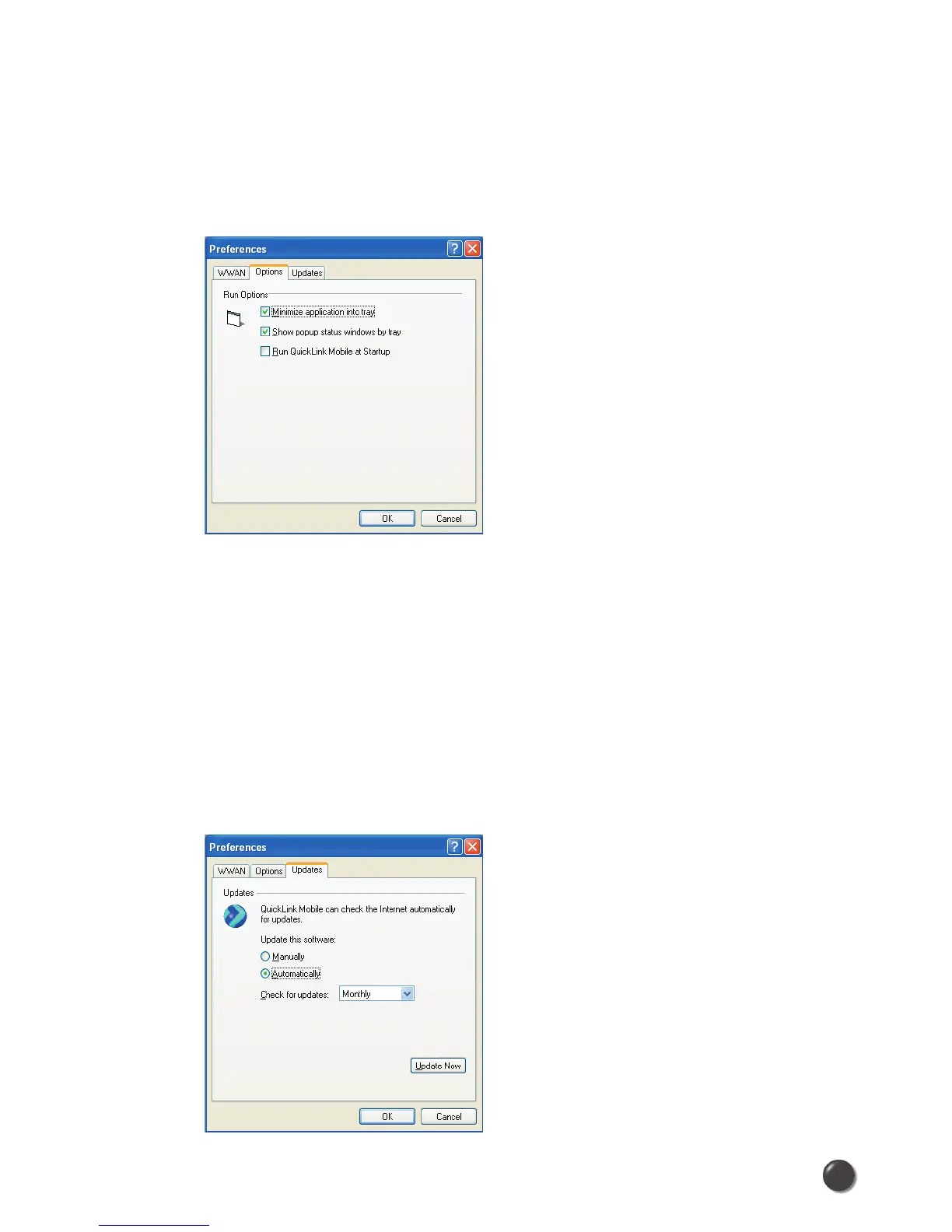
Options Tab
Click on “Options”, then “Preferences”.
Minimize application into tray: When you minimize the application it will now
show in the Windows task bar. To restore the application click on the QuickLink
Mobile tray icon, and select Show Application.
Show popup status windows by tray: Displays small popup sliding windows in
the lower right corner of the screen when connections are made, and when
network connections are lost.
Run QuickLink Mobile at Startup: Automatically launches QuickLink Mobile
whenever you start your computer.
Updates Tab



 To Next Page