UM
150
User’s Manual
22
UM
150
User’s Manual
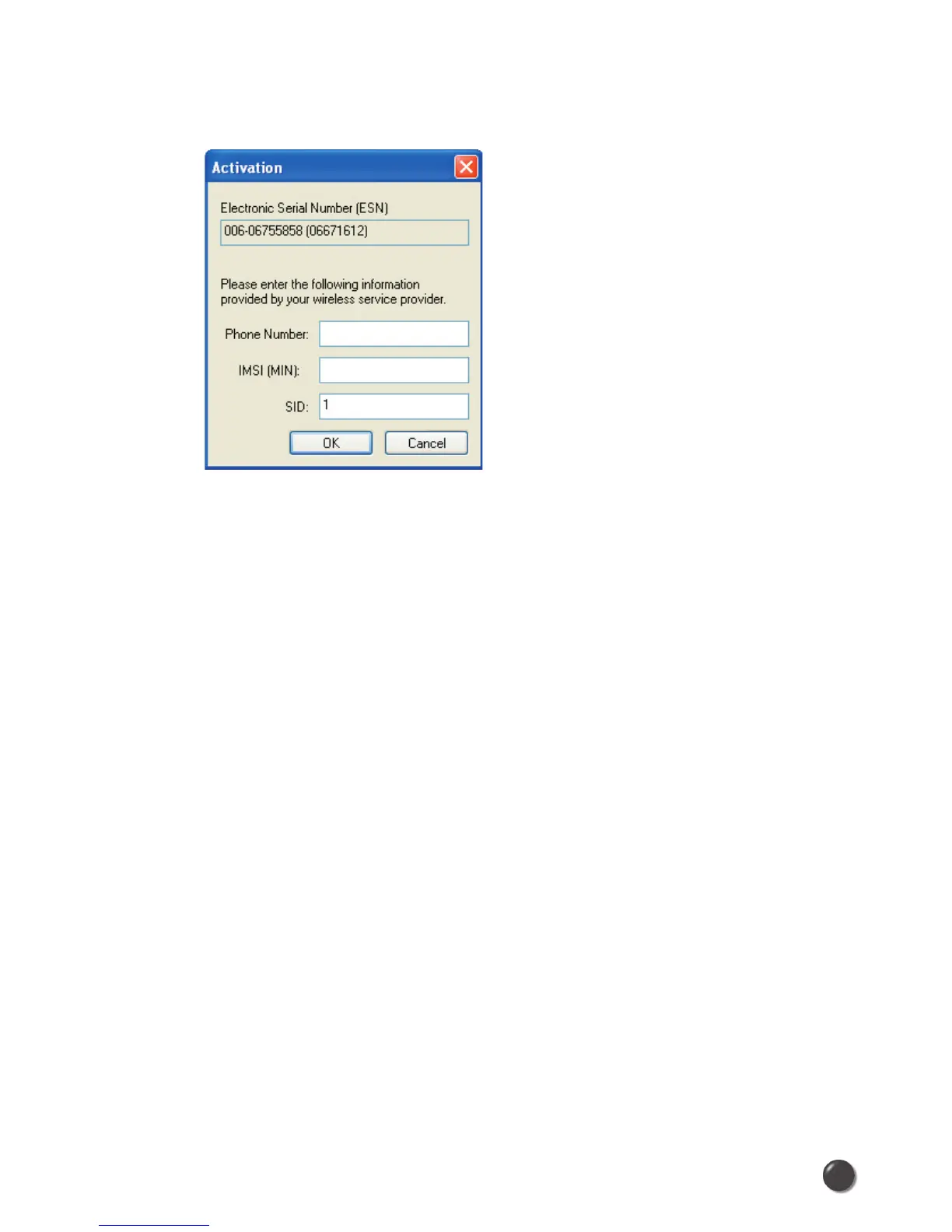
Activation: Programs the phone number, MIN, and SID to the Wireless Internet
Card.
Alltel Wireless Internet Setup: Please contact the service provider for details.
The Options Menu
Control Panels: From this menu you have access to your systems “Modem”,
“Network and Dial-Up Connections”, and “Internet” control panels. You can also see
all control panels by selecting “All”.
Dial-Up Accounts: Add, edit, or copy wireless dial-up accounts.
• Add Wireless: This is used to create a wireless dial-up connection from scratch.
• Add Other: This is used to create a regular dial-up connection from scratch.
• Edit: This is used to edit properties of any dial-up connection.
• Copy: See section on Using Dial-Up Connections.
Power ON / Power OFF: This is used to power on/off the Wireless Internet Card.
Preferences: This is used to select preferences for settings related with
connection. Please see WWAN Specific Settings for details.
Always on Top: When checked, the QuickLink Mobile window displays in front
of all other open application windows, even if another window is placed over
QuickLink Mobile Software window.
The “Internet” button
Launches the default web browser on your computer.



 To Next Page