UM
150
User’s Manual
21
UM
150
User’s Manual
Statistics: If you selected to detect and install Alltel during installation, there will be
a Wireless statistics tab with additional information and tools that are helpful in the
event any troubleshooting of the connection is required. You can view key statistics
including bandwidth and your IP address information, release your IP address,
renew your IP address. If you selected to detect and install a WWAN device during
installation, there will be a Statistics tab that will show data speeds during a session
when using the WWAN device. There is also a “My Computer” tab; this tab has
key information about your computer that may be helpful in troubleshooting any
problems that may occur. It also has the option of e-mailing Alltel Wireless Technical
Support.
Close
: Exit the application.
The Tools Menu
Refresh Networks: This causes QuickLink Mobile to verify connected devices
and to scan for available Networks. Use this feature if you connected your
equipment after launching QuickLink Mobile. Pressing the F6 function key can
also access this option.
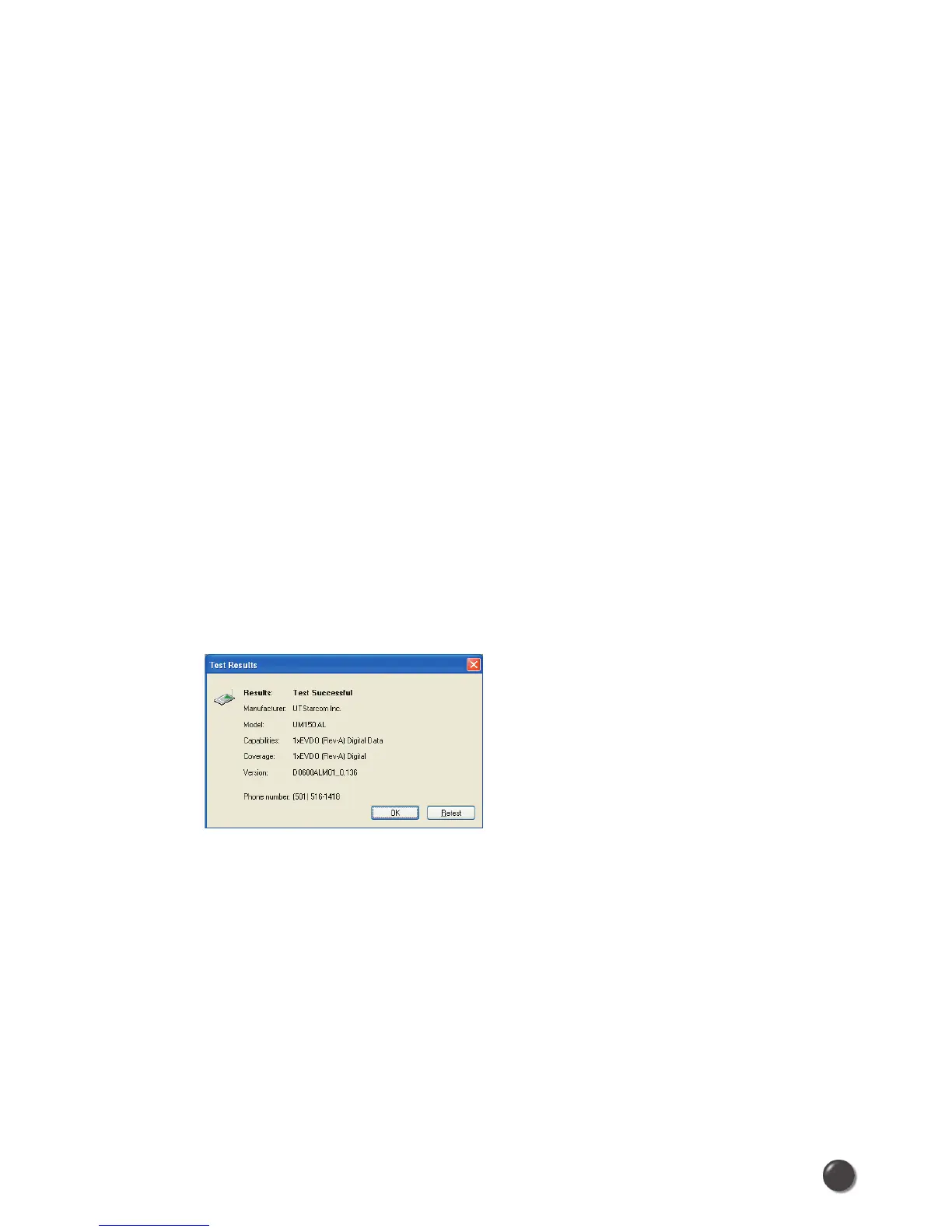
Test WWAN Device: Retrieve and display detailed information about your WWAN
device (Wireless phone and cable or 1xEV-DO/1xRTT/CDMA Wireless Internet
Card) such as manufacturer, model, version, etc. Also, view the current battery (not
with Wireless Internet Cards) and signal strengths. This information can be valuable
when troubleshooting a problem.
Run Wizard: Runs the Setup Wizard again. Useful if you need to reconfigure
QuickLink Mobile to use a new mobile handset or Wireless Internet Card.



 To Next Page