UM
150
User’s Manual
12
UM
150
User’s Manual
* Always use QuickLink Mobile when connecting via the Alltel Wireless Internet
connection.
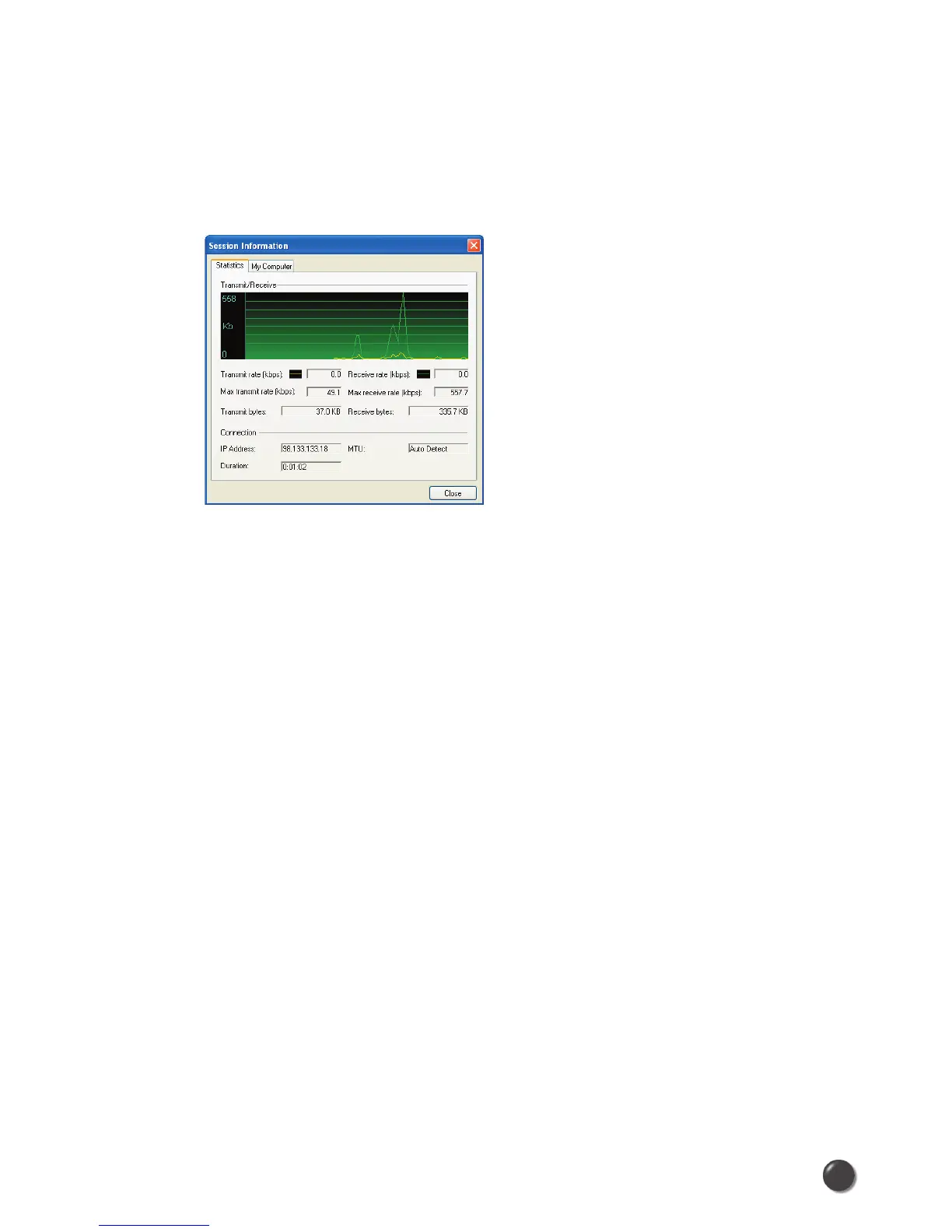
At any time during your connection you can check your current connection speed
and throughput stats in the Statistics tab of the Session Information window. To see
this window, select “Statistics” from the “Session” menu.
The Session Information window will also contain a My Computer tab if applicable.
The My Computer tab contains detailed information about your computer. This
information is helpful when troubleshooting a problem.
Additional information when using the “Alltel Wireless Internet” connection:
By default QuickLink Mobile enables the internet accelerator software for the Alltel
Wireless Internet connections.
If you are using the Alltel Wireless Internet connection and the call fails when you
try to connect, with QuickLink Mobile returning to its idle state, you should try to
connect again. If you feel you may have incorrectly entered your wireless device
number during initial setup, select “Tools”, “Run Wizard”.
Dormancy:
Alltel Wireless Internet data sessions become dormant if you are not sending or
receiving any data. As soon as you resume sending or receiving data, the data
session will return to an active state.
Depending on your device and your Alltel Wireless Internet plan, your data session
may disconnect during a dormant state.



 To Next Page