UM
150
User’s Manual
27
UM
150
User’s Manual
• MACINTOSH
When disconnecting a USB mass storage device from the computer, close all
windows and quit all running applications that are stored on the device and drag
the device’s icon (
) onto trash ( ) to dismount it from the Desktop prior to
unplugging the device from the USB port or Hub.
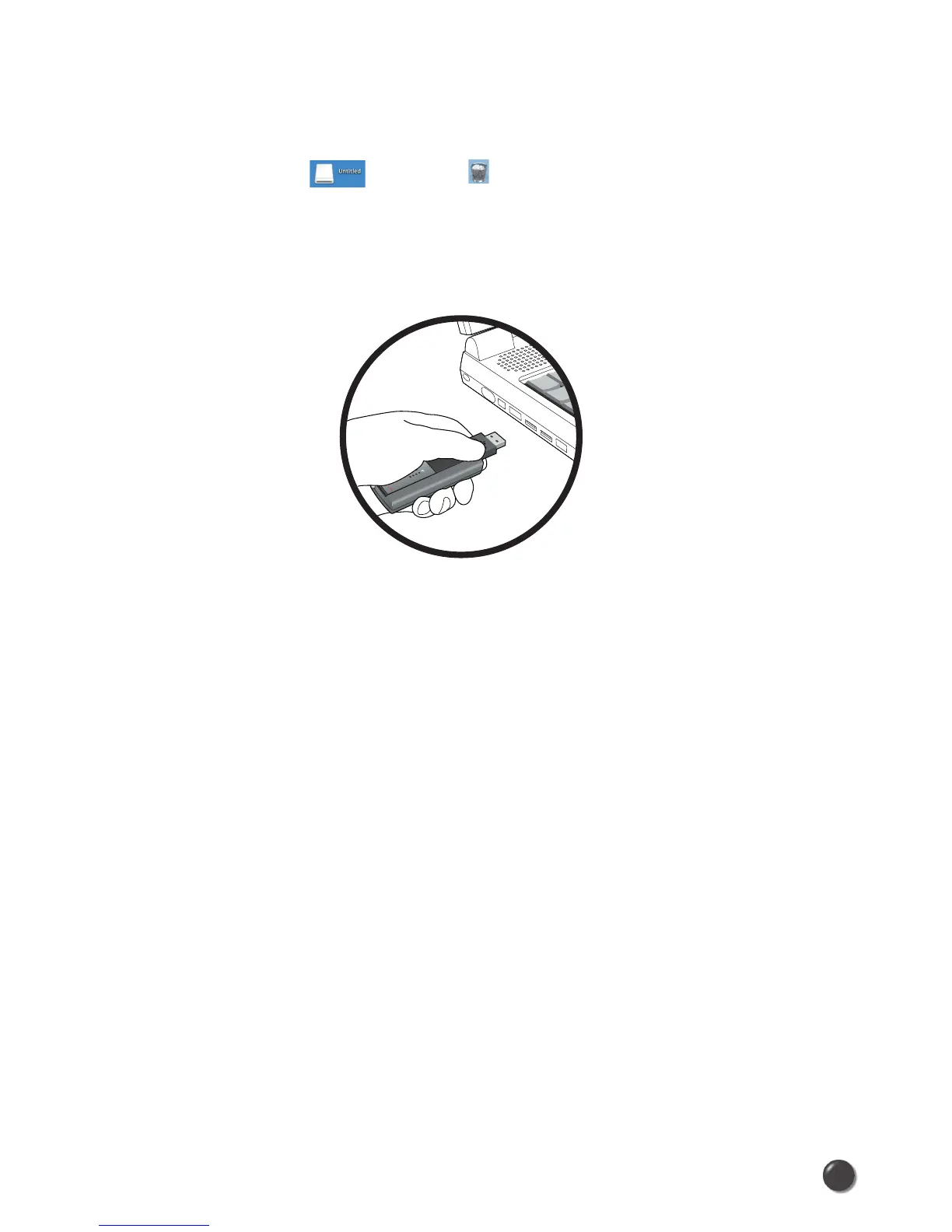
* When removing the UM
150
, always grip the top and bottom of the modem and
push/pull carefully.



 To Next Page